
Overview
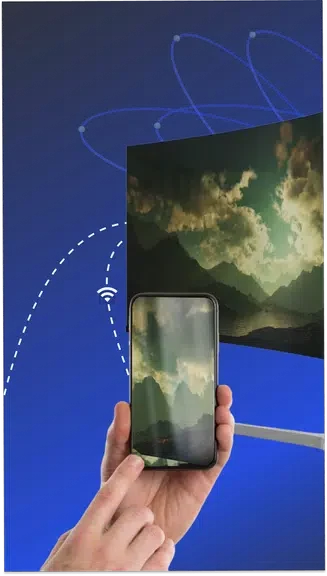
Kubet Mobile Mirror -TV Remote lets users mirror an Android phone or tablet screen to a television without cables. The app requires both the mobile device and the TV to share the same Wi-Fi network. Once connected, a few taps start the mirror session and deliver content in high definition. The same mobile device can then serve as a remote for navigating menus and changing settings. This approach removes the need for extra hardware while supporting everyday media viewing and phone functions on the larger screen.
What You Can Do
⭐ Seamless Screen Mirroring uses Miracast to send the phone display to the TV with minimal setup steps.
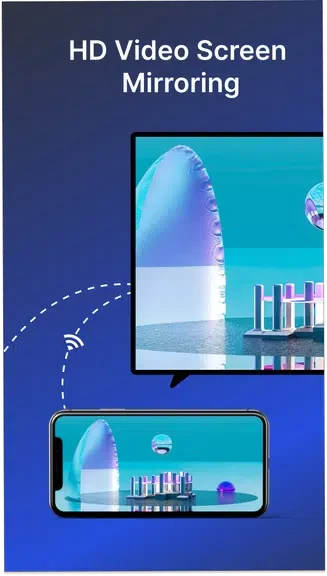
⭐ High Definition Viewing keeps movies, videos, and photos sharp when shown on the television.
⭐ Remote Functionality turns the Android device into a controller that moves through TV menus and adjusts options.
⭐ User-Friendly Interface presents clear controls so the mirroring and remote tasks remain straightforward for Android users.
⭐ Compatibility with Samsung and LG TVs allows direct connection to those models without additional adapters.
Using the App
Users begin by confirming that the phone and TV are on the same Wi-Fi network. The app then detects the television and establishes the mirror link through a short series of taps. Once active, the phone screen appears on the TV while the phone itself handles navigation and playback commands. The interface stays simple, focusing on the main mirroring and remote tasks without extra layers of menus.
Why It May Appeal
✅ The app supports both screen mirroring and remote control in one package, reducing the number of separate tools needed.
✅ Direct compatibility with popular Samsung and LG models removes the need for brand-specific hardware.