
Overview
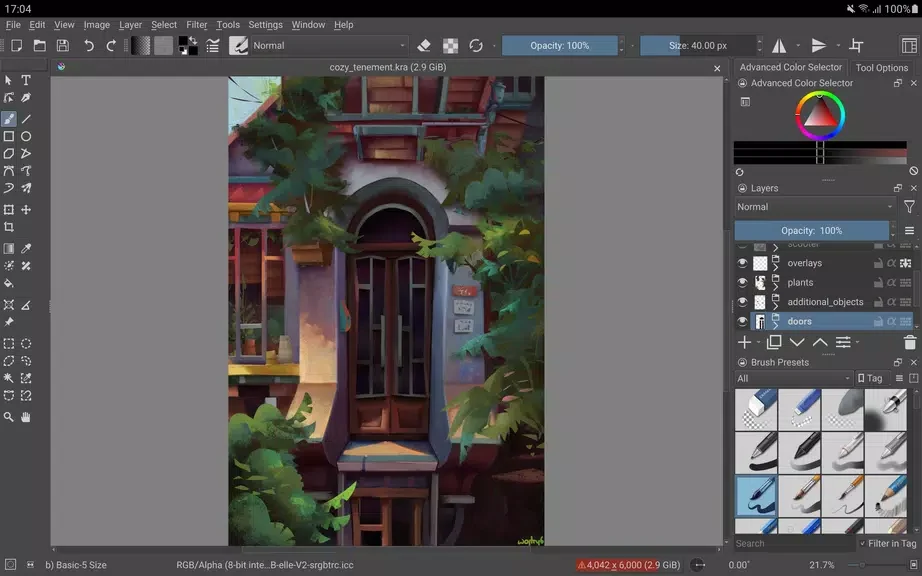
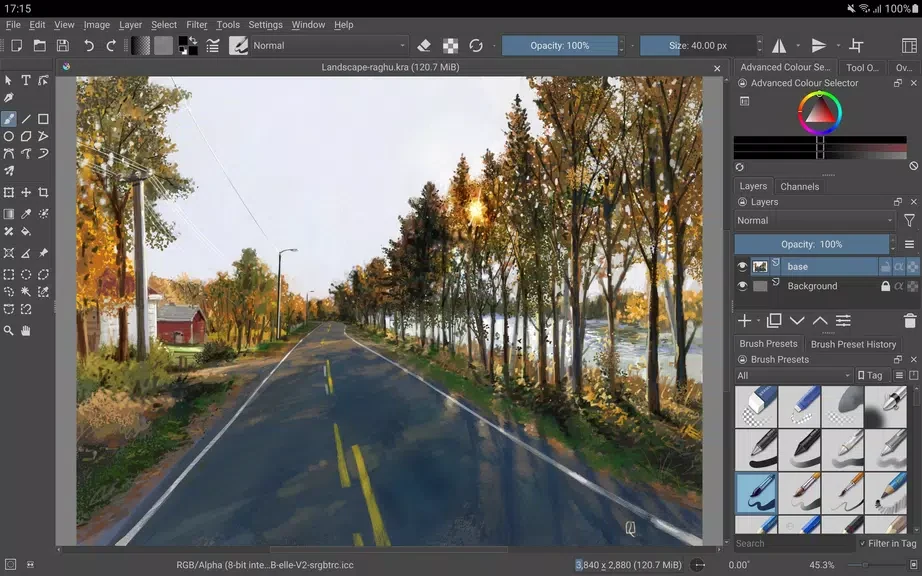
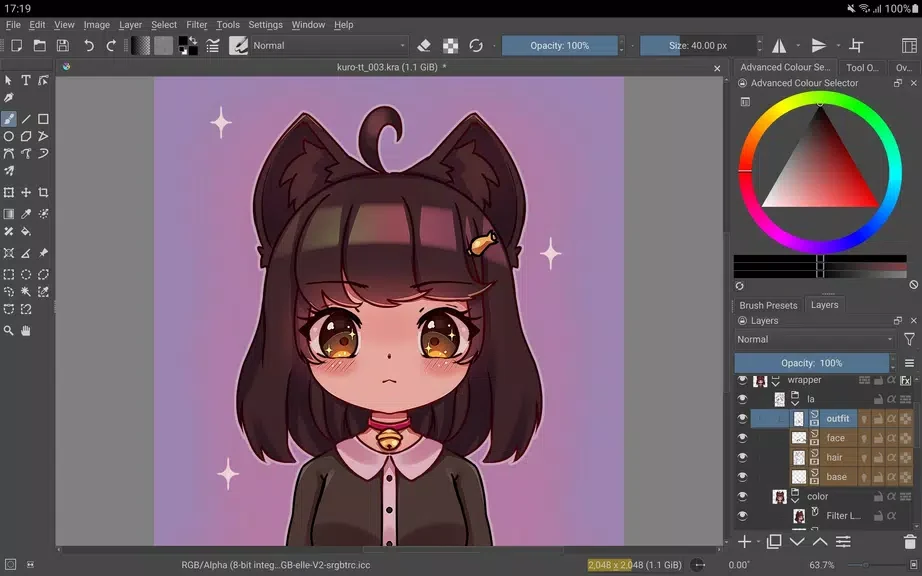
Krita is a digital painting app for creating illustrations, comics, animations, and concept art. Its tools cover both the act of drawing and parts of a broader art workflow, from stabilizing freehand lines to constructing scenes with assistants. Artists can also work with animation features and edit using layers and masks designed to preserve the original artwork. Support for common file formats, including PSD, can help when moving projects between software. The supplied app information describes Krita as suitable for artists at different experience levels and says it is optimized for larger-screen devices such as tablets and Chromebooks.
What You Can Do
⭐ Choose from a range of brush engines for sketching and painting, with different tools available for making digital artwork.
⭐ Use stabilizers to help with freehand inking, or assistants to construct more complex scenes.
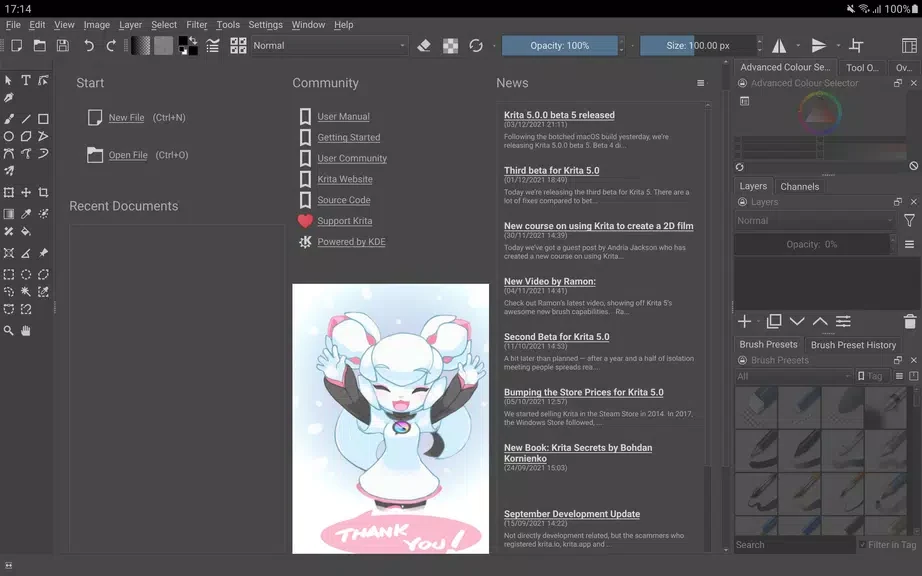
⭐ Switch to canvas-only mode for a less visually busy workspace while drawing.
⭐ Work on animation projects with features that include onion skinning and storyboarding.
⭐ Make edits with clone layers, layer styles, filter masks, and transform masks, which allow changes without replacing the original artwork.
⭐ Use color management and scripting features, and work with common file formats such as PSD.
Why It May Appeal
✅ Krita brings painting, illustration, and animation tools into one app, so artists can use it for more than static images.
✅ Its layer and mask options support non-destructive editing, while file-format support can help when collaborating across different software.
Things to Consider
❎ The supplied information says Krita is optimized for tablets and Chromebooks, but is not available for phones. Its larger-screen focus may not suit artists looking specifically for a phone-based painting app.
Developer
Krita is listed as being developed by Stichting Krita Foundation.