

Overview
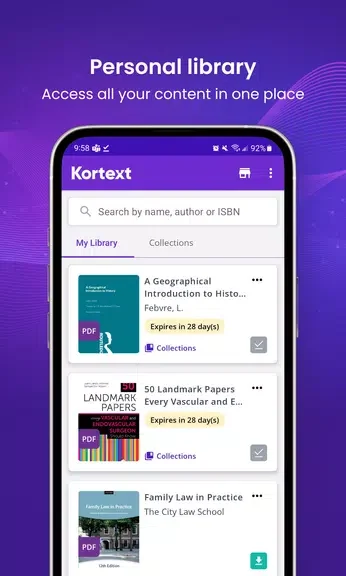
Kortext ebooks & etextbooks combines reading and study tools for learners and academics working with digital books. It provides access to online and offline eBooks from various publishers, with navigation controls to help readers move through the material. Alongside reading, users can mark important passages, keep notes, and prepare references without leaving the app. Some content also includes audio and video, while Read Aloud and adjustable text size offer different ways to engage with a page. Together, these tools make it easier to move from reading a text to using it in coursework or research.
What You Can Do
⭐ Access eBooks online or offline and navigate through their contents while studying.
⭐ Use built-in audio and video where they are included with the content.
⭐ Highlight extracts in different colors to distinguish passages you want to revisit.
⭐ Add notes, collect them in one place, and share them by email or through OneNote.
⭐ Add references in Harvard or APA style and create bibliographies for academic work.
⭐ Use Read Aloud or adjust the text size to suit how you prefer to read.
Using the App
A typical study session can start with navigating to a relevant section, then highlighting an extract and adding a note beside the reading task. When it is time to write, the note-sharing and reference tools help carry that work into an assignment or research project.
Why It May Appeal
✅ Reading, annotation, and referencing tools are available in one app, reducing the need to switch between separate tools for those tasks.
✅ Online and offline eBook access gives readers options for working with their books in different settings.