


Overview
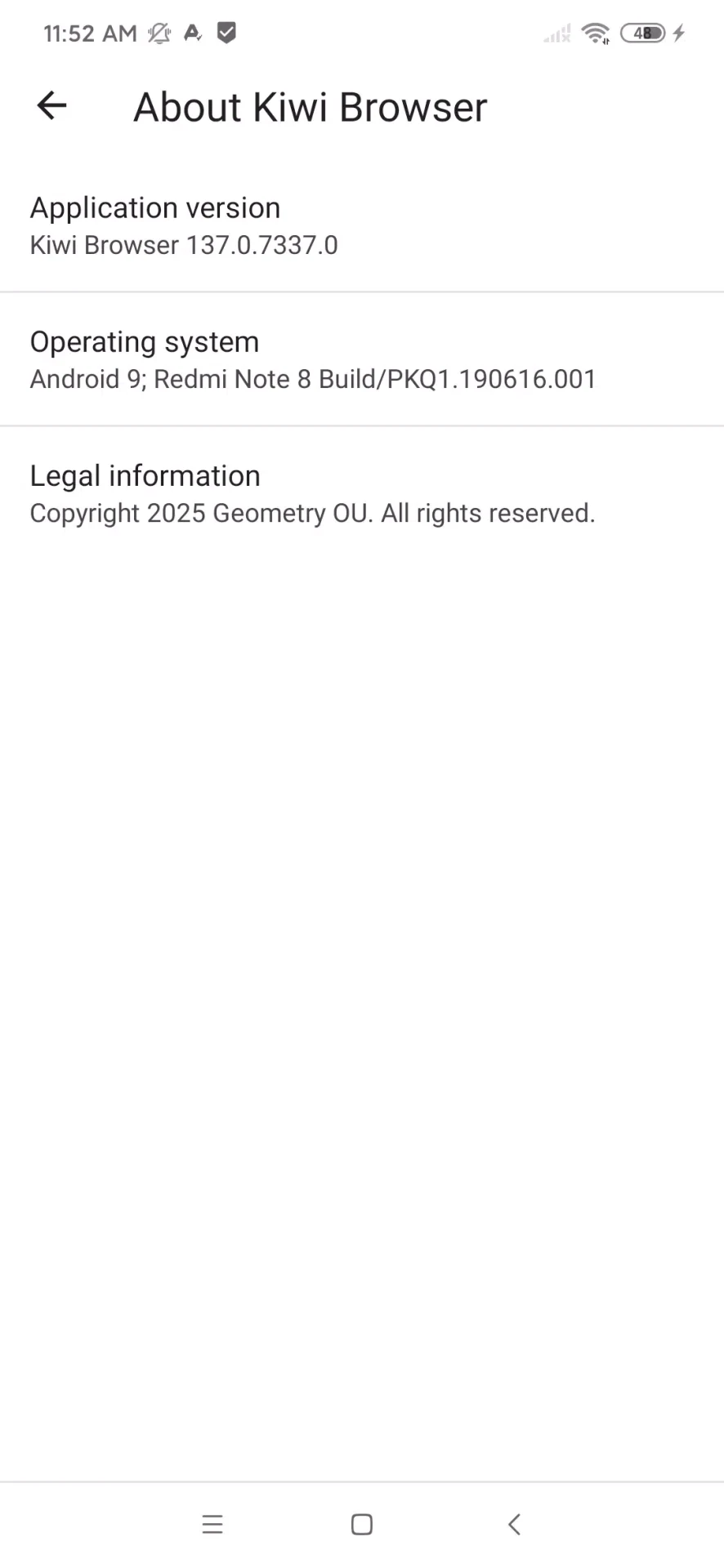
Kiwi Browser is a secure, open-source web browser based on the Chromium engine that brings desktop-style functionality directly to your mobile device. Designed to meet diverse daily user needs, the software lets you browse web pages, stream videos, listen to music, and download files quickly. By combining fast page rendering with extensive customization options, the application provides a streamlined experience for users looking to manage their mobile workflow efficiently without unnecessary bloat or performance lag.
What You Can Do
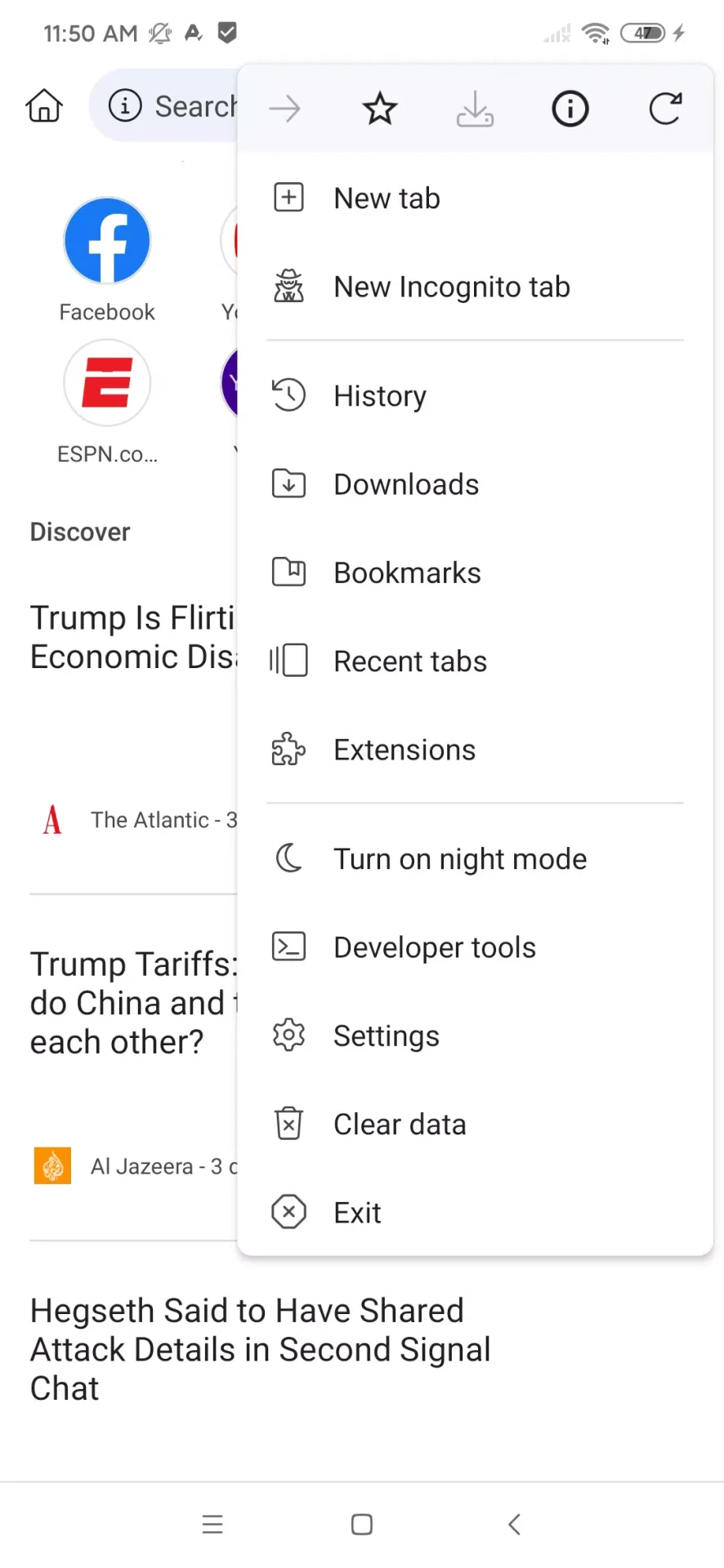
⭐ Support for desktop extensions allows you to install many desktop-style tools for productivity, security, or content control directly on your phone and manage them from a dedicated extensions page.
⭐ Enjoy fast page loading and smooth scrolling that keeps feeds, articles, and heavy media sites responsive, letting you switch between tabs and tasks without noticeable delays.
⭐ Block common ads, pop-ups, and unwanted site notifications to reduce visual clutter, minimize data consumption on heavy web pages, and maintain a cleaner reading environment.
⭐ Utilize built-in privacy controls to block invasive trackers across the web, disable AMP links to open original pages, and use private browsing modes to keep local session activity separate.
⭐ Translate web content into over 60 different languages to easily bridge language barriers and access information from a diverse global audience.
⭐ Access Facebook Web Messenger directly through the mobile browser interface, allowing you to chat with friends without needing to install the official standalone messaging application.
Using the App
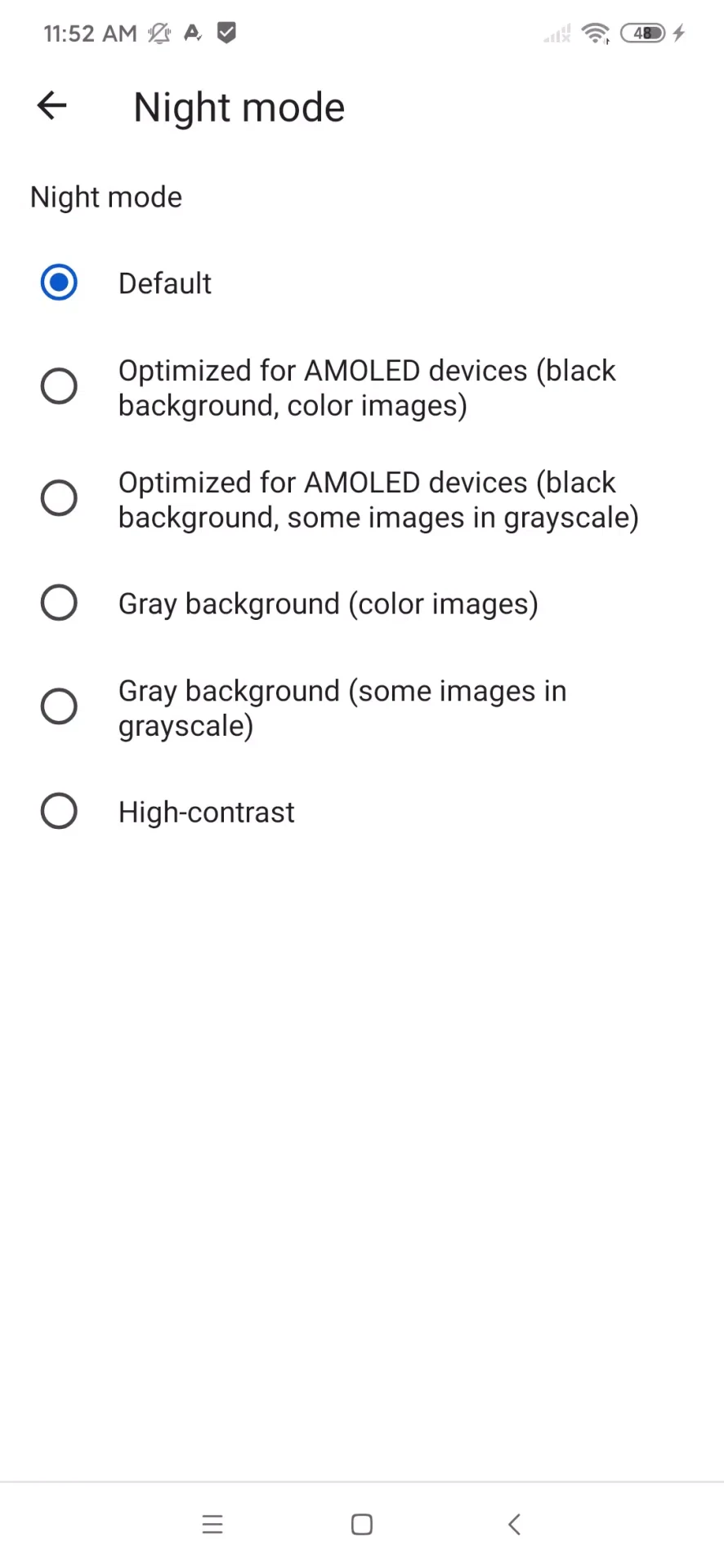
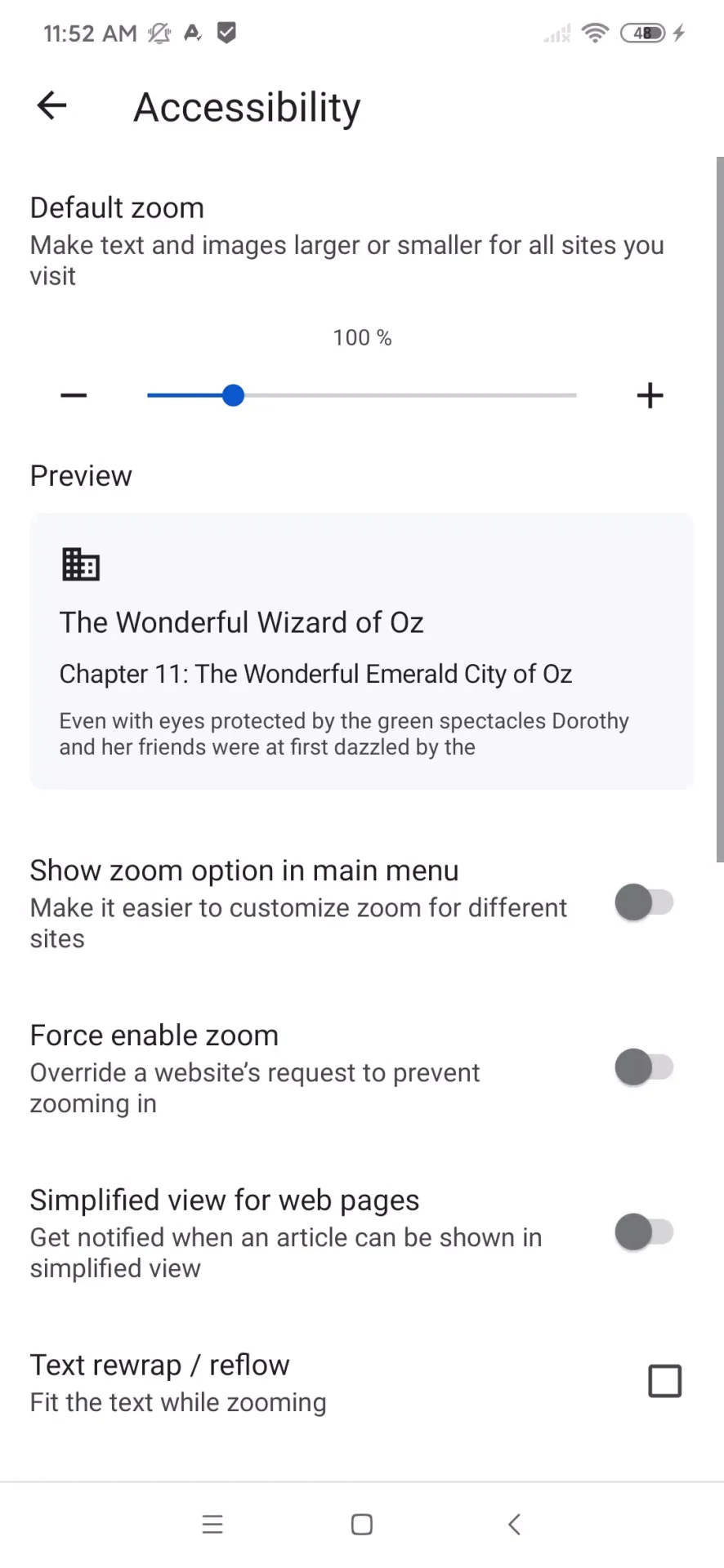
Managing your downloaded files is straightforward thanks to a customizable downloads folder, which gives you the flexibility to choose specific storage locations. You can also import and export your saved bookmarks to organize your favorite web pages effectively. The user interface maintains a familiar Chromium layout while incorporating unique settings like a night mode and extensive language translation options to tailor everyday browsing to your personal preferences.
Why It May Appeal
✅ Fully free and open-source with code hosted on GitHub, offering transparency to its user base.
✅ Runs on the reliable Chromium engine, ensuring compatibility with standard web technologies and familiar navigation habits.
✅ Offers robust customization features alongside active developer engagement that encourages users to report bugs and crashes for continuous improvement.
Things to Consider
❎ On certain Android versions, uninstalling the app may result in the automatic removal of your downloaded files, so careful data management is required.
❎ Official discontinuation reports raise potential long-term security and compatibility concerns for future software updates.