

Killarney Credit Union is an Android app for handling everyday Credit Union account tasks from a mobile phone. The source describes it as a way to check balances and transactions, transfer money, pay bills, and send documents without visiting a branch or mailing paperwork. Version 3.7.4 is listed in the Finance category and published by Progress Systems.
Checking balances and transactions on the go
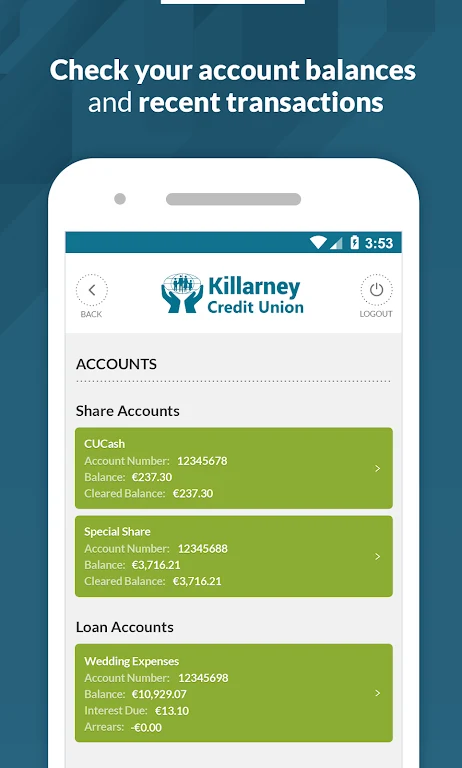
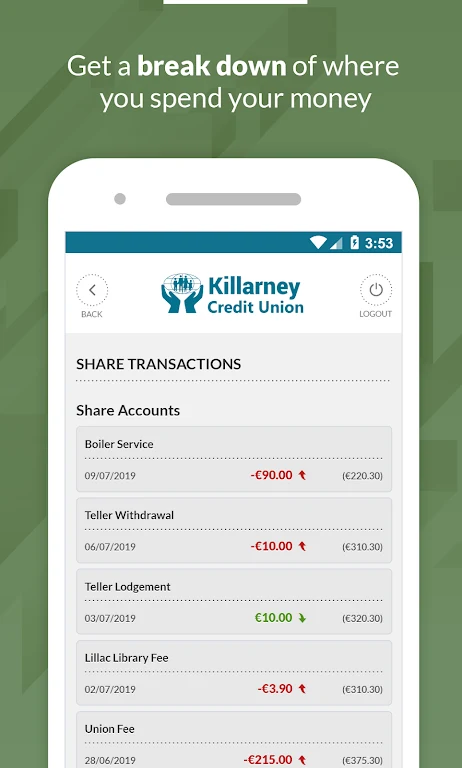
The app is intended for members who want to see where their money stands at a glance. According to the source, account balances and transactions can be viewed with a few taps on the phone, and the same screens let users check accounts and review activity while away from a computer.
Moving money between Credit Union and external accounts
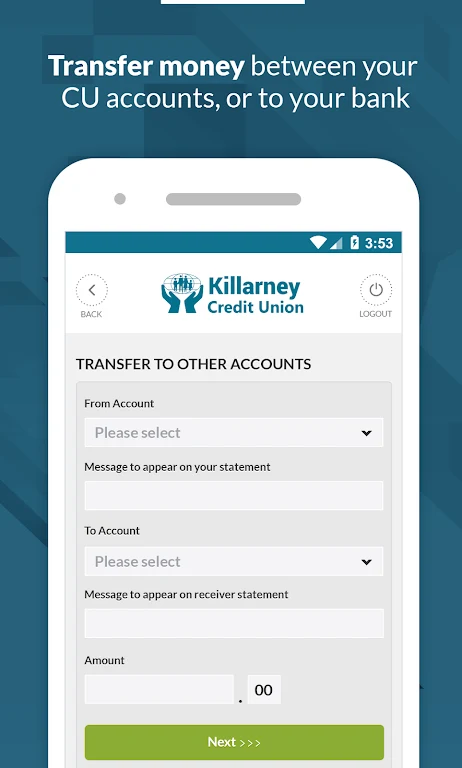
When funds need to move, the app supports transfers between a member's Credit Union accounts and transfers to external bank accounts. The source presents this as a way to avoid waiting in queues or completing paper forms, so that money can be placed where it is needed when it is needed.
Paying bills from a mobile device
For recurring bills, the app provides a bill payment feature that lets users pay directly from their mobile device. Payees are set up once, after which the source states the app handles the payments. Utility bills and external accounts must first be registered through the Online Banking account. After that registration, they can be managed inside the app.
Uploading documents for loans and identity checks
Some applications require supporting paperwork, such as proof of identity, proof of address, or loan application requirements. The app lets users photograph a document or select files stored on the device and send them through the app. The source describes this as a secure method, which replaces mailing or delivering originals by hand.
Verification and sign-in requirements
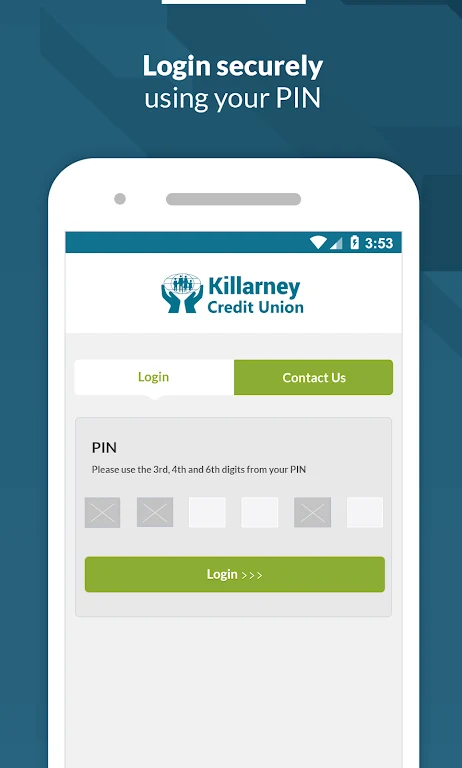
Setup begins with a verified mobile phone number. The source explains that this verification is completed by logging into Online Banking and following the on-screen instructions, after which the app can be set up. To sign in to the app, users enter their Member Number, Date of Birth, and PIN. The source states that these credentials are used to protect the account.