


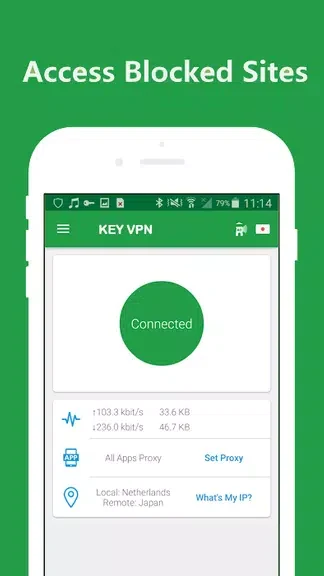
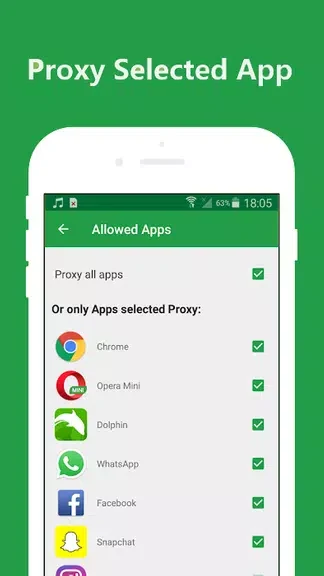
KEY VPN – Secure, Free VPN Proxy is presented as a free VPN proxy for Android when you want to route browsing through a proxy without creating an account. The description highlights location selection, public WiFi use, and a setup that does not ask for a username, password, registration, or credit card.
When you want to start without registration
The app is intended for users who want to begin using a VPN proxy without account credentials. According to the supplied description, KEY VPN does not require a username, password, or registration, so there is no account setup step described before using the service. It is also presented as free to use, with no credit card required.
When choosing a proxy location matters
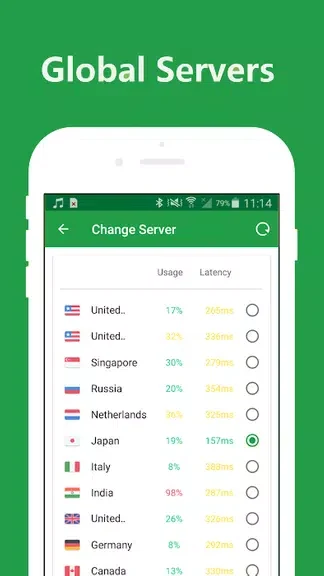
KEY VPN provides multiple locations for proxy connections. The stated purpose is to let users choose where to proxy their preferred websites from, including locations in different parts of the world. The description says this can help users access content that may be restricted in their region, although the availability of any particular website or content is not specified.
When browsing on public WiFi
The app description specifically mentions protecting network traffic while connected to public WiFi hotspots. It also states that KEY VPN does not keep logs of online activities and frames this as part of its privacy and security focus. These are claims made in the supplied app description rather than independently verified results.
When testing connection settings
Settings include different connection types that users can try. The stated guidance is to experiment with these options to find the connection type that provides the best speed and performance for a particular device. This makes the settings relevant when the initial connection does not provide the preferred browsing performance.
When a connection takes time to load
The supplied guidance notes that the app may need time to process and connect to its servers. If loading is delayed, users are advised to wait for the connection process to complete. A rate request may also appear while using the app, giving users an opportunity to submit an app rating.