

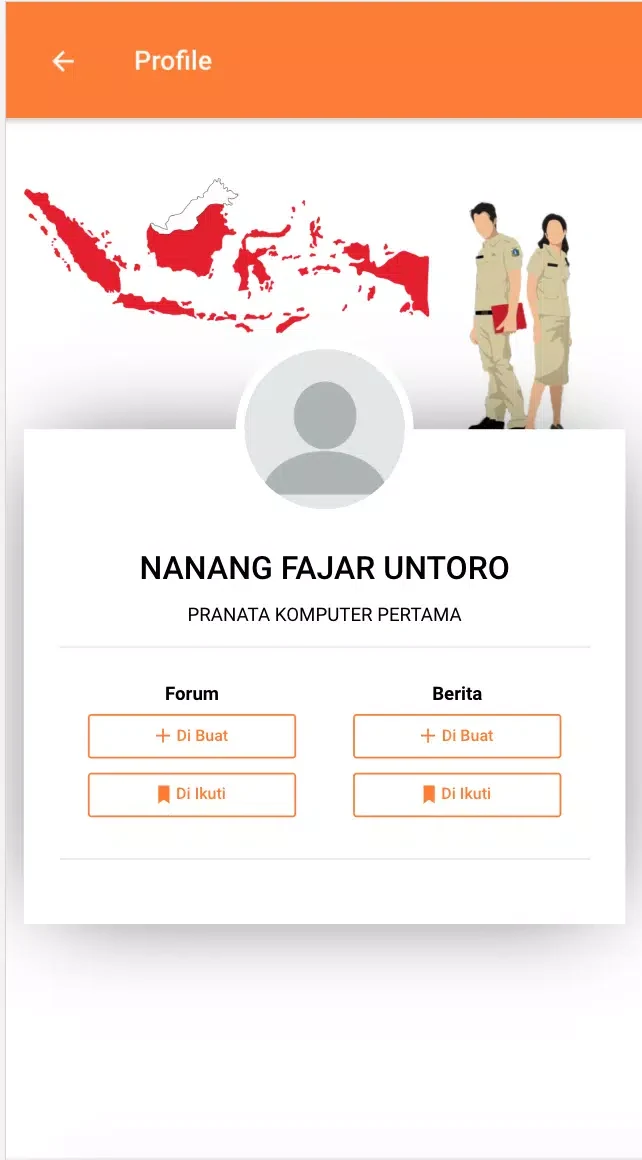
Kemendesa Corner is a mobile app for village development resources, news, and administrative tools. The listing names Kementerian Desa PDT dan Transmigrasi as the developer and places the app in the Communication category. According to its description, the app brings together policies, program updates, documents, reporting features, and training content for local officials, field officers, and citizens.
What functions does the app include?
The description groups the main capabilities into four areas. A document repository holds policy papers, templates, and guidelines for village administration. A reporting and submission module offers form builders, photo attachments, and offline draft saving. Training modules include short courses, videos, and quizzes intended to build capacity at the village level. An announcements feature sends targeted push messages about deadlines and community events. An integrated newsfeed and notification system also covers regulation changes, grant schedules, and training opportunities.
How do field officers and village officials use the reporting tools?
The description outlines a workflow built around routine administrative tasks. Field officers can collect standardized data during visits, attach photos, and send reports directly to district officers. Village officials can consult program checklists, prepare required documents, and check approval status within the same app instead of switching between several platforms. The source states that these flows are meant to reduce manual paperwork and speed up decisions, although it does not provide measured results.
How is the interface organized?
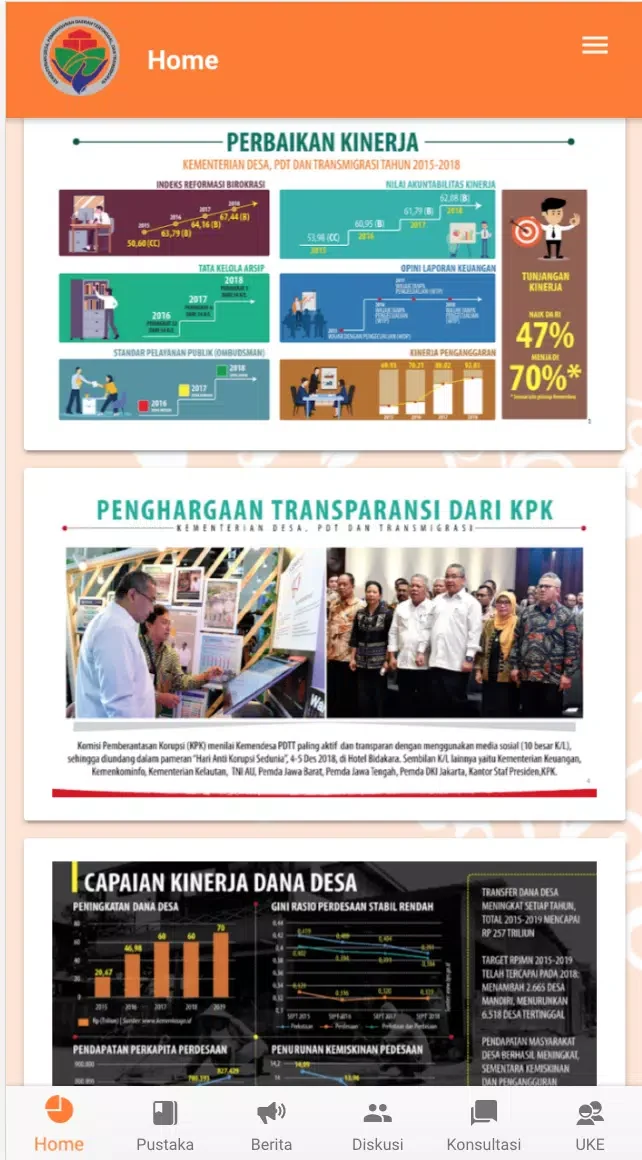
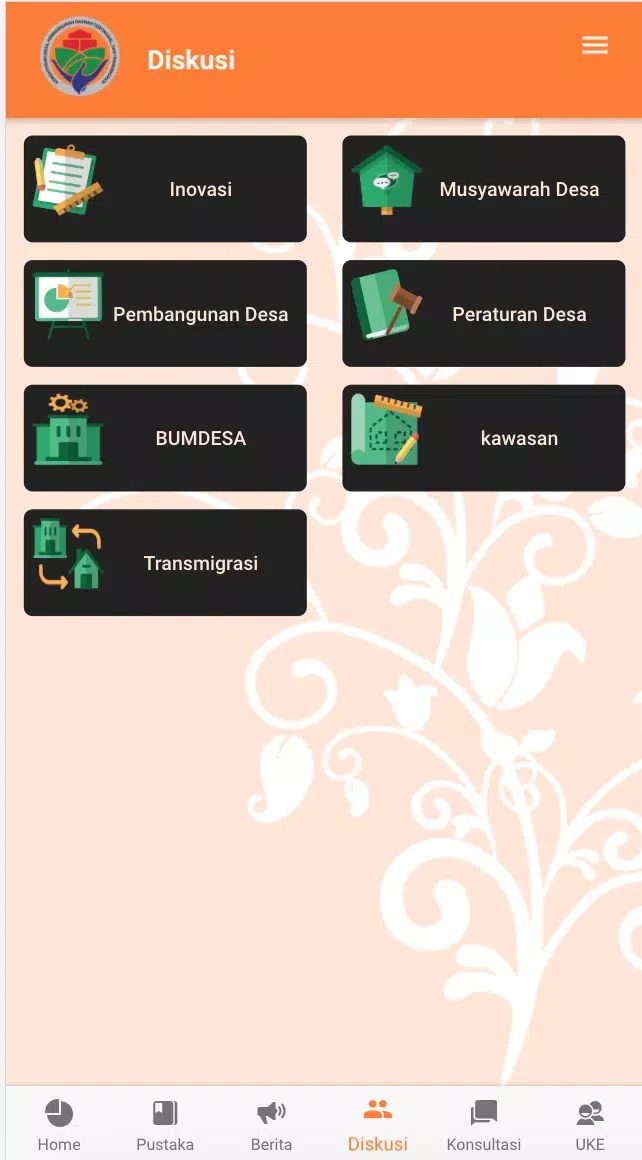
The app is described as focused on clarity and quick access. A home screen groups the most-used features, and a sidebar links to saved forms and recent notices. Content appears in readable formats, with buttons for creating reports, downloading files, or enrolling in a course. The description says the interface is lightweight so that users with basic smartphones can operate it without difficulty.
How can supervisors review submitted data?
Supervisors can aggregate incoming data from multiple villages and look for trends across them. The description mentions visual summaries and export options for turning field submissions into information for decisions. Administrators can filter records by date, location, or program, which the source associates with prioritizing interventions and tracking compliance with national guidelines.
What performance and device details are provided?
The description lists offline support for data entry, automatic synchronization when connectivity returns, and compact media handling to limit storage use. It also states that the app runs on a wide range of Android versions. The listing does not name a specific minimum Android version, so users with older devices should check the store listing for current requirements.
How does the app handle data security?
The description says secure channels are used for data transmission and authentication. Role-based access controls limit sensitive functions to authorized staff, and local caching is meant to reduce repeated network requests. It also states that regular updates address security patches and feature improvements. These are claims made in the description and were not independently verified here.
How do new users get started?
According to the description, new users register with an institutional email address or assigned credentials. A guided setup wizard helps connect the app to local administrative units, configure notification preferences, and import the first set of templates. Training materials are embedded in the app so users can learn core functions without leaving it.
What practical situations does the description give?
- A village secretary submits quarterly budget documents with photo-backed receipts.
- A field officer logs infrastructure progress during construction and syncs the data after returning to the office.
- Community members access public notices, program eligibility criteria, and upcoming training schedules.
What adoption practices does the source recommend?
- Sync regularly to keep central records current and avoid duplicate submissions.
- Use the built-in templates so reporting stays consistent across teams and villages.
- Use the training modules to onboard new staff and maintain consistent procedures.
The description positions Kemendesa Corner as a link between national programs and village-level implementers, with emphasis on organized resources, simpler reporting, practical training, and offline performance.