

Overview
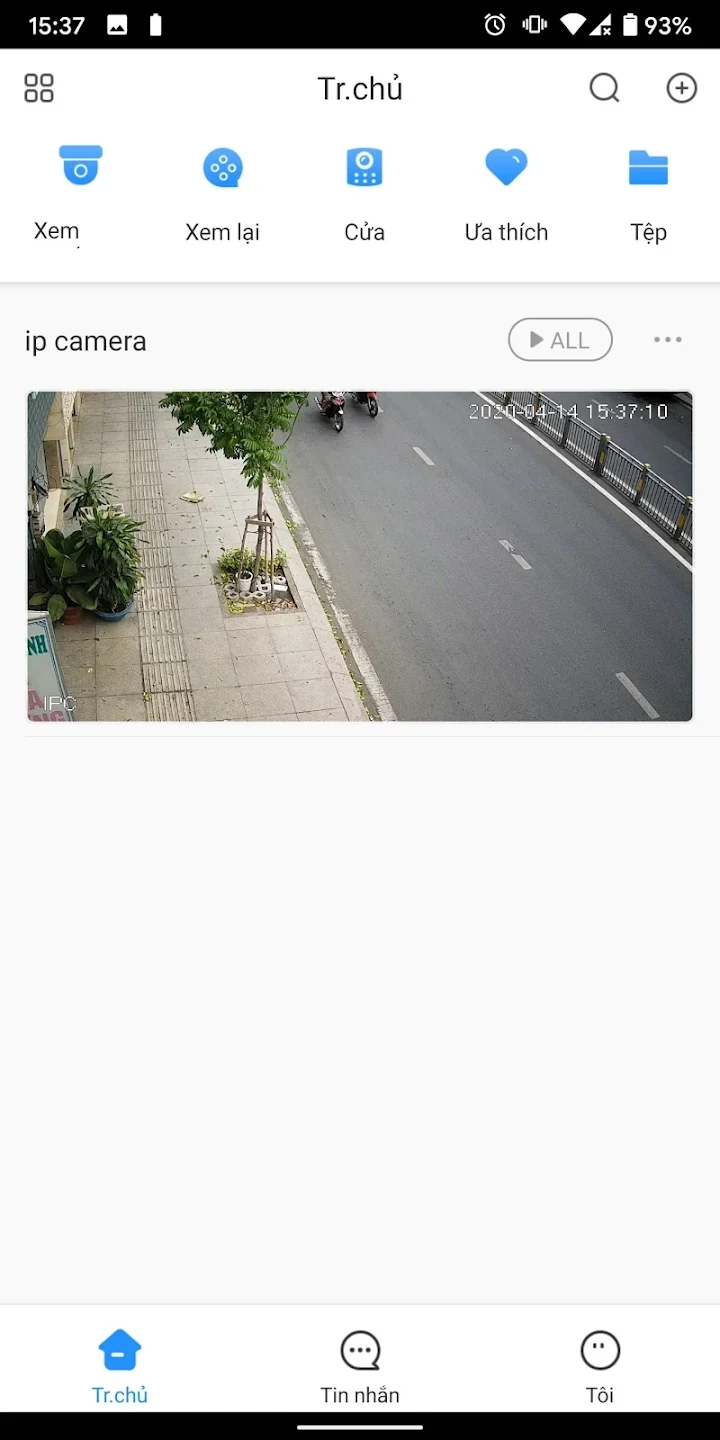
KBVIEW is a remote monitoring app for KBVISION cameras, bringing live viewing and recorded-footage review into one place. It supports IP and P2P (SN) connections, so users can connect compatible devices using either method. From the app, they can check camera feeds, look for recordings from a particular time, and adjust a camera’s monitoring direction. KBVIEW can also manage multiple cameras, which is useful for keeping an eye on more than one monitored location. Remote access to live streams and footage requires an internet connection, and the app is intended for KBVISION systems, including IPC, NVR, and DVR devices.
What You Can Do
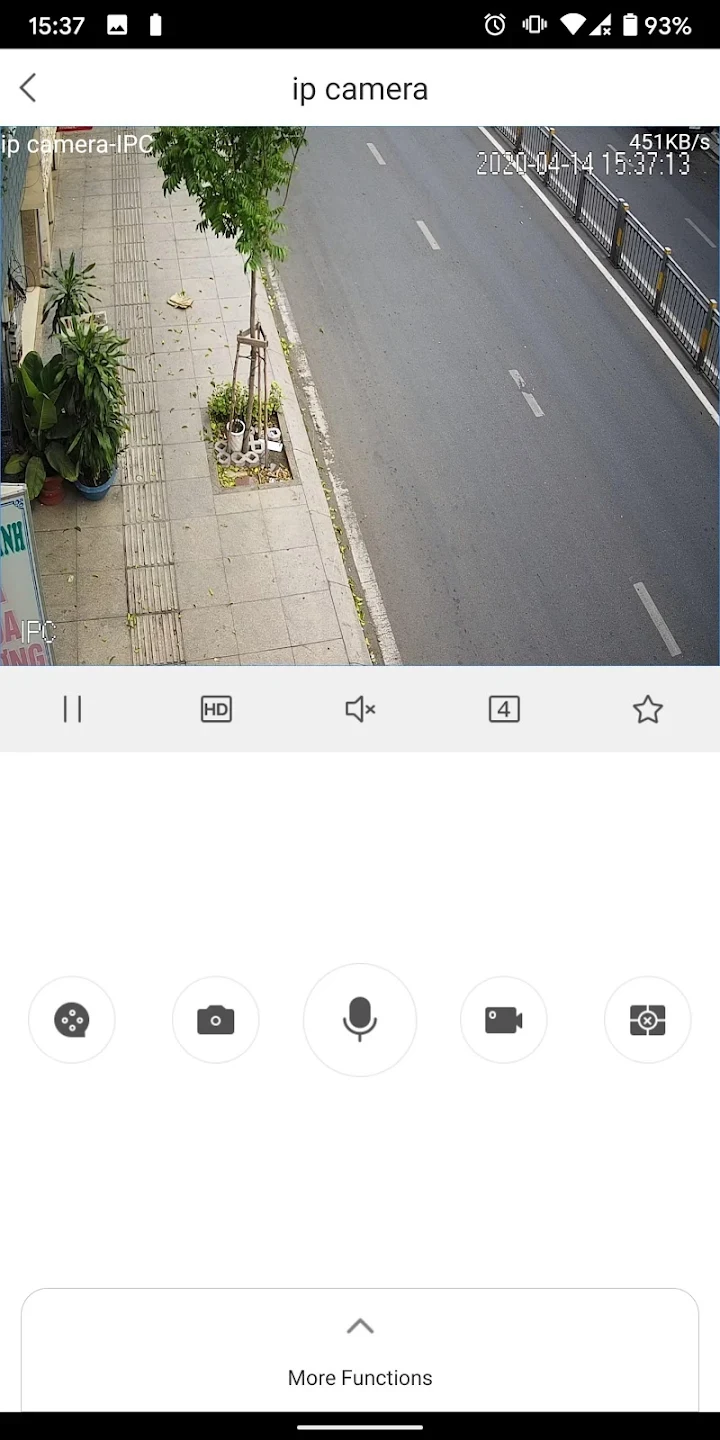
⭐ View live camera feeds by connecting to a KBVISION device over an IP or P2P (SN) connection. This lets users check a monitored area remotely when they have internet access.
⭐ Review saved recordings and navigate through footage to find a specific time period or event, rather than relying only on the live view.
⭐ Adjust a camera’s monitoring direction through the app, helping users change what the camera is pointed toward.
⭐ Manage multiple cameras in one app. The source describes support for different KBVISION camera types and configurations, including IPC, NVR, and DVR systems.
⭐ Set alarms for events such as a camera disconnecting. The app description says these alerts can notify users when a disconnection occurs.
Using the App
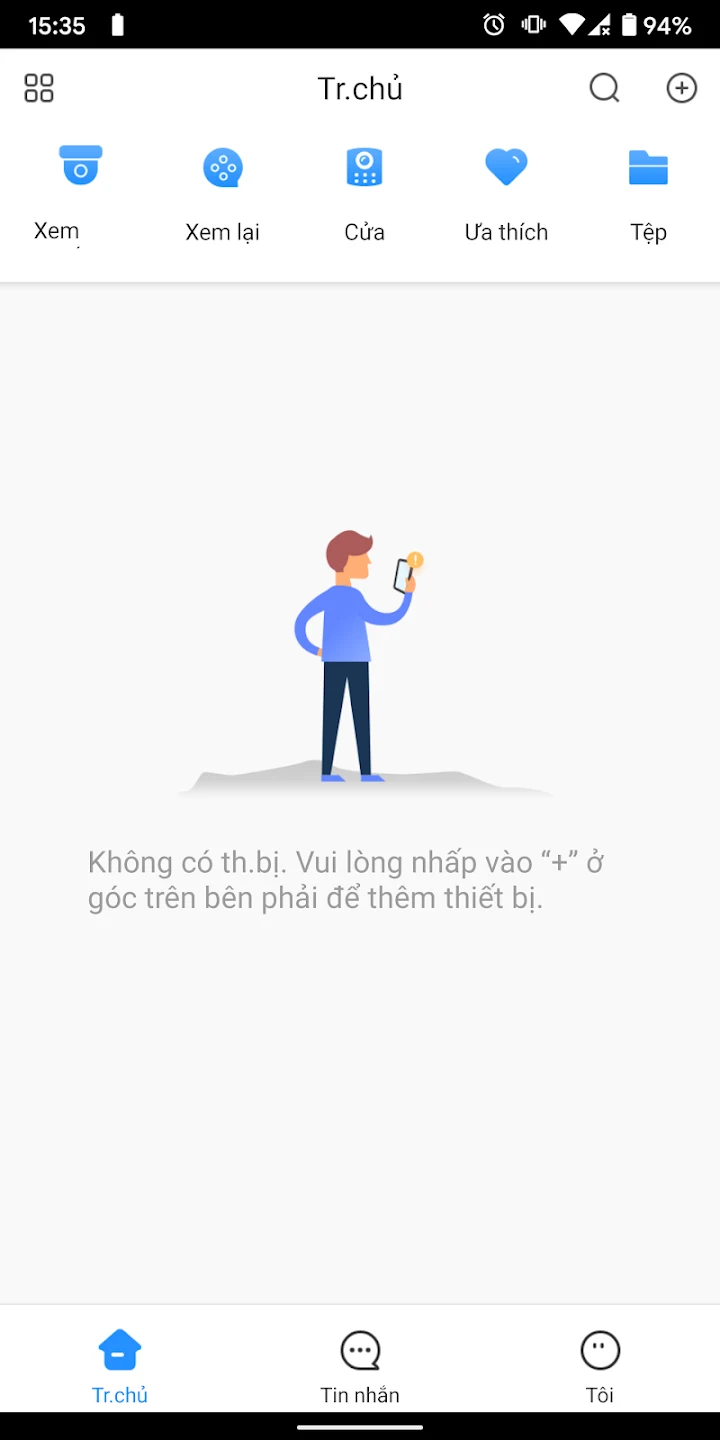
To add a camera, the supplied instructions say to open the app’s “Add Camera” section, enter the required details—such as an IP address and credentials—and follow the prompts. Once a device is connected, users can move between live viewing and saved recordings, or access camera settings and direction controls. The connection method depends on the device setup: KBVIEW supports both IP and P2P (SN) connections. An internet connection is needed for remote live streams and footage. If a connection fails, the source suggests checking the internet connection and camera configuration, and checking whether an app update is available.
Why It May Appeal
✅ Live viewing and recording search are available in the same app, making it practical for both checking a current feed and finding earlier activity.
✅ Support for multiple KBVISION cameras can bring several monitored locations into one interface, rather than requiring a separate app for each camera.
Things to Consider
❎ Remote access to live streams and recordings requires an internet connection, so the app’s remote-monitoring functions depend on connectivity.
❎ KBVIEW is designed for KBVISION devices. The supplied information does not establish compatibility with cameras from other manufacturers.