

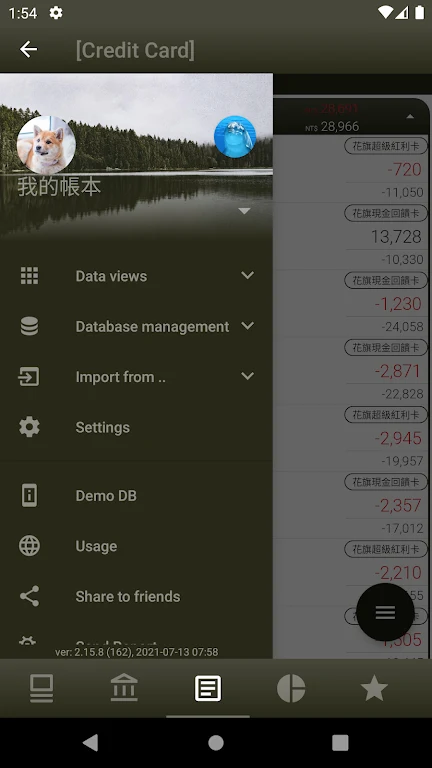
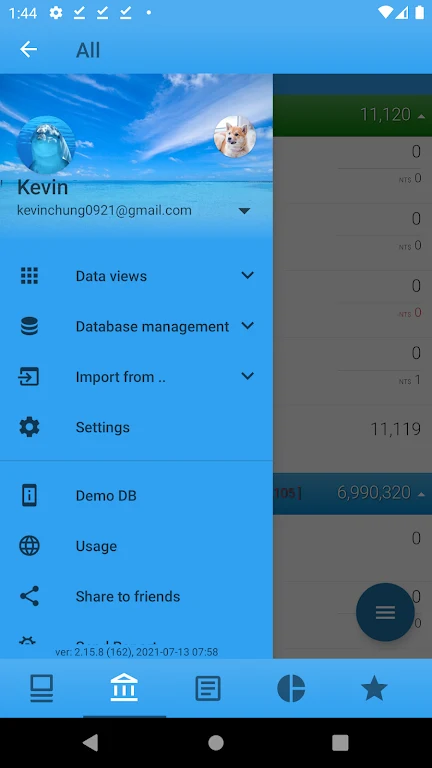
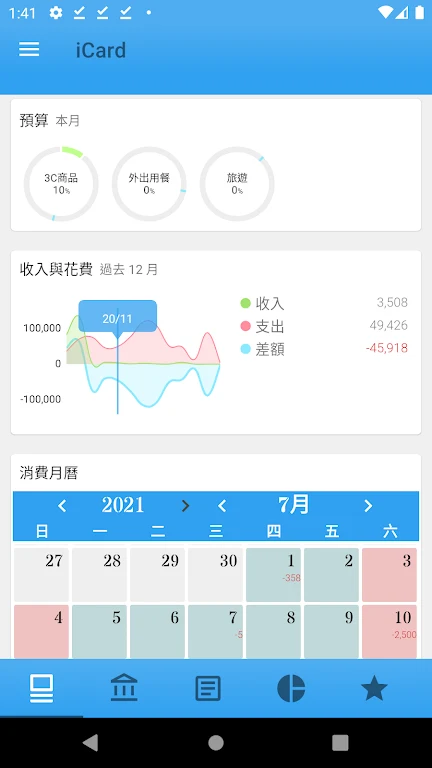
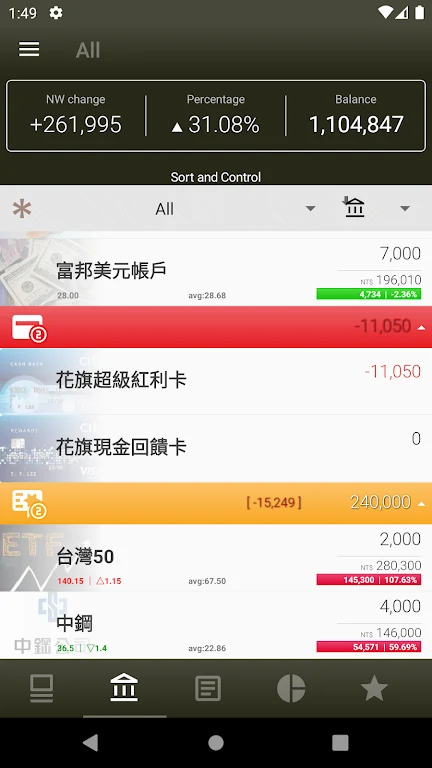
KA Finance is a finance app for maintaining and reviewing a personal financial database on an Android device. It is designed with a user interface similar to SPB Finance and supports direct import from SPB Finance backup files, making it relevant for users moving their existing records to Android.
Can SPB Finance users move their existing data?
KA Finance supports direct import from SPB Finance backup files. Along with its similar interface, this gives existing SPB Finance users a way to bring their financial database into the app without having to learn an entirely different layout. The source describes this as an easy transition for users who already know SPB Finance.
What financial information can be recorded?
The app includes transaction tracking for income, expenses, and transfers between accounts. It also provides expense breakdowns by week and month, allowing recorded spending to be reviewed over different time periods. Regularly updating these transactions is relevant for keeping the financial records current.
How does the app show changes in financial status?
KA Finance includes an account status feature centered on monthly changes in net worth. This provides a monthly view of how net worth has changed, alongside the ability to review account-related financial information. The feature is intended for users who want to follow their financial position over time.
Which reports are available?
The reporting tools cover net worth, account balance, income and expenses, and spending by category. These reports provide several ways to examine the information stored in the app, from overall financial position to category-level spending.
Can reports be customized?
Users can create custom reports by applying filters of their choice. This makes it possible to focus a report on selected financial information rather than relying only on the predefined report types. The source presents this filtering function as a way to create a more personalized overview of financial activity.
Who is the app intended for?
KA Finance is suited to users who want to maintain transaction records, review account and net worth changes, and analyze spending through reports. Its documented SPB Finance import support also makes it specifically relevant to people transitioning from that application.