

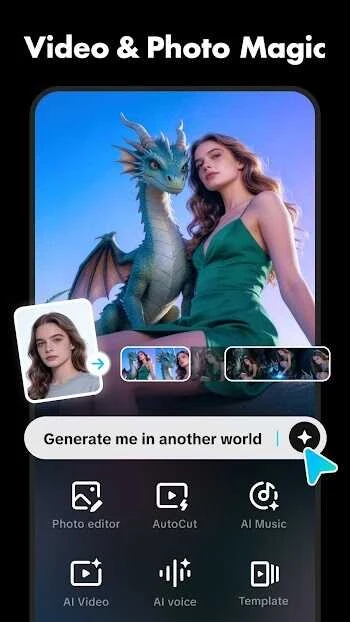
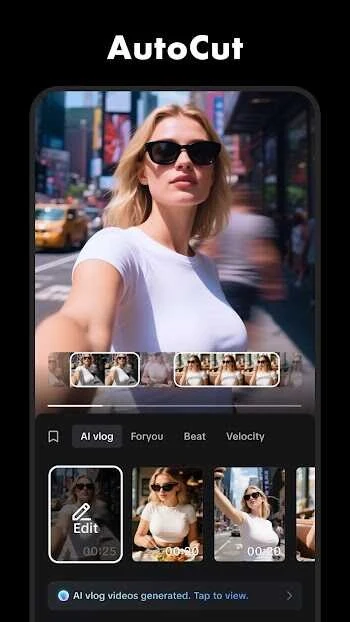
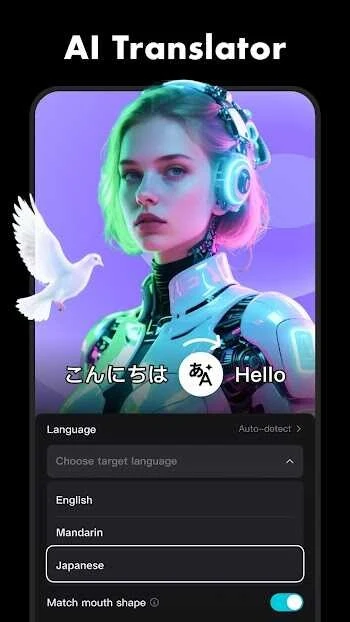
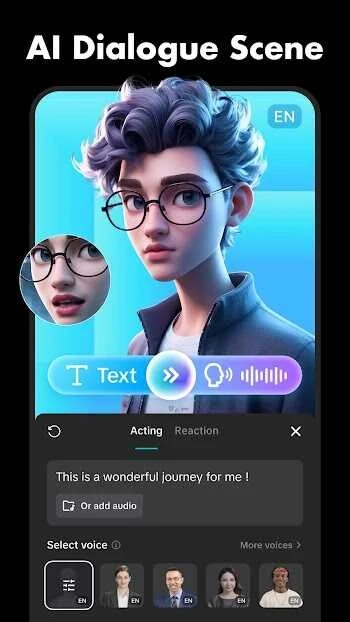
Jzaas Video Editing is a robust Android video editing application tailored for crafting visually appealing short videos and social media content. Designed primarily for smaller projects, the app provides creators with the tools necessary to assemble and refine clips directly on a mobile device. Whether you are producing content for platforms like TikTok, Instagram, or YouTube Shorts, the software streamlines the production workflow by offering straightforward trimming, visual adjustments, and audio synchronization tools that help transform raw footage into a more polished final product.
Layered Audio Processing and Sound Design
Sound shapes the viewing experience of any short video just as much as the visuals, influencing whether a clip feels flat or professional. To assist with this, Jzaas Video Editing features layered audio processing that lets creators manage multiple sound elements simultaneously. Users can combine background music underneath primary footage, incorporate voice-over tracks to explain scenes, and insert specific sound effects at dramatic moments. Additionally, a built-in sound effects library supplies extra audio assets, while automatic beat matching helps align cuts smoothly with the rhythm of the selected music track.
Visual Effects, Filters, and Transitions
The application supports detailed visual customization through a variety of readily available filters and transitions. Creators can apply stylistic touches and consistent transition styles to maintain visual flow across their clips. To maximize the impact of these elements, editing workflows benefit from keeping the first couple of seconds visually strong, using text overlays sparingly to avoid screen clutter, and ensuring key cuts align naturally with the audio track.
Ideal Users and Practical Application
This utility app is best suited for beginners, casual editors, content creators, students, and small business users looking for a direct mobile workflow. By enabling users to import clips, edit quickly, add style, and maintain clean frames, the app supports the production of sharper and more publish-ready content. However, users should keep in mind that editing on mobile devices can occasionally feel constrained by screen size, and overall performance will depend on the hardware capabilities of the Android device being used.