
Overview
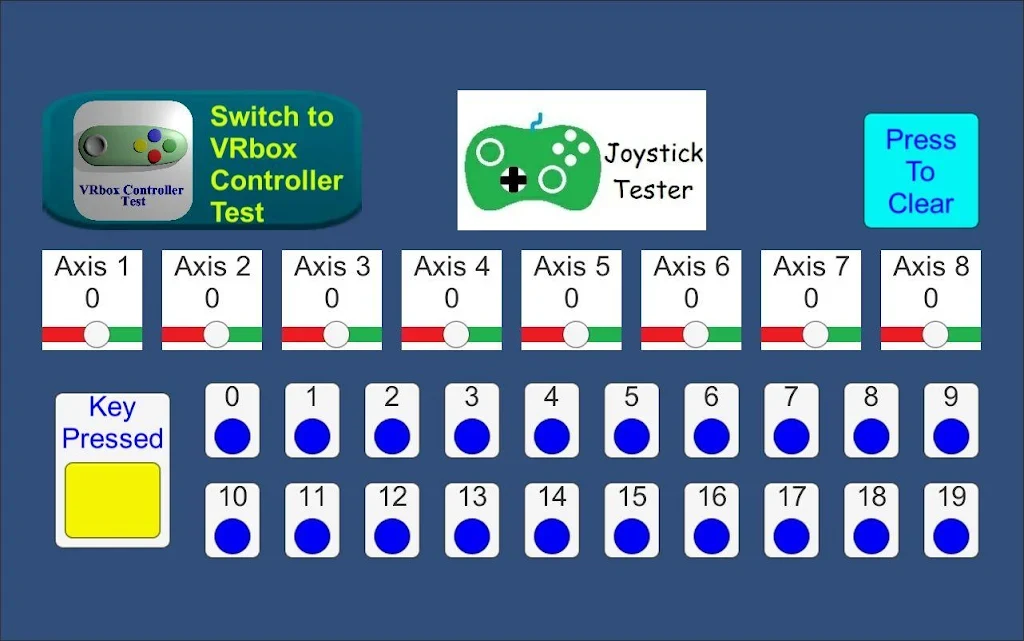
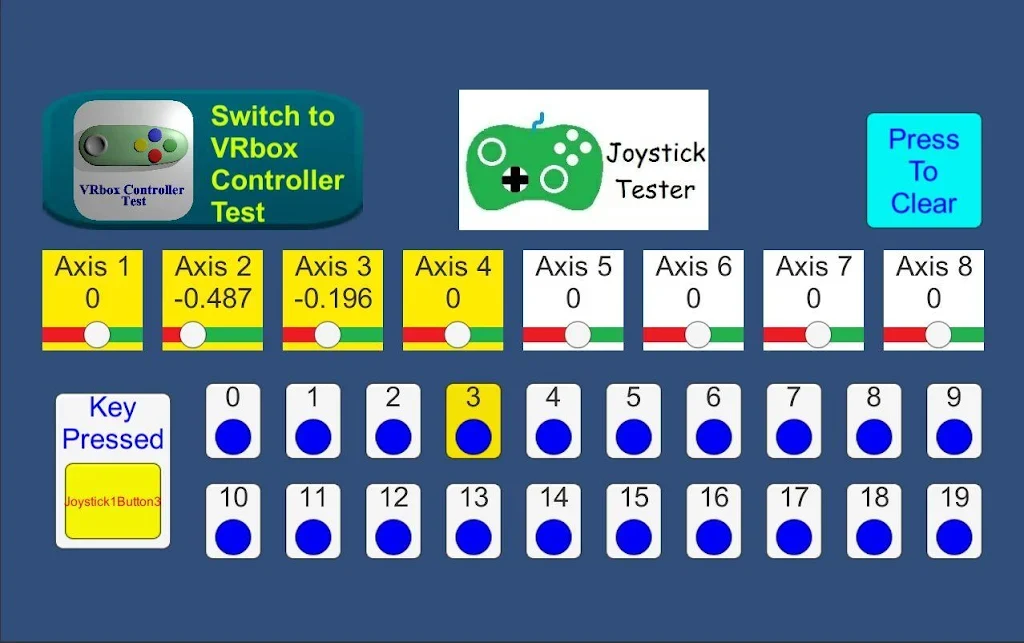
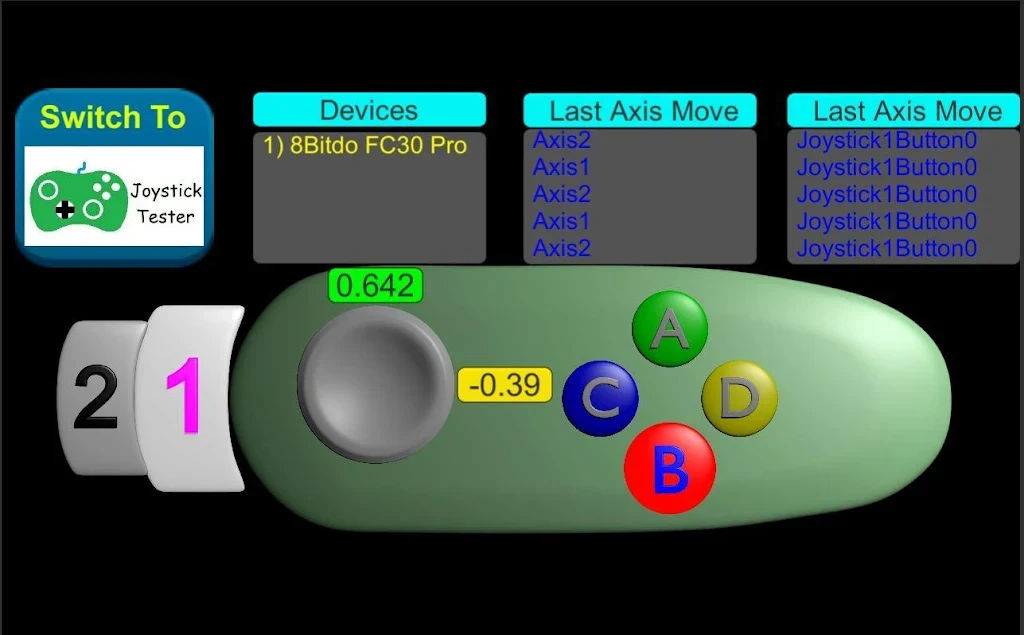
Joystick Test is a utility for checking game controllers, joysticks, keyboards, and other input devices on Android. It can detect movement across up to eight joystick axes and register up to 20 controller button presses. Keyboard input is also displayed with readable key names, such as “Space.” The app supports wired and wireless controllers and provides graphical feedback for buttons, axes, touches, and sensors. This makes it useful for identifying whether connected hardware is responding as expected before using it with games or other applications.
What You Can Do
⭐ Test wired controllers by connecting them to the device and checking whether their controls produce visible input feedback.
⭐ Check wireless controllers without limiting testing to cable-connected hardware. The listing states that both wired and wireless controller types are supported.
⭐ Examine button input with feedback for up to 20 button presses, helping you see which controls are being detected.
⭐ Inspect analog movement across a maximum of eight joystick axes to review how the sticks respond when moved.
⭐ Test keyboard input and view pressed keys using full names, including labels such as “Space,” rather than relying only on abbreviated symbols.
⭐ Check additional hardware through tests for vibration, haptic or force feedback, LEDs, mice and other pointing devices, touchscreens, touchpads, and sensors.
Using the App
Joystick Test is designed around direct device detection and graphical feedback. After connecting an input device, users can observe button presses, axis movement, touches, and sensor activity on screen. The app also includes a detailed event log for reviewing detected actions. Input data can be recorded to a CSV file, which provides a way to retain test results for later reference. A mini twin-stick shooter game is included as an additional way to exercise controller input, while separate vibration, force-feedback, haptic, LED, keyboard, mouse, touch, and sensor tests cover different parts of an Android device setup.
Why It May Appeal
✅ It brings several input checks together instead of limiting testing to controller buttons alone.
✅ Support for both wired and wireless controllers gives users more flexibility when checking different hardware.
✅ Visual feedback and a detailed event log make detected input easier to review during testing.
✅ CSV recording is useful when input information needs to be saved outside the app.
Things to Consider
❎ The range of detected controls can depend on the connected device and its available inputs, even though the app supports up to eight axes and 20 buttons.
❎ The source cautions that using root permissions can be risky and recommends making a backup before taking related actions.
Version Information
The supplied listing identifies version 2.1.1. Its changelog mentions integration with VRbox Test and a minor fix.