

Overview
iTop Vpn is an Android VPN and proxy utility designed to route internet traffic through a virtual private network. It can help users connect through servers in different locations, which may be useful when accessing content or services that vary by region. The app includes split tunneling for choosing which applications use the VPN, along with TCP, UDP, and HTTPS connection protocols. Source information also describes a network of more than 2,000 servers across 90 countries. A no-login connection option, one-click connection workflow, and free access described by the source make the app approachable for users who want to try VPN routing without a lengthy setup.
What You Can Do
⭐ Use split tunneling to decide which Android applications pass through the VPN tunnel. This gives you control over app-specific routing instead of automatically sending every application through the same connection.
⭐ Select among TCP, UDP, and HTTPS protocols when configuring the connection. These options provide different ways to establish a VPN connection, so users can choose a protocol that suits their network conditions or browsing needs.
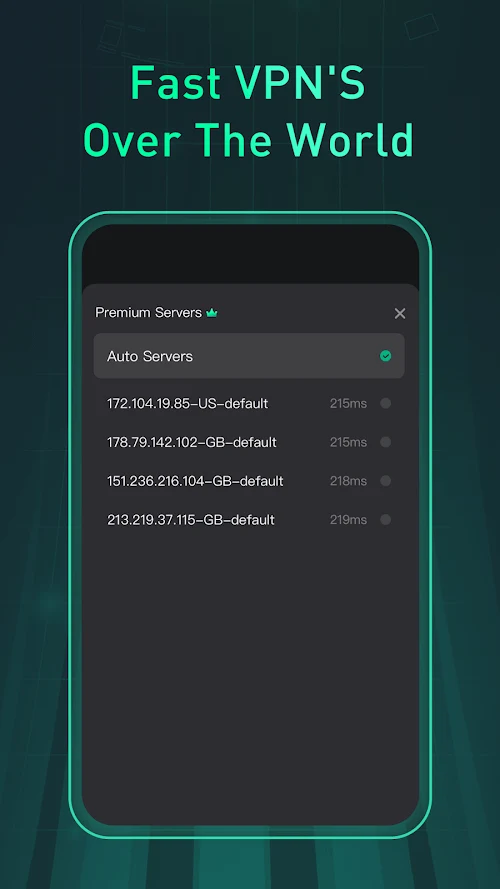
⭐ Connect through servers in different locations. The source describes more than 2,000 servers in 90 countries, giving users a broad set of locations to consider when they need a different virtual network endpoint.
⭐ Use the service for activities such as web browsing, streaming, gaming, or downloading files. The source presents the app as suitable for general internet access and for reaching content that may be restricted by geographic location.
⭐ Start a connection without creating an account. According to the supplied information, the Android app can be used without sign-up or login: open it, choose the connection option, and connect.
⭐ Try the free version before considering an upgrade. The source describes a long-term free trial with access to a portion of the app's advanced features, while also stating that a premium version is available for users seeking the full feature set.
Using the App
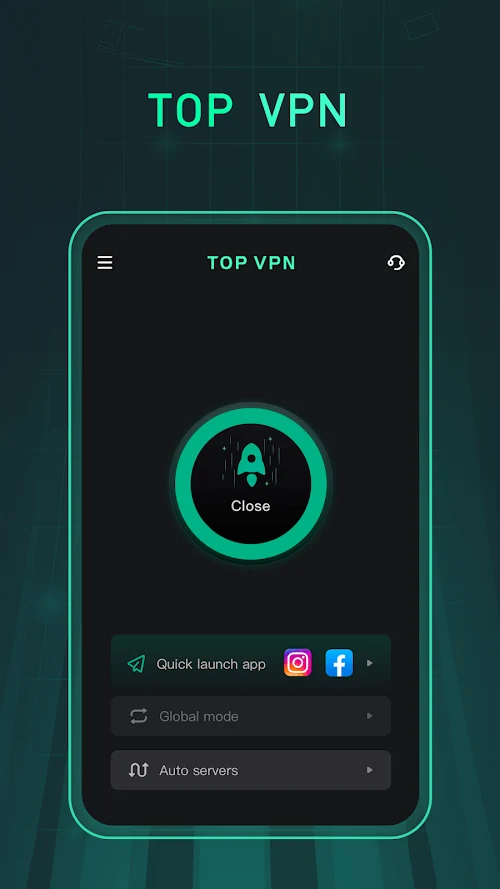
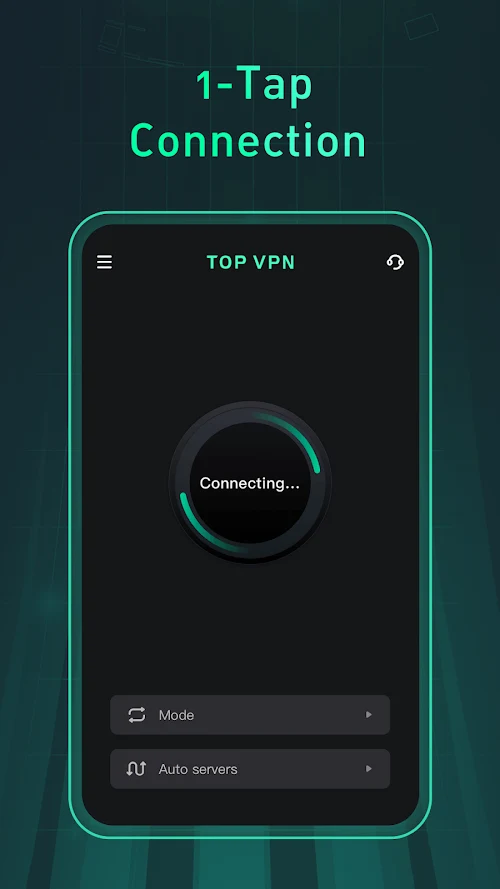
The basic workflow is intended to be simple: open iTop Vpn, select a server or connection setting, and tap the connect control. Once connected, users can manage which applications use the tunnel through split tunneling rather than treating all device traffic identically. The protocol choices provide another configuration point for people who need to adjust how the VPN connects on a particular network.
The app is presented as a tool for maintaining a different network route while browsing or using online applications. Its stated privacy approach includes a no-logs policy and encryption for VPN traffic, but these are claims supplied in the app information rather than an independent verification. Users should still avoid sharing sensitive information unnecessarily and should review the service's own privacy documentation before relying on it for important activity.
The source also describes unrestricted data and speed, although real-world performance can depend on the selected server, local network, distance, and regional conditions. A large server list may give users more locations to try when one connection is unsuitable, but it does not guarantee the same speed or availability in every country or on every network.
Why It May Appeal
✅ Split tunneling is useful for people who want VPN routing for selected apps while leaving other applications on their ordinary connection.
✅ The combination of several protocols and a large stated server network gives users more connection settings and location choices than a single-endpoint proxy.
✅ The no-login option lowers the setup barrier for users who want to test a VPN connection without registering an account first.
✅ The app is positioned for several common use cases, including browsing, streaming, gaming, and downloading, rather than being limited to one type of online activity.
Things to Consider
❎ User feedback supplied with the app reports occasional automatic disconnections and instances where the service did not work. These reports indicate that reliability may vary by device, network, server, or region.
❎ Some feedback mentions an advertisement appearing during connection, while other comments describe the free experience positively. The available information therefore does not establish that the free version is consistently ad-free.
❎ One supplied review says the app was unavailable in a particular region. Server access and VPN availability can depend on local restrictions and the service's current regional support.
❎ The source promotes privacy protections, encryption, and a no-logs policy, but users should distinguish these stated policies from independently verified security guarantees. A VPN also does not remove the need for careful account, browser, and device security.
Market Reception
The supplied user comments are mixed but generally focus on ease of use, connection speed, streaming, gaming, and perceived security. Several reviewers describe the app as fast or simple to use, while others report disconnections, occasional failures, advertisements during connection, or regional unavailability. These comments provide examples of user experiences rather than a formal rating or a guarantee of performance.
Version Information
The supplied listing identifies version 1.20.10.4. No reliable update history or additional compatibility details are provided, so performance and support should be checked against the Android device and network where the app will be used.