

iScanner helps turn paper documents and photos into digital files on an Android device, so you can prepare and share paperwork without using a separate scanner. You can take a picture or import an image from your gallery, then create files in formats such as PDF or JPEG. The app also includes document correction tools, text recognition, and file management, bringing several steps of a document task together on a phone. Its stated uses range from scanning study notes and business cards to handling invoices, contracts, and identification cards.
From camera capture to a finished document
The scanning tools support different kinds of material, including books, photos, notes, and cards. For multi-page work, pages can be combined into one PDF. The app describes AI-assisted correction, along with deblurring and shadow removal, to improve scan appearance; editing options also include color correction and noise reduction. Users can mark important information on a document before sharing or saving it.
Text recognition and paperwork tools
OCR can extract text from scanned pages so it can be edited. The app says it recognizes common languages and can handle more than one language within a document. Separate tools support filling in and signing contracts, bills, and invoices. Signatures can be saved, and custom templates can be created for later use, which may help when similar forms need to be completed again.
More than document scanning
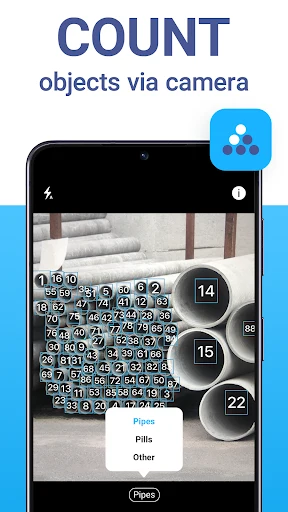
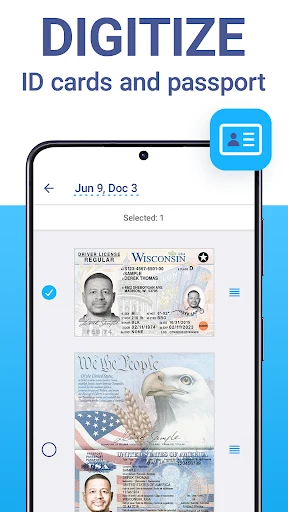
Alongside its scanner, iScanner includes an ID-card scanning mode, a QR-code reader, a camera tool for counting similar objects, and math problem solving. These functions serve different tasks, while the file manager provides a place to organize documents on the phone using drag-and-drop. The result is a mix of paperwork tools and smaller utilities rather than a scanner-only app.
Sharing, storage, and access controls
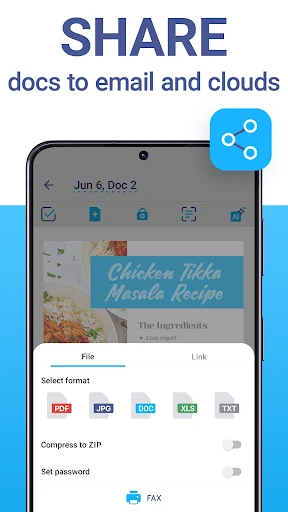
Scanned files can be shared, and the app offers cloud storage and syncing across devices. Cloud documents can also be accessed through a browser. A PIN can be set for the whole app or applied to individual folders or documents. The source notes that full access requires a paid subscription; it also mentions security issues reported by some users but provides no further details, so those reports cannot be assessed from the available information.