
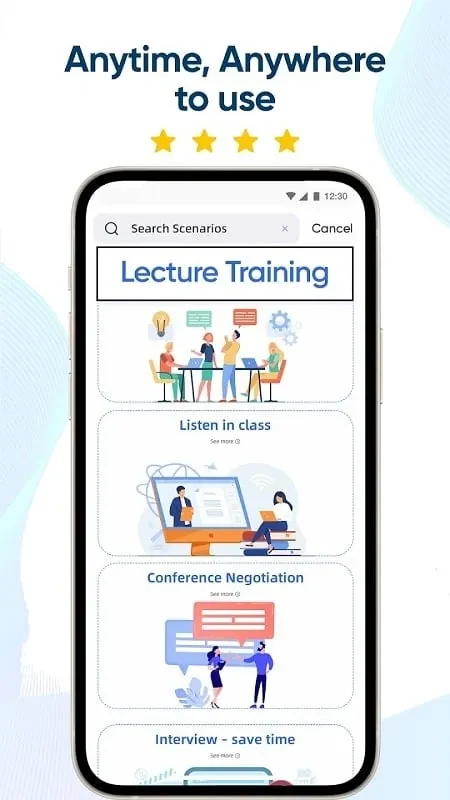
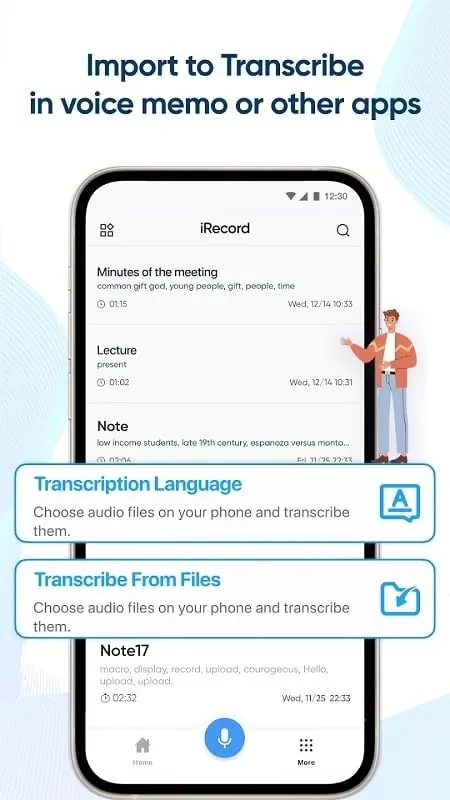

iRecord lets users record voice notes during meetings, presentations, and conversations, then converts the audio into text using speech recognition technology. This process reduces manual note-taking time and allows the resulting text to be stored, edited, and shared directly within the app. The tool also supplies spell checking and grammar correction to refine output quality, along with multi-language support that helps global users handle translation needs.
Converting Voice Recordings
The main transcription feature processes clear audio input into written form, enabling users to focus on speaking rather than writing. Accuracy improves when recordings are made in quiet settings with concise speech, and the generated text becomes ready for further editing or distribution.
Language Support and Text Refinement
Multi-language capabilities allow translation to and from various languages while spell check and grammar correction identify and fix common errors. These functions operate together so that an initial transcript can be polished into clearer, more professional text without leaving the app.
Adjusting App Preferences
Customizable settings let users modify the interface and tools according to personal workflow needs. Changes to language options, correction preferences, or editing defaults help maintain consistency across different recording sessions and document types.