

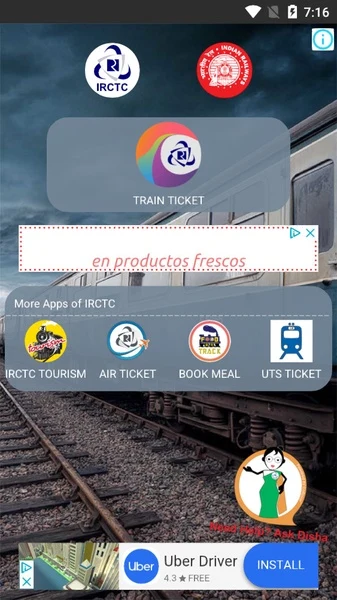
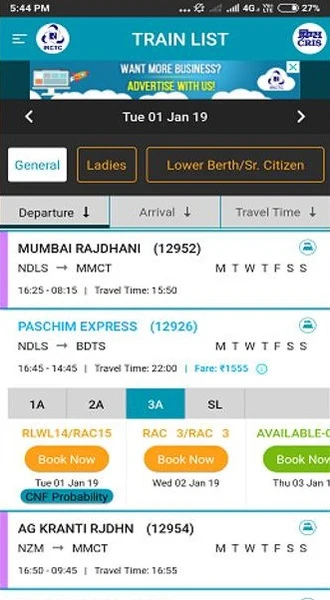
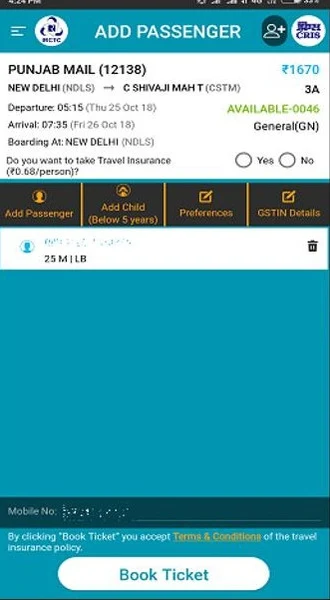
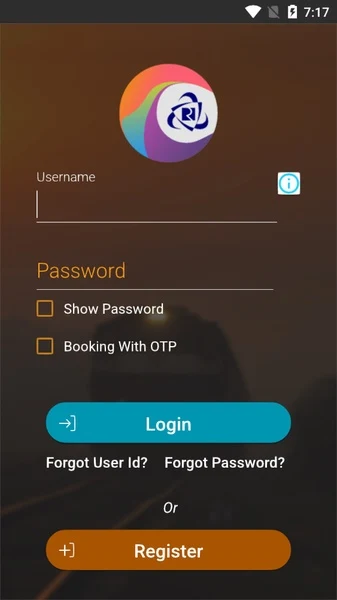
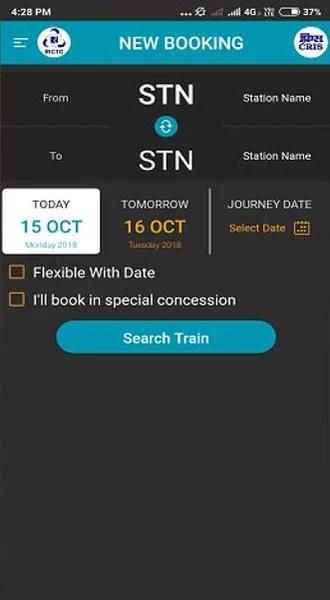
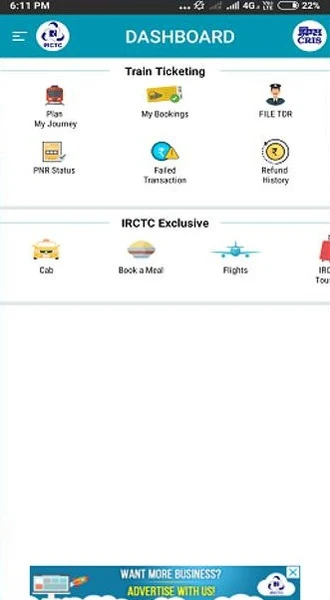
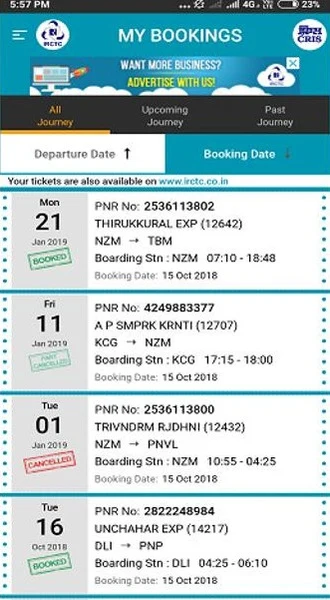
IRCTC Rail Connect is an Android app for searching and booking train tickets in India, as well as managing related journey information. Its features cover train and seat lookups, booking options, payments and access to ticket records.
What train and seat information can you look up?
The app lets users search for trains and check routes and seat information. These searches are available without logging in, and a separate PNR lookup provides the status of a booking. The app also includes an online booking chart function.
Which ticket bookings and passenger needs does it support?
Booking options include regular quota tickets, current bookings, and categories listed for women, emergency and advance emergency bookings, passengers with disabilities, and lower berth or senior passengers. The source also describes discounted bookings for disabled passengers using photo identification issued by Indian Railways. Google TalkBack support is included to help visually impaired users with e-ticket booking.
Users can maintain a master list of frequent passengers. The app supports changing a ticket’s boarding point, and linking an Aadhaar card is listed as a way to book up to 12 tickets per month. The Vikalp program gives waitlisted passengers an option to seek a confirmed berth or seat on another train.
How can you pay and manage an account?
Payment methods listed include BHIM/UPI, an e-wallet, online banking, and credit or debit cards. The app integrates an IRCTC e-wallet, which can be topped up for ticket purchases. Account and transaction management are available through its control panel, and a forgotten user ID can be retrieved using the app’s recovery function.
For login, the app lists PIN setup and biometric login. These are described as alternatives to entering a username and password for each login. The interface also includes an integrated menu bar.
Can you manage tickets booked elsewhere?
Tickets booked on the IRCTC website can be synchronized with the app. For those e-tickets, users can view or cancel bookings and submit TDRs through either the website or the app. The app can also show the status of tickets booked through authorized online travel agencies.
The app keeps ticket records and departure status available on a smartphone. The source describes using a ticket QR code for boarding without a physical ticket, but it does not specify device or operating-system requirements.