

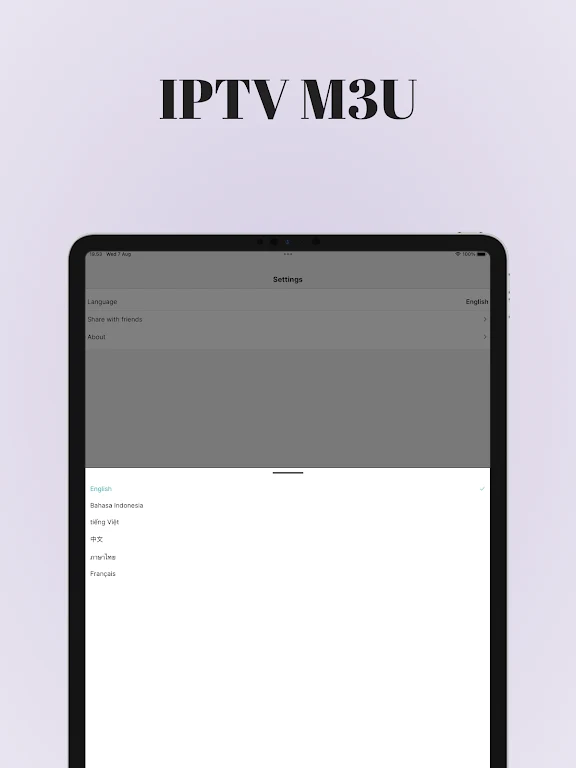
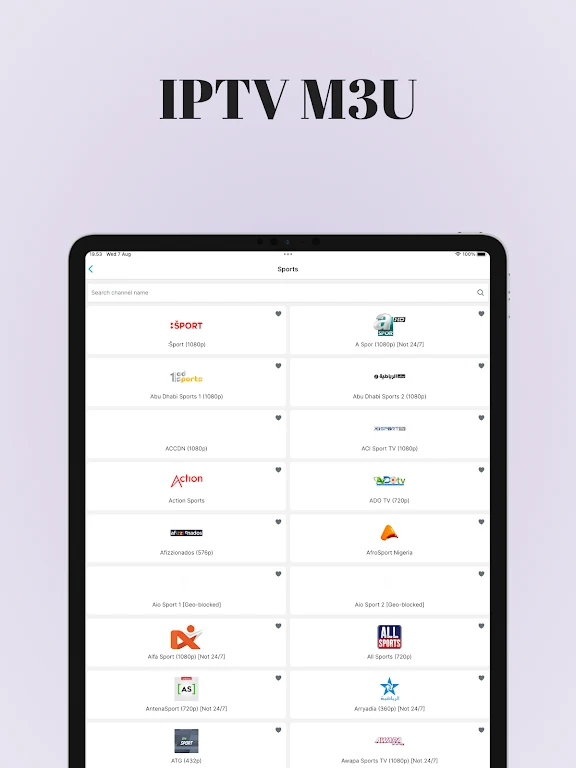
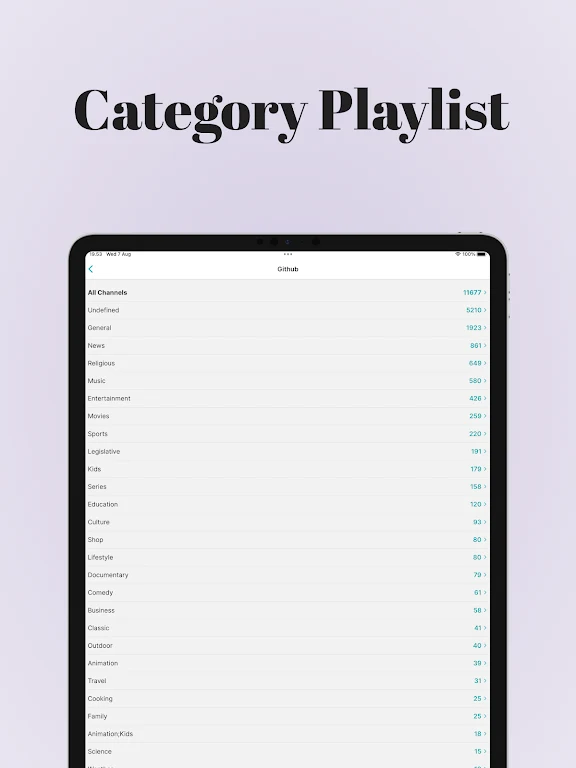
IPTV M3U is a video playback application for loading and watching channels from playlists you provide. It addresses the task of bringing playlist entries into one player: add a playlist from a URL or local storage, then browse its channels in the app. The clearest benefit is that you can use your own sources without creating an account, and the description says viewing is ad-free. IPTV M3U does not supply channels or programmes, so what you can watch depends on the playlist and provider you use.
How can you add a playlist and find channels?
You can import a playlist through a URL or from local storage on your phone. The description also includes files on a USB drive as a possible local source. Once imported, the channels appear in the application for browsing and playback, without additional setup steps described for each channel. A playlist setup guide is also mentioned, with step-by-step instructions intended to help users upload an M3U playlist.
The app presents channel groups and entries through labelled menus and a clear layout. This is intended to make both initial setup and everyday browsing straightforward. The supplied material specifically describes URL and local-file playlist import; it does not establish support for other playlist formats or connection methods, so users should check that their source is compatible with those options.
Where does the viewing content come from?
IPTV M3U functions as a player rather than a content service. It does not include channels, movies, or programmes; those come from the playlist and provider you choose. This means the app’s available viewing depends on having a suitable source. The description says replay and archive functions can be used when supported by your service provider, so their availability is not assured by the player alone.
The app description says that no registration is required and that there are no ads during viewing. These details may suit users who want to open a player and browse their own playlist without making an account. They do not mean that a playlist or access to a provider’s content is included with the app.
What extra tools and viewing options are described?
For users with larger collections, the description lists the option to add an unlimited number of playlist sources. An Electronic Program Guide (EPG) overview is also available as a feature, while replay and archive functions depend on provider support. The source does not specify which providers offer these functions, so availability can vary with the service used.
Premium features listed include password protection, channel editing, a customizable interface, and advanced settings. The description names two licensing options: a cross-device, cross-vendor licence and a Premium version for Android devices, available through in-app purchases. It also mentions light and dark themes, letting users choose an appearance suited to their preferences or viewing conditions. These are described as options rather than requirements for basic playlist use.
What should Android users consider before choosing it?
The app is described for Android phones and Android TV, with layouts intended for mobile screens and television environments. Smartphone and tablet use is described in both portrait and landscape orientations. The source also says the player is optimized for TV devices and TV boxes, and for devices with limited memory. These are stated design aims, not a guarantee of identical performance across devices or playlists.
IPTV M3U may fit Android users who already have a compatible playlist and want a player with URL or local-file import, channel browsing, and optional advanced tools. It is less suited to someone expecting built-in channels or programmes, since the app provides no content. Check that your provider supplies the sources and any guide, replay, or archive features you want to use.