
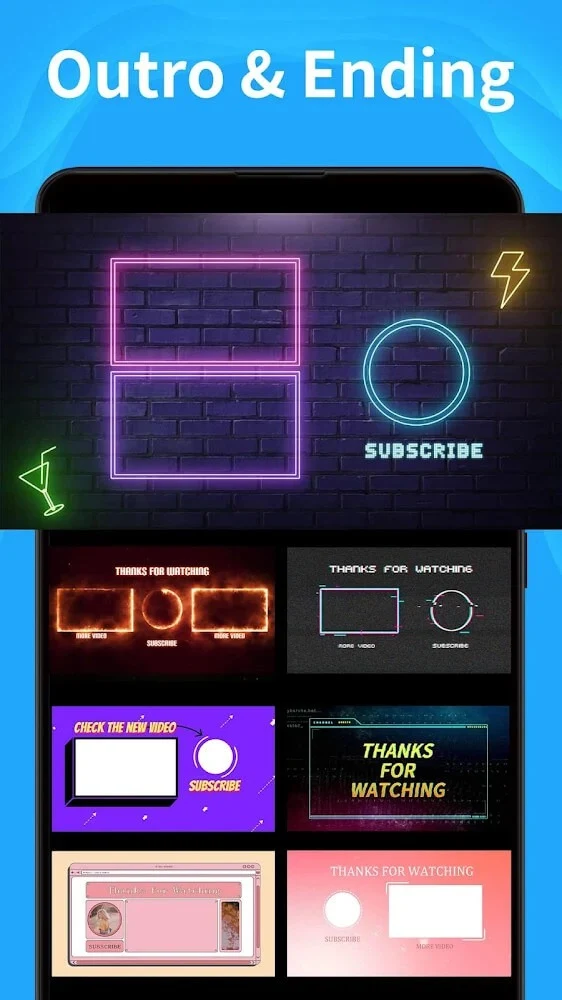
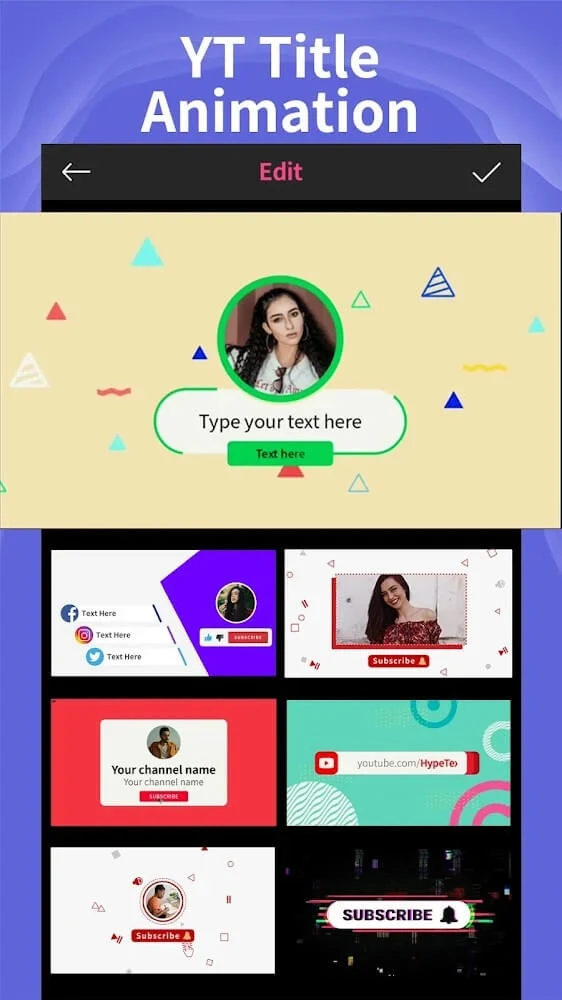
Intro Maker is an Android video editing app for creators who want to build short intros, outros, thumbnails, channel art, and banners from ready-made templates. Its listed version is 2.3.2, and it is categorized under Media & Video. The main practical purpose described in the source is to help users assemble polished opening sequences and related graphics without starting each project from a blank timeline.
Starting from templates
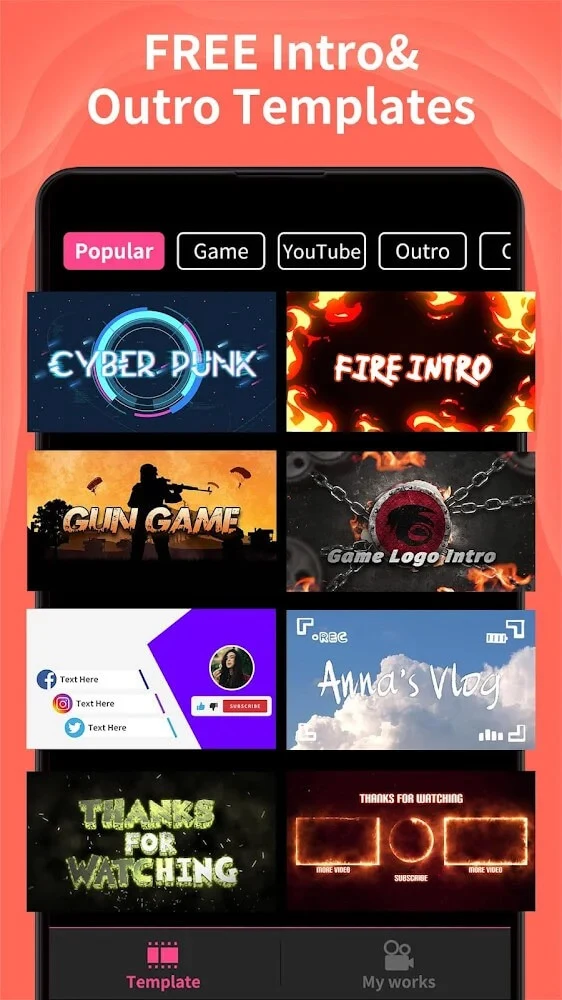
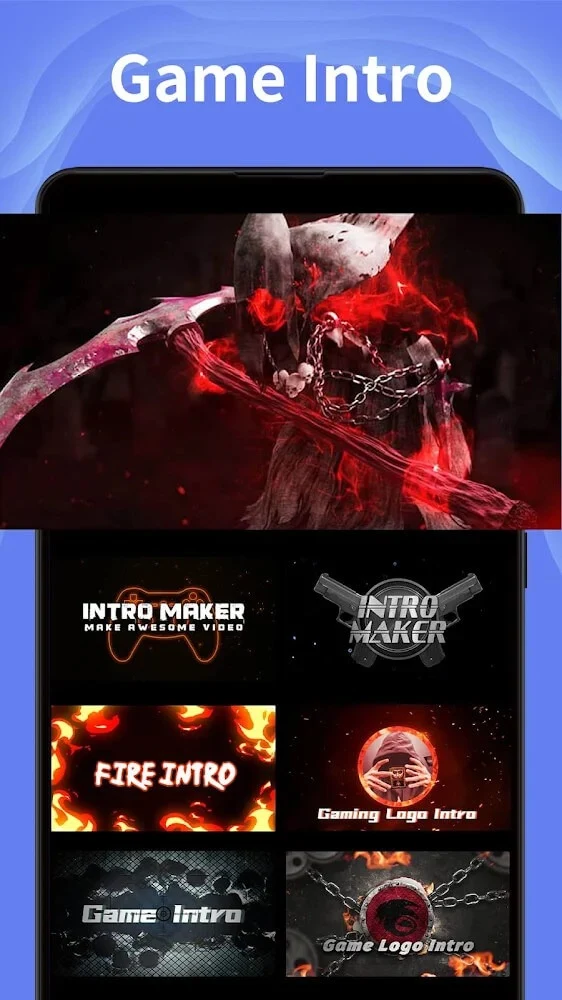
The core workflow in the source centers on templates. A user chooses a design and then replaces its placeholder elements with their own text, images, or media. The listing says the designs cover many subjects, including games, birthdays, and vlogs, and that the collection is updated regularly. Template counts differ across the description: one passage refers to 500 or more presets, another mentions more than 100 designs available after installation, and a third cites 4000 suggestions. Because these figures do not agree, this article does not state a single template total.
Several themes are named as ways to match a visual style to a video, including Action, Atmosphere, Movie, Transition, and Instrument. The source also says logo intros can be produced by swapping placeholders with a custom image or company logo, which would suit channels or businesses that want consistent branding across their videos.
Adding your own media
Beyond template placeholders, the app accepts outside material. According to the listing, videos can be imported from device storage or from social media platforms, and a company logo or personal photos can be added to make a project feel more individual. The description also states that personal audio tracks can be imported, which lets a creator combine a template with their own sound.
Text, fonts, and layouts
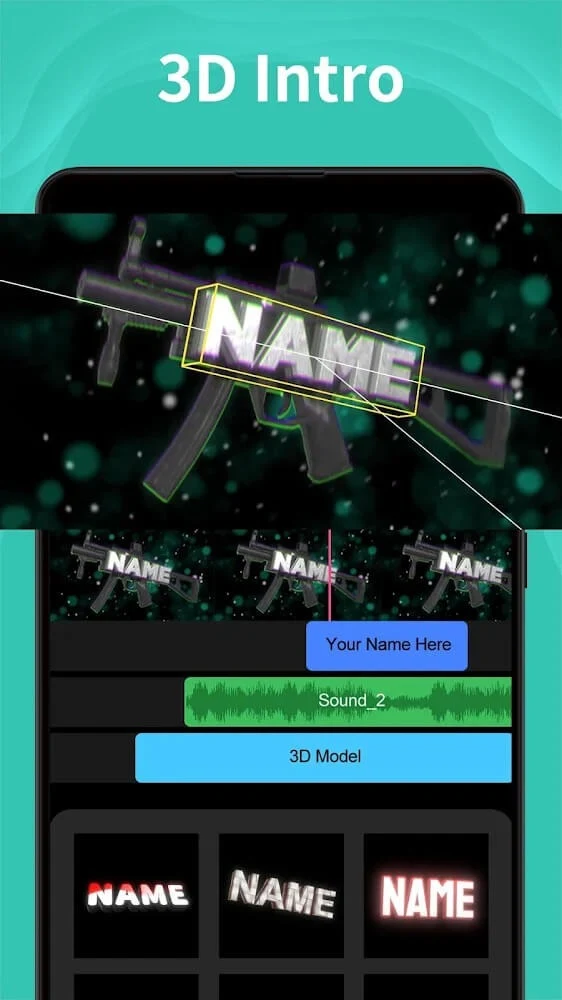
Text editing is one of the more detailed areas in the source. The app is described as offering more than 120 fonts, numerous text animations, and up to 20 preset text layouts. The listing's written description says a user can view the whole video and tap any part they want to change in order to edit its text or other objects. Emojis and stickers are listed as additional overlay elements. Since these details come from the store description rather than independent testing, specific fonts or layouts should be confirmed in the app before a project depends on them.
Music, sound effects, and timing
The source describes a music library with royalty-free tracks and more than 120 sound effects, grouped by mood and genre so that an intro or outro can match a intended atmosphere. The sound tools are described as intuitive, with the option to trim or layer audio. One user comment notes that some items must be bought, and the description states that some templates can be unlocked through in-app purchase. The listing also says frequent updates add new music, templates, and stickers, but it does not give a schedule for those updates.
Stickers, emojis, and channel buttons
For creators who publish on video platforms, the source highlights more than 100 animated subscribe buttons intended to encourage viewer engagement. It also describes a range of animated stickers and emojis, along with special effects selected to suit different themes. These are presented as customization options that add to the editing suite rather than as a separate production system.
Previews, saving, and export
Several workflow functions appear in the source. Projects are described as saving automatically during editing, so a user can return to unfinished work without rebuilding it. Real-time preview is said to show how an edit will look before publication, and the listing mentions easy video export. The promotional text also describes HD-quality output, but the source does not give resolution settings, so that statement should be treated as the developer's own description. Sharing is supported as well: finished videos can be sent to friends or posted to other social media platforms.
Free access and in-app purchases
Pricing is described inconsistently. One passage says the free version remains highly functional, with generous access to templates and resources, and that the app charges no fees. Another says dozens of templates are free while others can be unlocked through in-app purchase, and the features section mentions a VIP subscription. Because these statements differ, prospective users should check the current store listing for the exact free and paid options. The source does not state subscription prices.
What user comments describe
The listing includes three user comments. One creator who edits on a phone and has no computer says the app is useful, though some intros require payment. Another describes the app as simple to learn and says a slide can be made in about five minutes. A third comment is broadly enthusiastic. These are individual impressions rather than independent testing, and the source does not provide ratings or download totals, so they cannot show how typical these experiences are.