

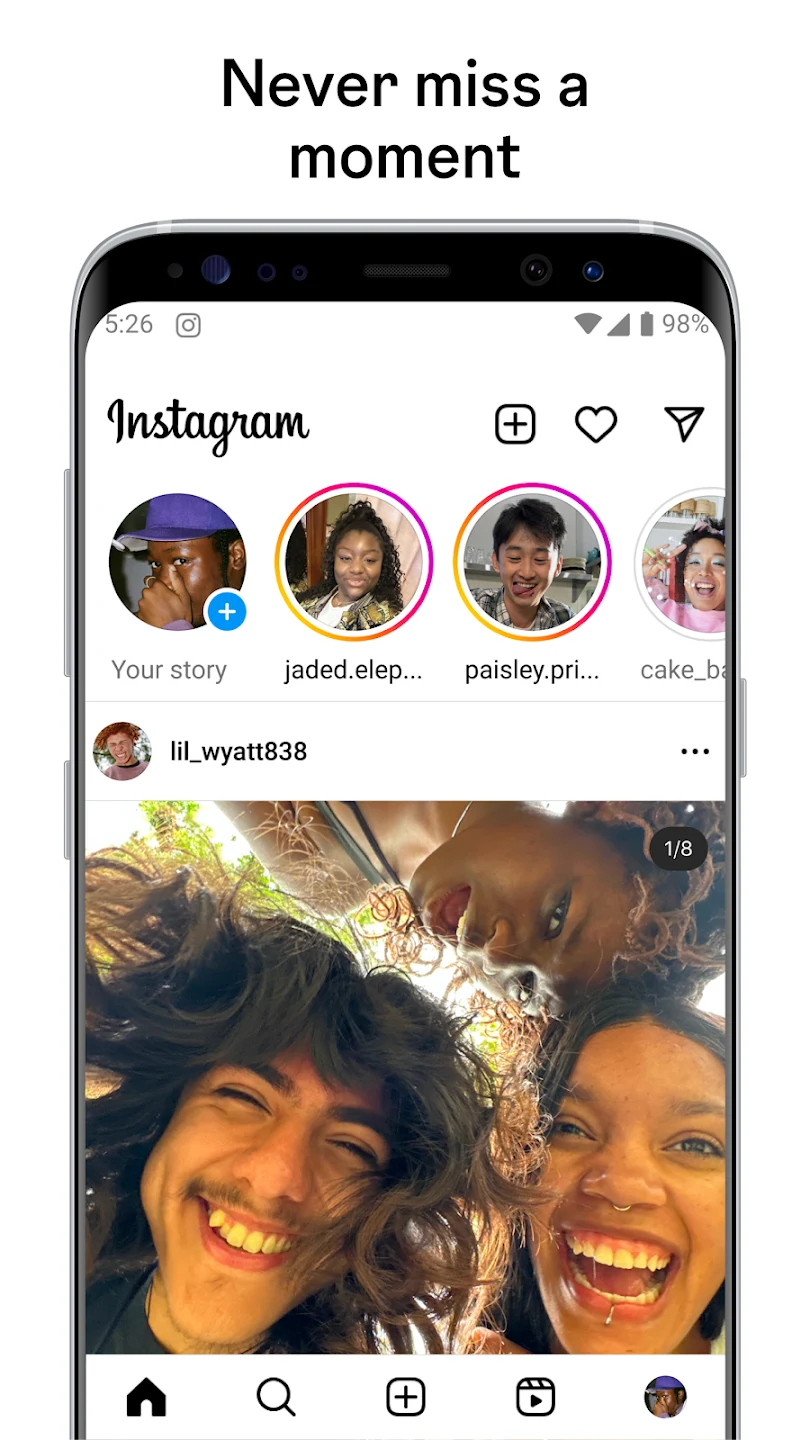
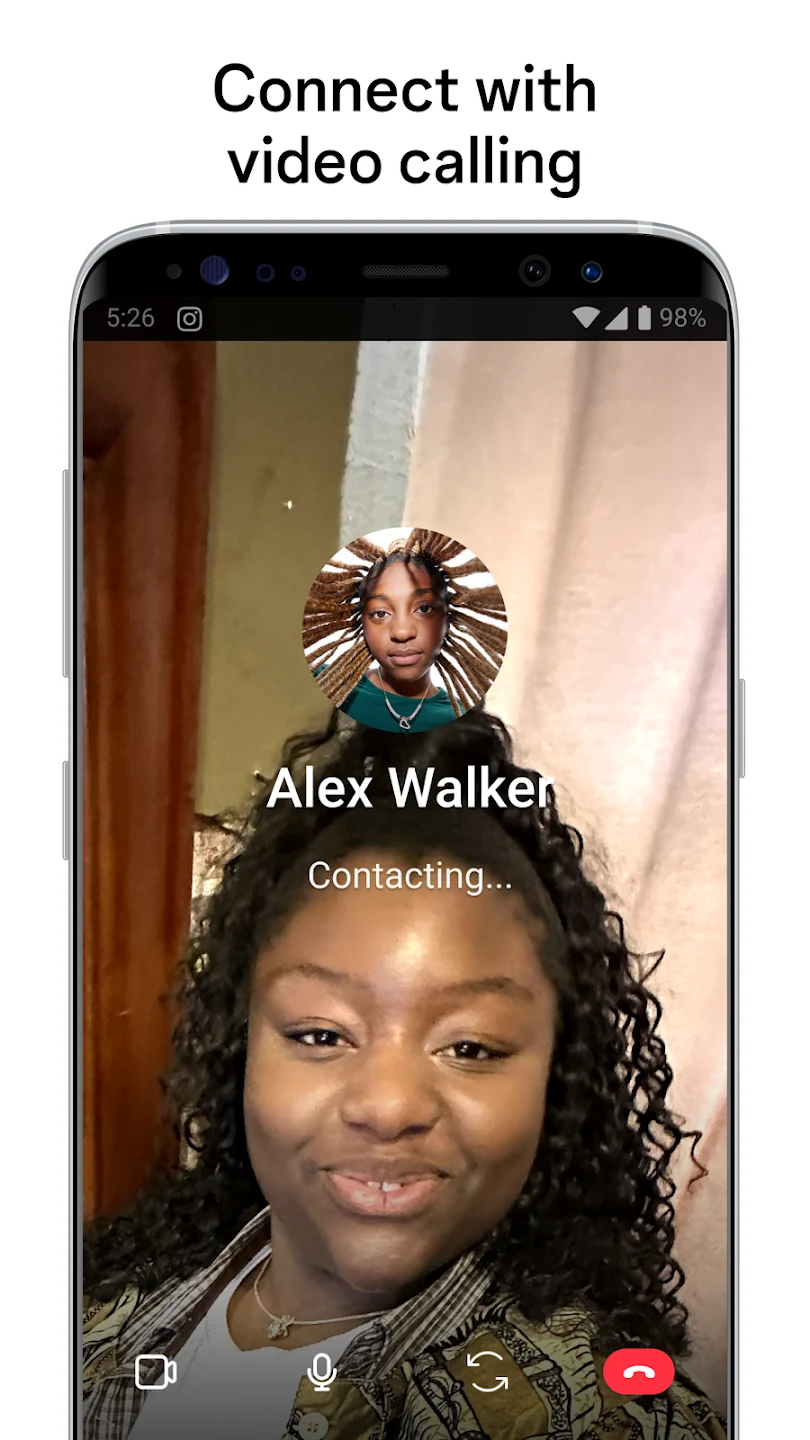
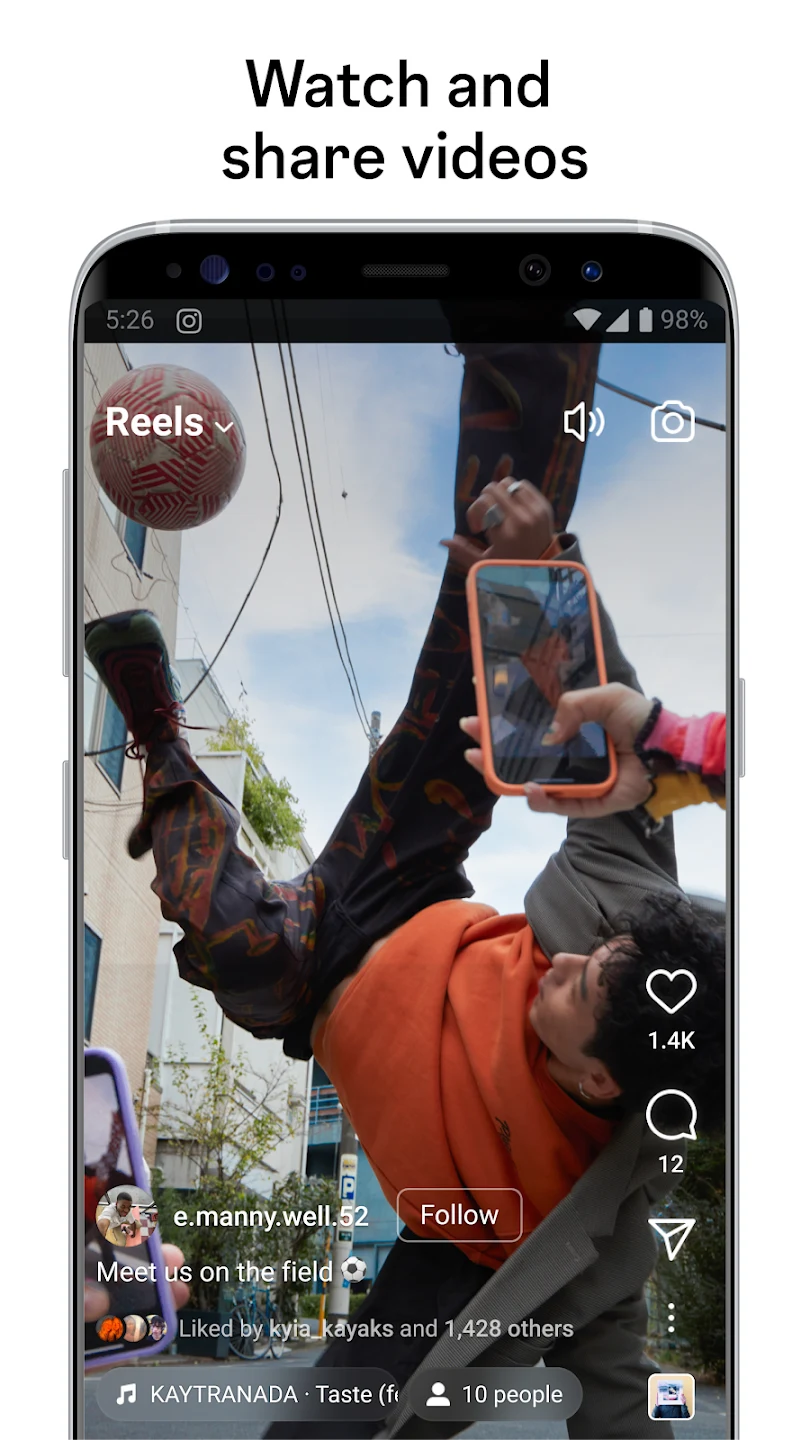
Instagram Lite brings the core features of the popular social network to users who want a more compact application that runs smoothly on low-RAM or older Android devices. By using minimal storage and consuming less mobile data while browsing or sharing, the application helps maintain responsive performance even on slower networks. People can follow their favorite topics, interact with posts, and keep up with friends through familiar navigation tabs while enjoying a streamlined interface that minimizes unnecessary visual distractions and load times across supported devices.
Lightweight Installation and Data-Efficient Browsing
Designed specifically to accommodate phones with limited resources, the application uses minimal storage space and ensures quick app openings with reduced lag when switching between different screens. Efficient updates help keep the device responsive over time. In addition to saving device memory, the platform is heavily optimized to use less mobile data during daily scrolling. Images and videos load in a balanced manner to preserve the visual experience without putting a heavy strain on restricted mobile data plans or slower network connections.
Core Social Experiences and Content Creation
Users retain access to traditional Instagram capabilities, including browsing through the main feed, watching short videos, sharing everyday moments, and sending direct messages. The interface incorporates streamlined search tools that make it simple to explore new accounts, hashtags, and media categories. For creators, the platform supports recording or uploading multiple clips to build Reels of up to ninety seconds, complete with text additions, templates, music, and gallery imports. Basic editing functions let users publish content quickly without navigating a complicated menu structure.
Interactive Stories and Simplified Messaging
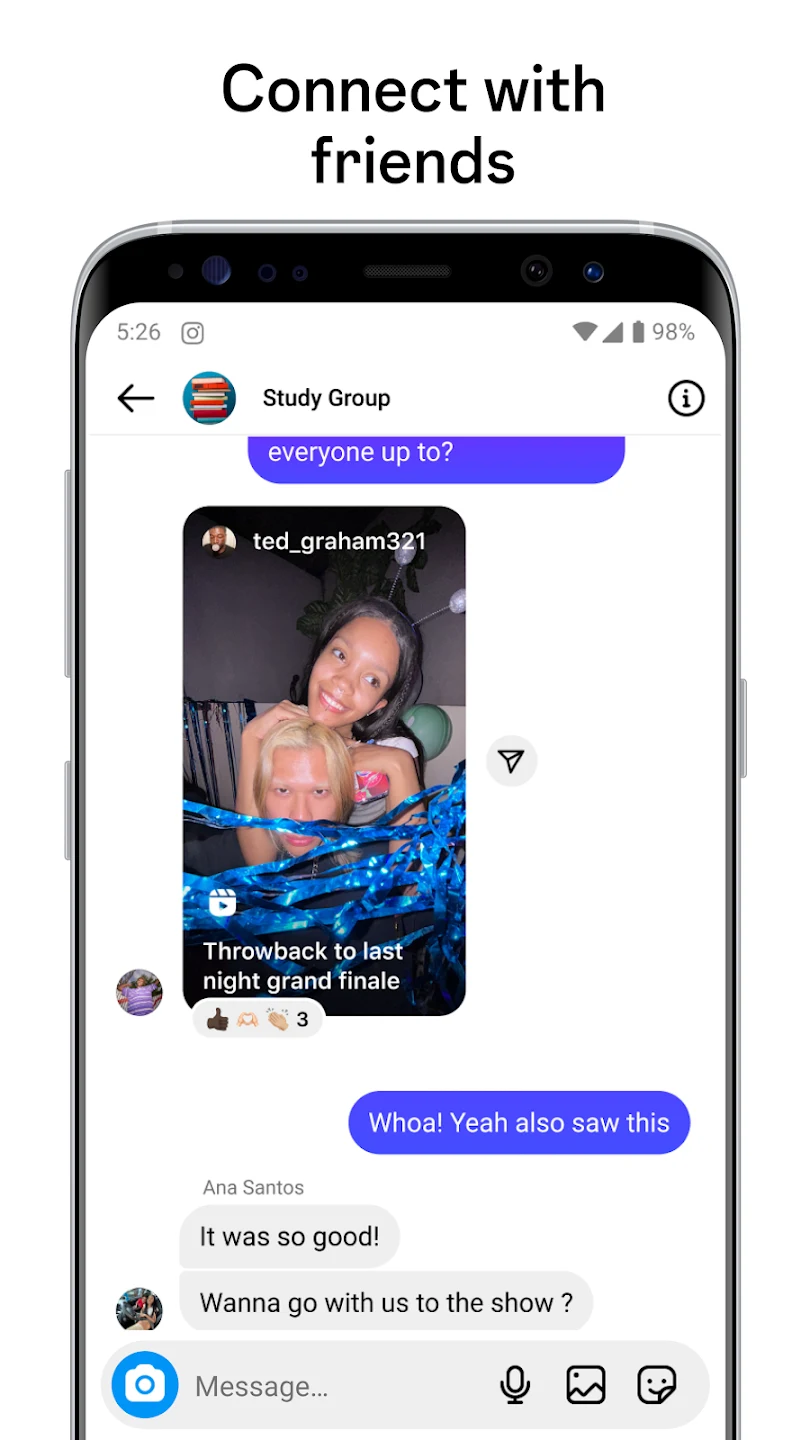
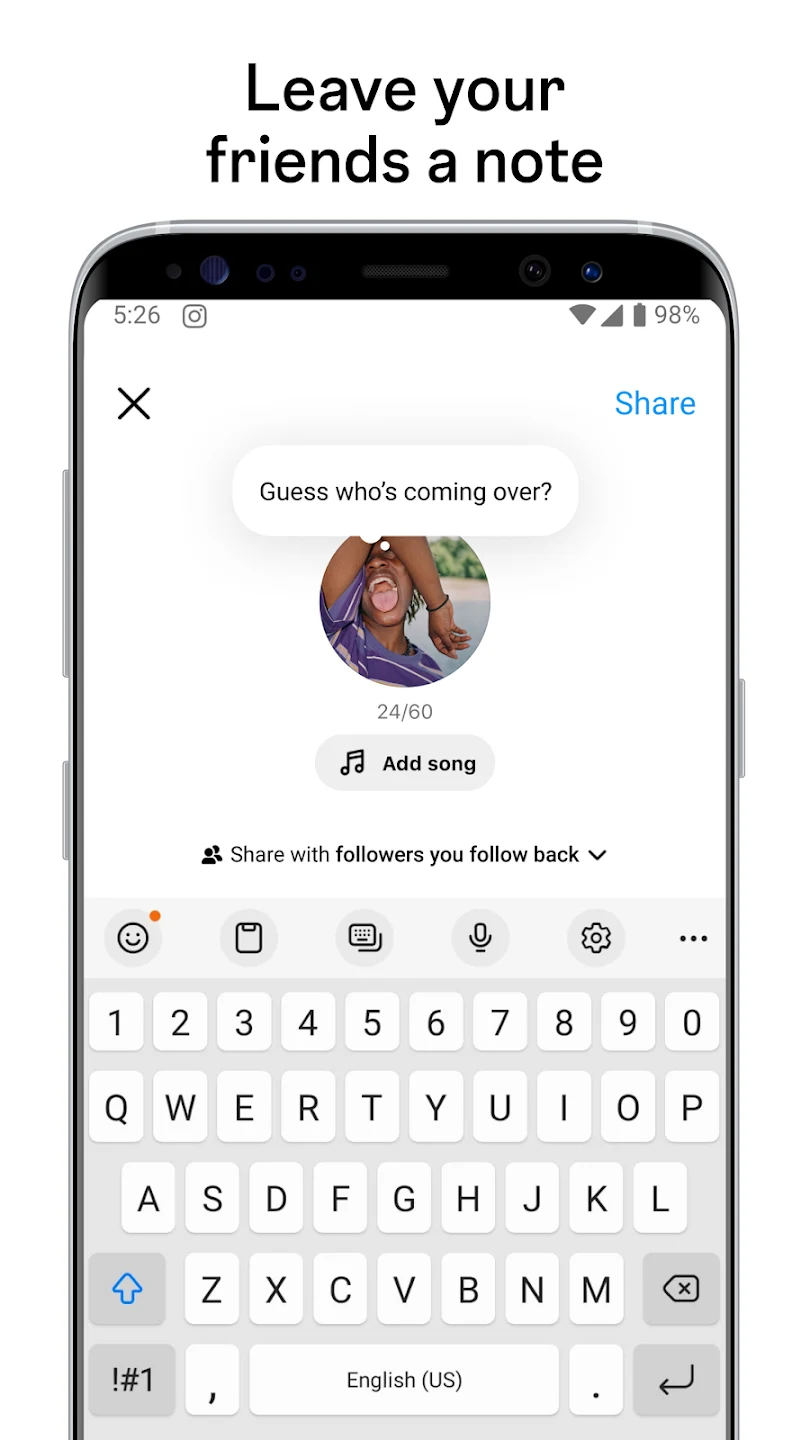
Sharing temporary updates is straightforward through Stories that support text, music, stickers, and GIFs, alongside interactive elements like poll and question stickers to gather quick feedback from friends. Direct messaging operates via a simplified conversation layout where text and media messages can be exchanged seamlessly. Threaded replies make ongoing chats easy to follow, and conversations stay fully synced with the user's primary Instagram account across compatible devices. The messaging environment prioritizes readability and fast loading speeds above complex decorative extras.
Streamlined Navigation and Profile Management
Navigating the application relies on straightforward tabs for the main feed, search utility, posting tools, and individual profiles, which together help minimize load times and maintain quick access to essential features. Profile management tools empower users to update their personal information, select profile photos, and adjust privacy settings with minimal effort. Users can easily switch between public and private account modes, manage audience interactions, and review their shared posts, saved items, or tagged photographs within a clean, accessible layout.
Minimal Notifications and Focused Alerts
Notification handling utilizes a clean, minimal interface that emphasizes clarity over flashy visuals. Likes, comments, tags, and follower activity arrive without causing excessive visual distractions, and users retain the ability to adjust their notification preferences to achieve a comfortable balance between awareness and control. This streamlined approach to system alerts helps prevent performance strain on older mobile hardware while ensuring that important social updates remain straightforward to review.