
InstaCam brings camera effects and photo-sharing options together for people who want to shape a picture while capturing everyday moments. Its tools include real-time filters, vignette effects, and photo booth layouts, so users can choose a look or arrangement before saving an image. The app is described for selfies as well as general photography, and it also supports importing existing pictures from the photo album. After taking or selecting a photo, users can save it to the album, send it by email, or share it through services such as Facebook, Twitter, and Instagram.
Effects and photo booth layouts
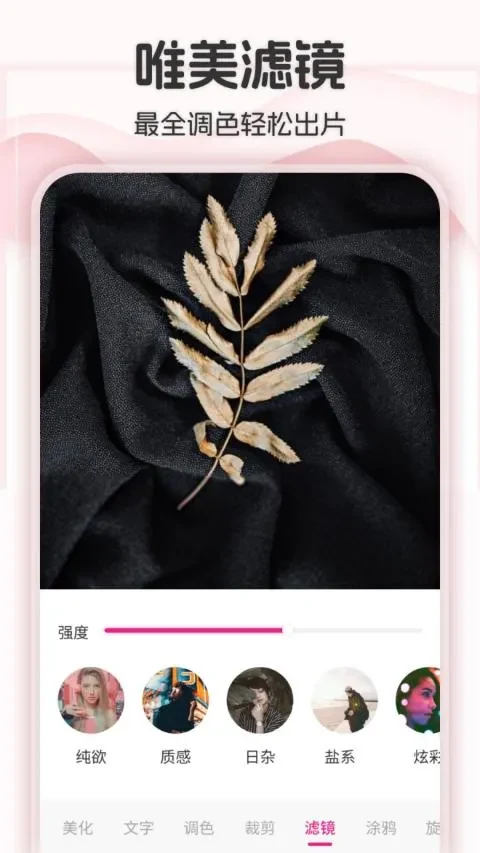
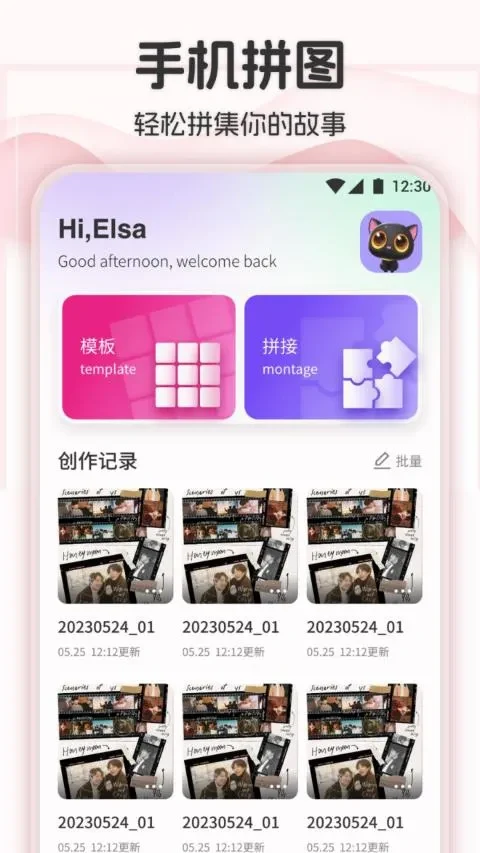
Real-time filters let users preview effects while using the camera, while vignette effects offer another way to change a picture’s appearance. For images that suit a multi-frame presentation, InstaCam includes a variety of photo booth layouts. These options make the app relevant both to quick selfies and to more arranged shots, without requiring every picture to use the same style. The description also mentions design effects and editing options, though it does not detail specific editing controls.
Capturing moments
The app’s camera features include autofocus, which the source describes as taking a photo with a tap on the screen. It also lists a silent shutter and fast shutter speeds, along with the ability to capture quick bursts of images. These features may be useful when photographing a brief moment or when camera noise would be disruptive. The description additionally notes capture in low-light environments, but does not specify camera settings or conditions for that use.
Importing, saving, and sharing
InstaCam can work with pictures already stored in the photo album as well as new camera shots. Users can save images back to the album, keeping them available alongside other photos, or send them by email. Sharing options named in the listing include Facebook, Twitter, and Instagram, with other services also referenced but not specified. This gives users several ways to move a finished picture beyond the app.
For selfies and everyday photography
High-resolution support is listed among the camera capabilities, and the app is presented for selfie, beauty-camera, and general moment-capturing use. Its combination of live effects, layouts, and ways to save or share photos suits users looking for creative options alongside basic camera use. The source does not explain the resolution levels or provide details about individual beauty or editing controls.