

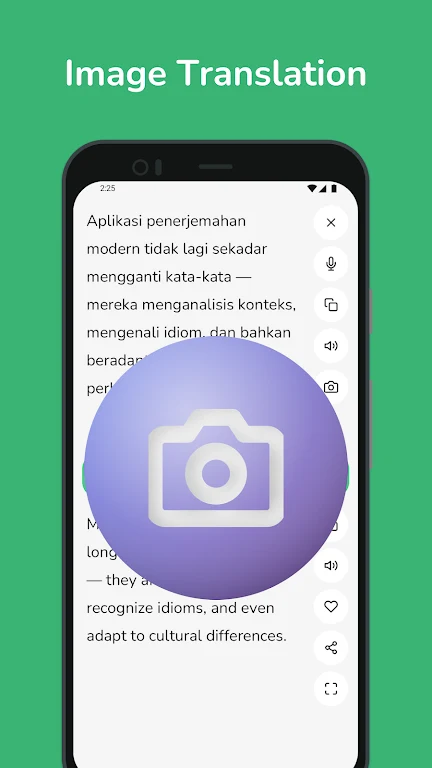
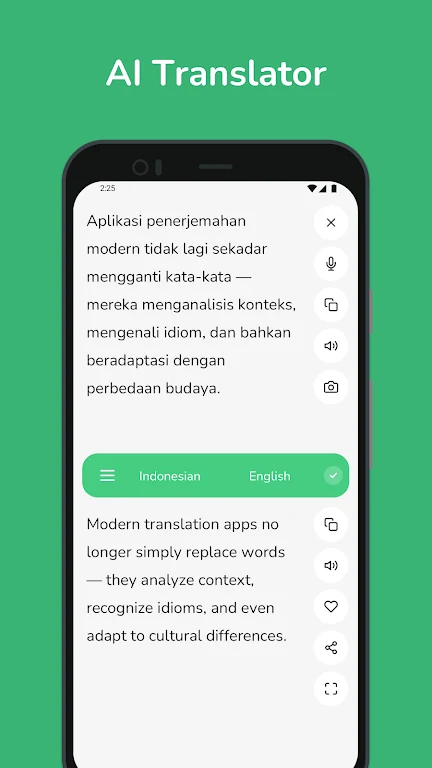
Indonesian - English Translator helps users work between Indonesian and English using typed text, speech, and text found in images. That range can be useful when looking up a word, preparing a phrase, or trying to understand a sign or document. Text can be entered or pasted, and the app also describes translations as appearing while you type. Voice recognition offers another way to provide input, while image recognition is intended for printed text that would otherwise need to be typed by hand.
Choose a way to translate
For ordinary text, users enter or paste content and request a translation; the app also describes a live-as-you-type option. Voice input lets users speak Indonesian or English instead of typing, which may be more convenient during a conversation. For text on a sign or document, users can take a photo or upload an image for text recognition and translation. These different input methods address distinct tasks, from checking a single word to handling text encountered while travelling.
Words and everyday phrases
The app can also be used as a dictionary: for a single word, it provides multiple translation options to help users consider which meaning fits. A phrasebook collects commonly used expressions for everyday communication, travel, or business situations. Together, the dictionary-style lookups and prepared phrases support both checking a specific term and finding language for a familiar situation.
Keep useful translations close
Search history lets users revisit previous translations, while favorites provide a place to save important translations and phrases for later reference. These tools can reduce the need to enter the same material again. The listed interface is described as simple to navigate, with translation, saved items, and past searches serving different needs during study or day-to-day communication.
Connectivity and practical details
The source describes an offline mode that uses downloaded language packs, but it also says an internet connection is required for the app to function. Those statements leave the connection requirements unclear, so offline availability should not be assumed for every feature. The app is presented as useful for students, travelers, and others communicating between Indonesian and English, but the supplied information does not specify which functions remain available without a connection. The listed file size is approximately 8.5 MB.