

Overview
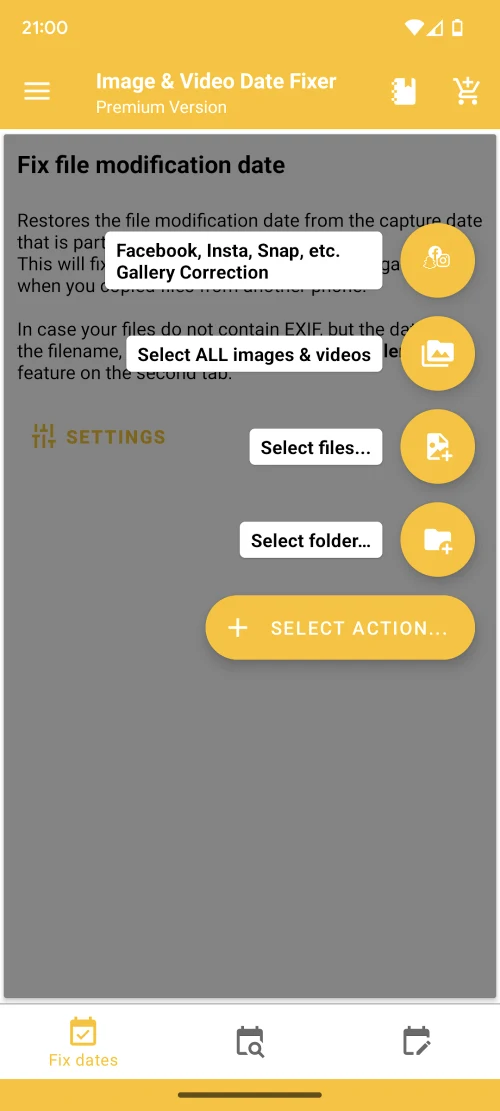
Image & Video Date Fixer helps put photos and videos back into a sensible chronological order when transfers or backups leave their gallery timeline scrambled. Moving media between phones, restoring files from cloud backups, or copying them from external storage can leave a file with the date it was transferred rather than when it was captured. The app provides tools to edit date information and file modification timestamps, using existing metadata or, where available, a date extracted from the filename. It is intended for people organizing a media library, including images that have no EXIF data, such as some WhatsApp images.
What You Can Do
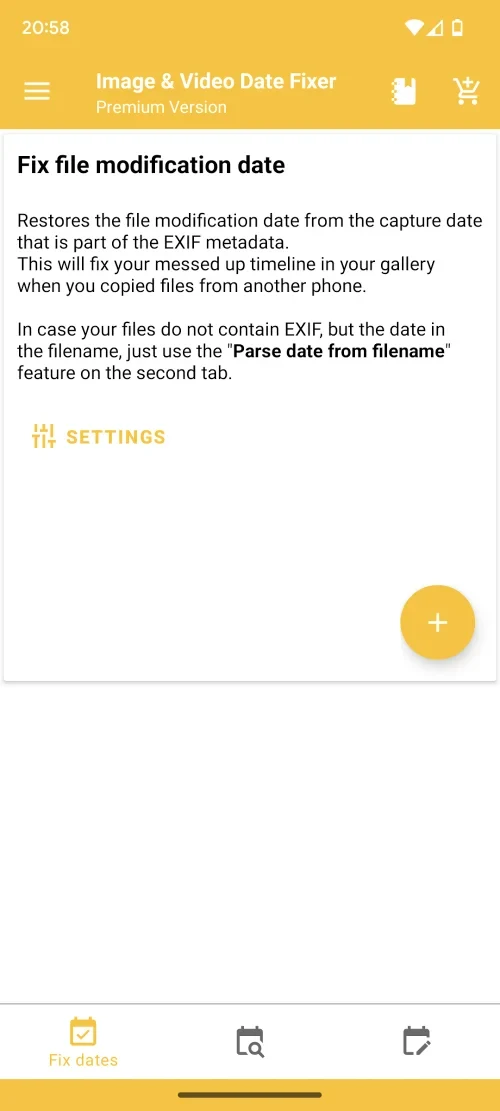
⭐ Use a photo or video’s recorded shooting date to help restore its chronological order. The app can extract a date from media metadata and use it to update the file’s modification timestamp.
⭐ Set a date manually when you know when an image or video was taken. This is useful when the displayed date is wrong and you can supply the intended one.
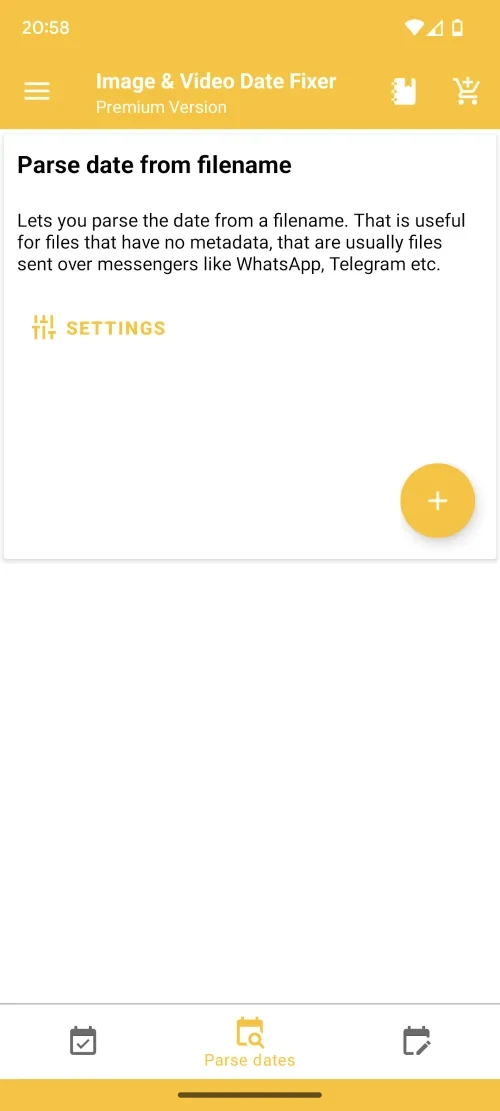
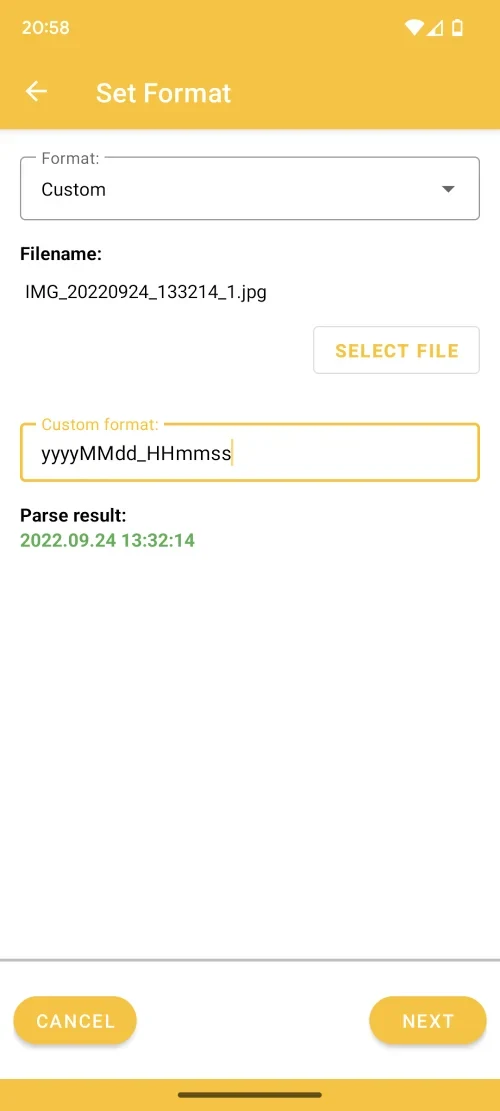
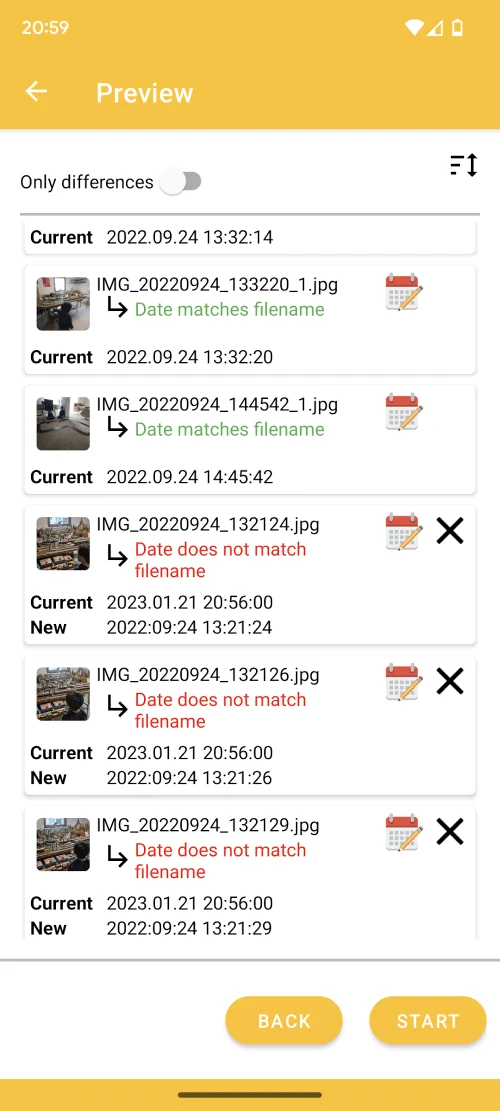
⭐ Work with images that lack EXIF information. The app can analyze a filename for a date, add that date as an EXIF date attribute, and update the file’s modification date.
⭐ Address media whose dates changed during a transfer or restore. The app is designed for organizing files brought over from another phone, a cloud backup, a hard drive, or a memory card.
⭐ Prepare image and video collections for chronological display in services such as Instagram or Facebook. The source describes a workflow for platforms and libraries that may rely on file ordering rather than the original shooting date.
Using the App
The approach depends on what date information a file contains. When usable metadata is present, the app can use the shooting date; when EXIF data is missing, it can look for a date in the filename. You can also enter a date manually. These options address different causes of a disordered gallery, rather than relying on one timestamp source for every file.
There is an important distinction between a file’s metadata, its modification date, and its creation date. The source notes that creation dates cannot technically be changed. For apps that sort by that value, Image & Video Date Fixer may instead temporarily move the media to another folder, arrange files by shooting date from oldest to newest, and move them back. The resulting creation date may reflect the current date even though the sequence is corrected. This workaround is intended to help platforms display the collection in the desired order.
Why It May Appeal
✅ It offers more than one way to recover a useful date: existing metadata, a date in the filename, or a manually entered value. That flexibility is relevant when files come from different sources or lack EXIF data.
✅ It focuses on a specific organization problem: media that appears out of order after copying or restoring. Its image and video tools are aimed at correcting that timeline without requiring users to treat every file as a new capture.
Things to Consider
❎ The app cannot change a file’s creation date, according to the source. If another gallery or file manager sorts strictly by creation date, changing metadata or the modification date may not be enough; the described move-and-return method may be needed, and the displayed creation date can be today’s date.
❎ Results depend on the date information available. A file without useful metadata or a date in its filename may require you to enter the correct date yourself.