

Overview
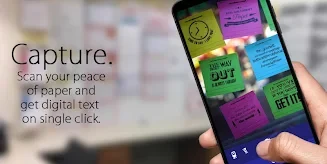
Image To Text helps turn printed text in an image into text you can use elsewhere. Take a clear picture of the text you need to capture, and the app scans and converts it, offering an alternative to typing the words manually. The converted text can be copied to the clipboard or shared by email and social media. The app is aimed at people handling text from images for everyday tasks, including students, journalists, and business users. Its recognition is intended for printed text rather than handwriting, and clear images are recommended for better results.
What You Can Do
⭐ Capture printed text by taking a clear picture of the material you want to scan.
⭐ Convert text in images into text that can be reused, helping avoid manual retyping.
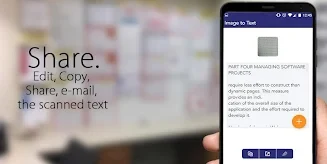
⭐ Copy the converted text to your clipboard for use in other applications.
⭐ Share scanned text through email or social media.
Using the App
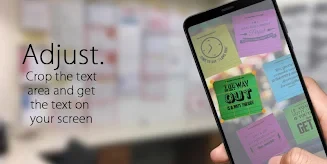
The described workflow is straightforward: take a clear picture of printed text, let the app scan it, then choose whether to copy or share the result. The source describes the interface as easy to use but does not provide details about additional controls or customization. It says there is no limit to the length of text that can be scanned, so the app can be used for longer documents as well as shorter notes.
Why It May Appeal
✅ Copying and sharing options make converted text available for use beyond the scanning step.
✅ The app is described as free to download and use, with ads supporting it.
Things to Consider
❎ Image To Text cannot recognize handwriting; it is intended for printed text.
❎ Clear pictures are recommended for text recognition, so image quality matters when capturing a page.