
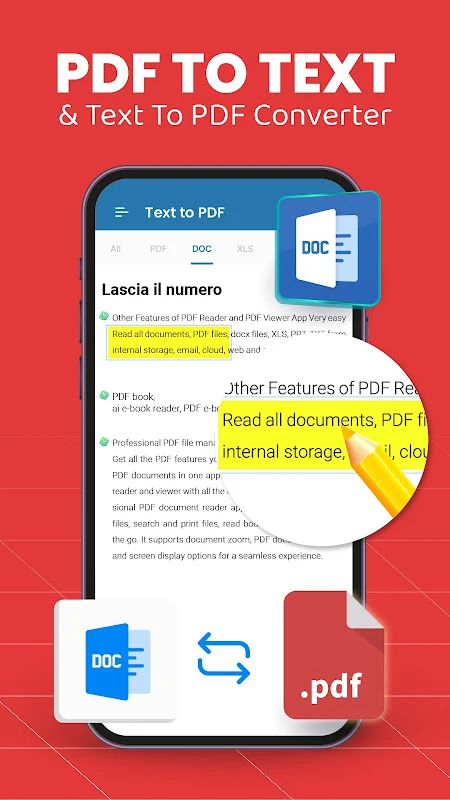
Image to PDF: PDF Converter assists users who need to transform photos or scanned pages into organized PDF documents while working entirely on an Android phone or tablet. The tool supports converting images directly into PDF format and offers options to handle text-based conversions or export PDFs into other file types when required. This capability proves useful for students compiling class notes, professionals assembling reports from multiple sources, or anyone aiming to reduce physical paperwork by creating digital archives that remain accessible without network connectivity. Built-in scanning functions allow quick capture of documents through the device camera, followed by immediate conversion and basic adjustments to improve readability.
Image and document conversion options
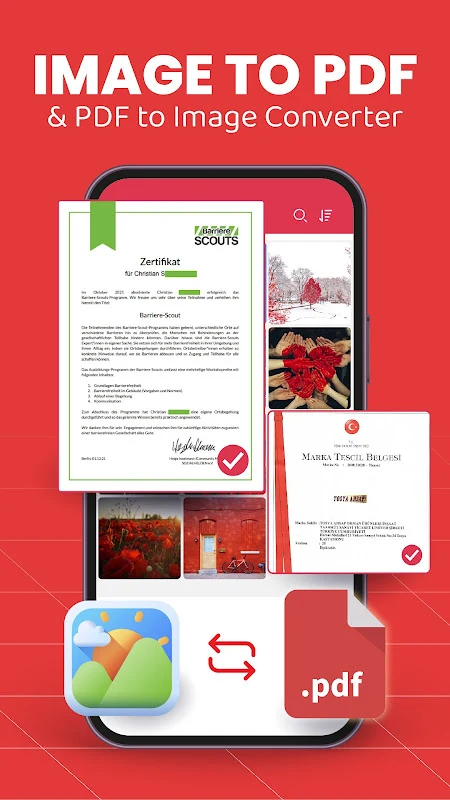
The app focuses on turning various image formats such as JPG or PNG into PDF files through straightforward selection and processing steps. Users can also reverse the process in some cases by converting existing PDFs into editable formats like Word documents. A dedicated scanner feature supports real-time capture and conversion, making it suitable for digitizing printed materials on the spot. These functions operate together so that a user can photograph several pages, reorder them if needed, and produce a single cohesive PDF without switching between separate applications.
Viewing and organizing files
Once files are created or imported, the built-in reader permits scrolling, zooming, and searching within PDF content for quick reference. A classification system groups documents for faster retrieval, while integration with the device file system allows opening the same PDFs through other reading tools. Sharing occurs directly through messaging applications, enabling distribution of completed documents without additional export steps.
Editing tools and security features
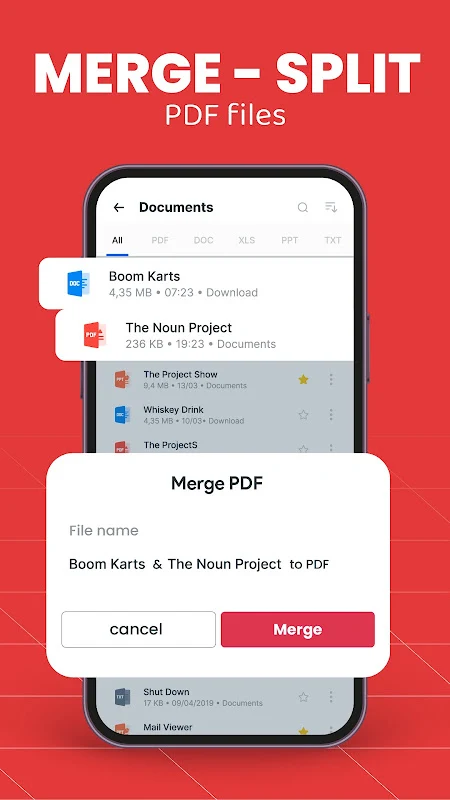
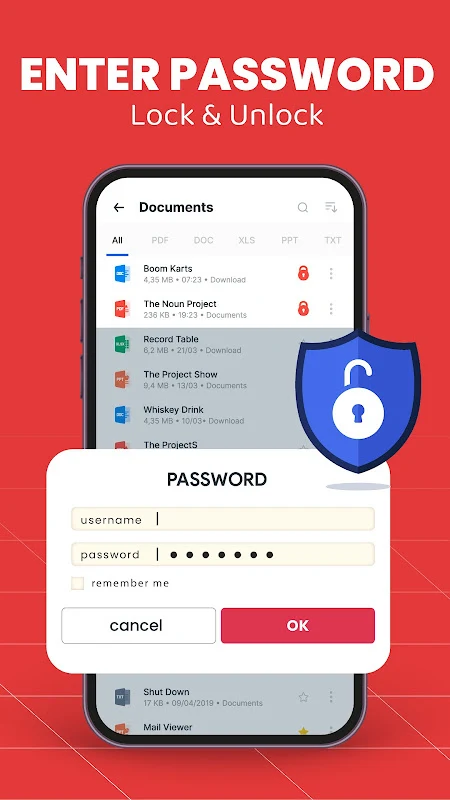
Document editing includes adding bookmarks, inserting images, applying watermarks, or adjusting layouts to refine the final output. Password protection can be set on PDFs to restrict access, and merging or splitting operations let users combine multiple files or divide lengthy ones into smaller sections. These capabilities work alongside the conversion tools so that scanned images can be refined and secured in one continuous workflow.
Offline operation and practical use cases
All core functions remain available without an internet connection, supporting tasks such as preparing business documents or organizing class assignments while traveling. The app handles large batches of images, allowing reordering and cropping before final PDF creation, which benefits users managing extensive archives like user manuals or legal paperwork.