

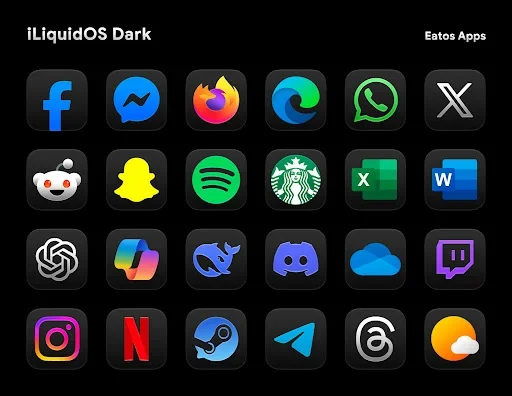
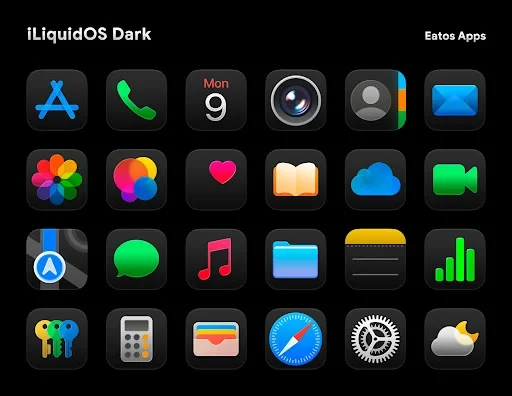
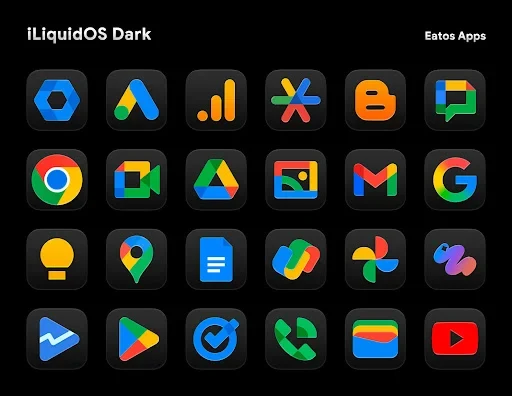
iLiquidDark Icon Pack is an Android customization app that replaces launcher icons with a Liquid Dark Glass design and provides matching wallpapers. Its icons use dark tones, transparency, smooth surfaces, and subtle reflections to create a coordinated appearance across the home screen.
Liquid Dark Glass visual style
The pack is built around icons that appear to sit beneath a thin glass layer. The combination of black coloring, transparency, and light reflection is intended to add visual depth while keeping the app symbols recognizable. The style can be paired with dark or gradient wallpapers so the icon treatment and background form a more continuous interface.
The source specifically describes the design as suitable for AMOLED-screen devices, where dark interface elements and reflective details can provide a strong contrast in low-light use. The app also includes hundreds of wallpapers, giving users background options that complement the icon style rather than relying on a separate wallpaper collection.
Large icon library and alternatives
iLiquidDark Icon Pack contains more than 4,300 icons designed around the same visual approach. This provides coverage for a broad range of applications while preserving a consistent look when the pack is applied across a launcher. Several applications can also have alternative icon versions, allowing users to choose a preferred design or color treatment instead of being limited to one icon.
The pack supports dynamic calendar icons on compatible launchers, so the calendar symbol can show the current date. It also provides an in-app request option for missing icons. Users can submit requests when an application is not represented in the available library. The source states that the icon collection is updated with new applications and design adjustments.
Launcher and adaptive icon support
The pack is designed for use with compatible launchers rather than as a standalone replacement for the Android launcher. Named supported options include Nova Launcher, Hyperion, Lawnchair, Apex, and Evie Launcher. Samsung devices using One UI can apply the pack through the Theme Park tool, according to the source.
Adaptive Icon support lets a compatible launcher apply its available icon shapes, such as round, square, or teardrop forms. This allows the same icon artwork to follow the launcher’s shape settings. Actual application and shape behavior depend on the launcher and device environment.
Application controls
The app presents separate areas for applying the icon pack, requesting icons, accessing wallpapers, and viewing update information. Its interface is described as simple, with the main customization actions grouped into these sections so users can select an icon set, choose a wallpaper, or send a missing-icon request without navigating unrelated tools.
The supplied description states that the app contains no annoying advertisements and does not require sensitive access rights. These are source-provided descriptions of the application’s setup and should be considered alongside the permissions shown on the user’s device.