

iEditor is an image-editing app for manga translation and comic lettering. It helps users remove existing text from pictures and add new text, bringing those tasks together in one editing workflow. Its smart wipe feature recognizes text in an image for removal, while a magnifying glass and resizable brush provide more control when erasing comic text. Users can style added lettering and sample colors from an image. The app also supports creating books with personalized covers, chapters, and organized pictures, making it relevant to people working on individual images as well as collections.
How does iEditor remove text from manga images?
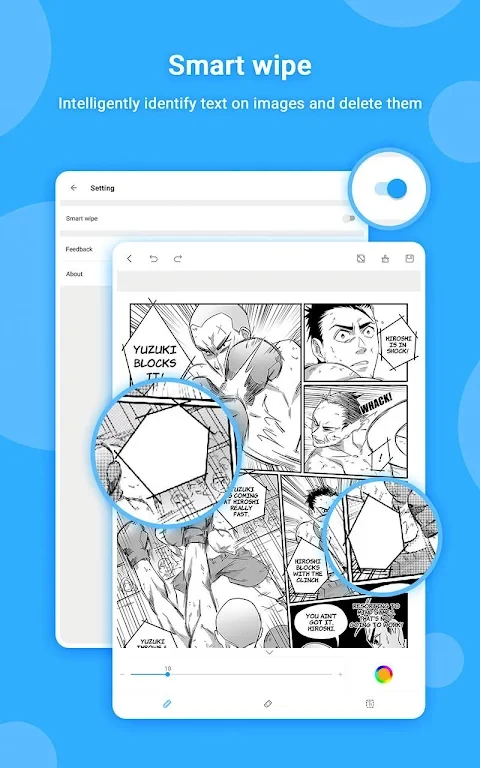
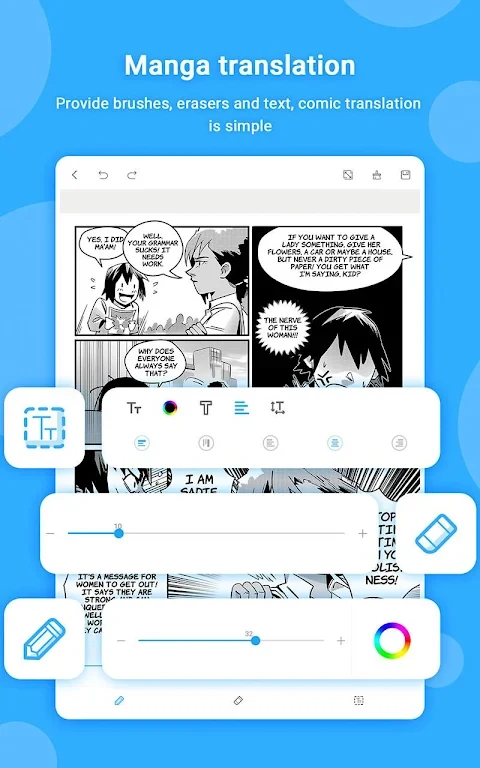
The smart wipe feature automatically recognizes text on pictures and can erase it in one go. For more targeted work on comics, the app also offers a magnifying glass function and a brush that can be resized, so users can adjust their approach while clearing text from an image.
What options are available for adding replacement text?
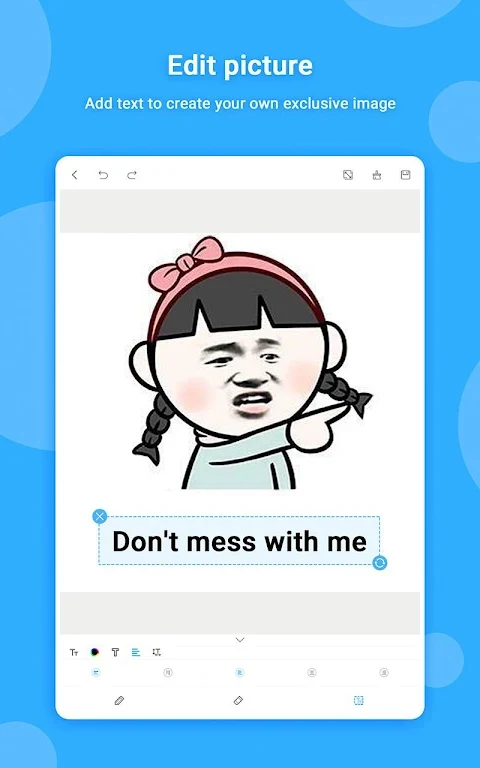
iEditor includes a text tool for adding lettering to images. Users can change text size and color, as well as adjust alignment and spacing. These controls can be used when preparing translated text or otherwise personalizing an image; the source describes editing tools, but does not specify automatic translation between languages.
Can users match text colors to an image?
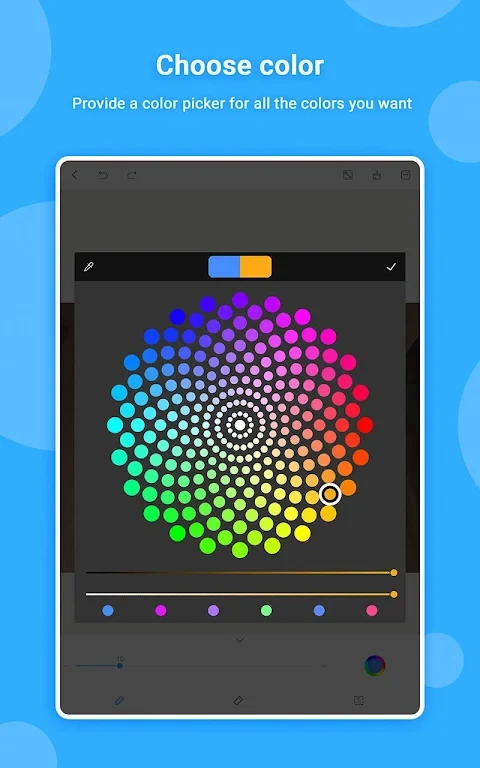
The color picker provides access to different colors, and its straw tool can sample a color directly from an image. This can help users choose lettering colors based on the picture they are editing, alongside the app’s text size, alignment, and spacing controls.
How does the book feature organize comic projects?
Users can create multiple books, customize their covers, add chapters, and organize pictures and chapters within them. This makes the app relevant to manga readers or creators who want to arrange edited images as a larger collection, as well as those who only need to work on single pictures.
Who might find these tools useful?
The features are aimed primarily at people translating or editing manga, including hobbyists and professional translators. The app can also be used to edit and add text to other types of images, so its image lettering tools are not limited to comics. Its book organization options may suit users who want to group pictures into chapters and create personalized covers.