

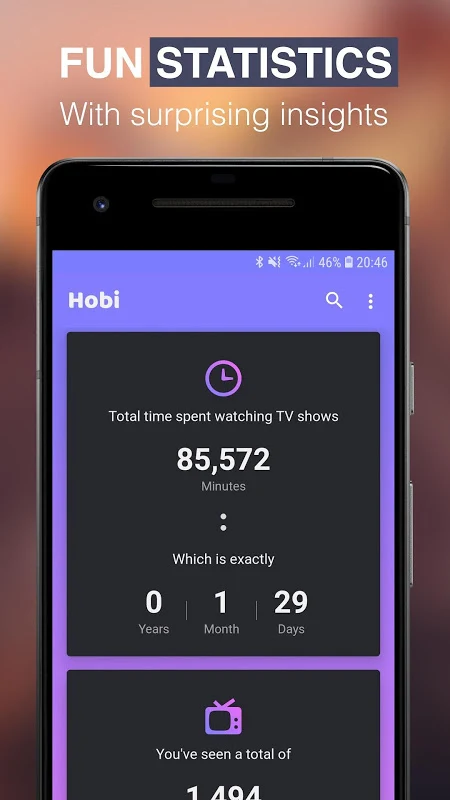
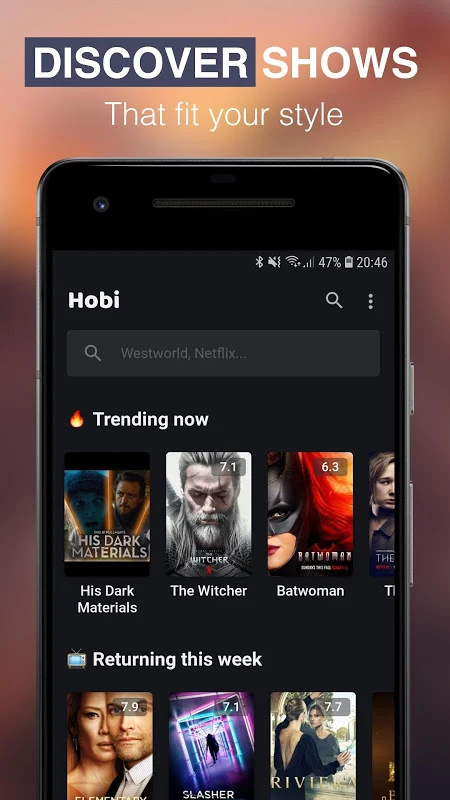
Hobi is an Android app in the Media & Video category, listed as version 2.1.11, for keeping track of television series. According to its listing, it combines a searchable series guide with tools for marking episodes, following upcoming releases, and receiving reminders. The sections below group the capabilities described in the listing.
Tracking the shows you watch
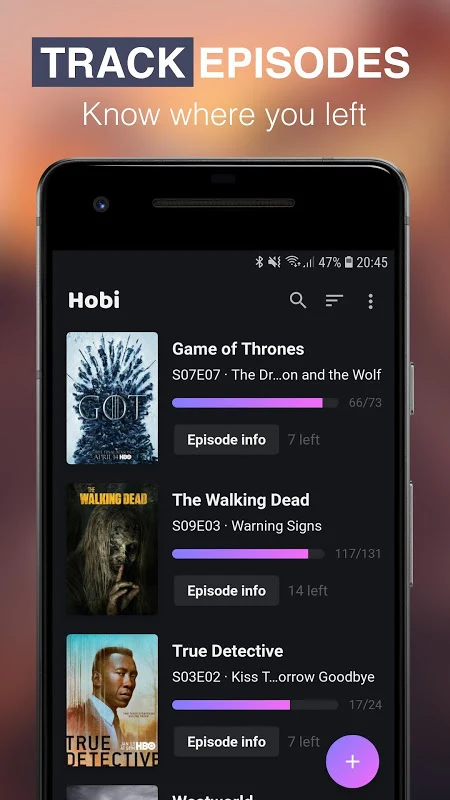
The app includes a built-in TV tracker that records which episodes you have seen, so you can pick up where you left off. Its listing says you can mark episodes as watched, browse all episodes for each show, and view the next episode you should watch along with its details. A count of unwatched episodes and an overview of upcoming and unwatched episodes are also mentioned, which helps you see how much is left in each series.
Discovering and browsing series
Hobi offers a search function and a series guide that the listing says contains more than 50,000 shows. Users can explore trending and top-rated series, see which channel or network a show airs on, and check the latest releases from various networks. The guide also includes premiere dates and lets you look at upcoming episodes and seasons, which supports finding new series to add to your list.
Reminders and notifications
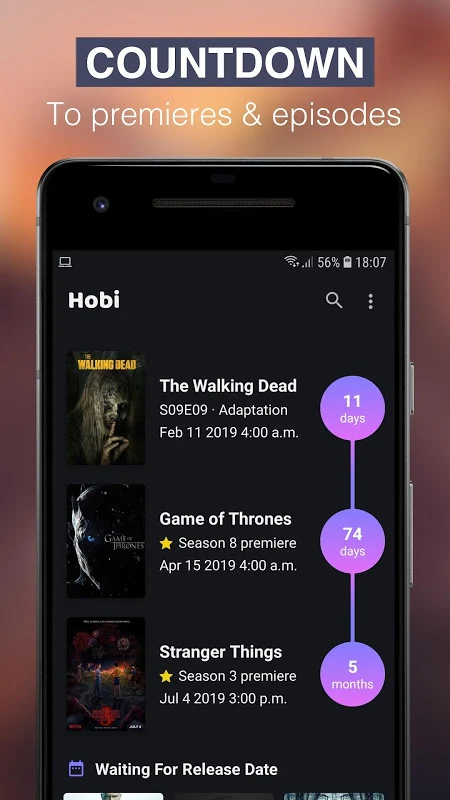
Notifications are a major part of the app. The listing describes alerts for new season premieres, notifications when new episodes become available, and countdowns to the next episode. Reminders can be set for each series, and the listing says notifications can be customised and fully controlled by the user.
Trakt integration and backup
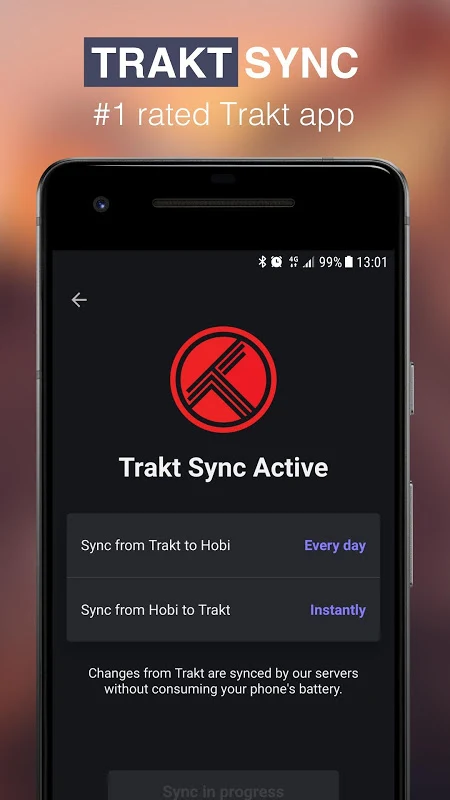
Hobi supports Trakt.TV integration and sync, which the listing says keeps up-to-date information available across devices. The app can also back up your shows and your full list of watched episodes to Trakt or Google. Because these features depend on a Trakt account or a Google backup, users who rely on those services will want to check how they are set up within the app.
Episode notes and details
The listing mentions detailed information for each series and episode, along with the ability to make notes on individual episodes and rate them. These options are presented as part of the app's series manager, which the listing describes as customisable.