

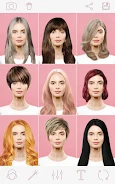
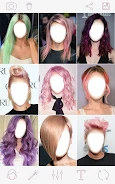
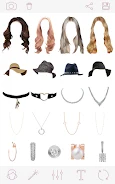
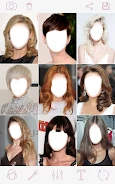
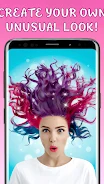
Hairstyles is a photography app for trying out haircuts and hair colors on your own photos. Its listing describes a simple flow: upload a picture, choose a hairstyle, and share the resulting image. The app is aimed at people who want to see how a new look might suit them before visiting a salon.
How the photo montage works
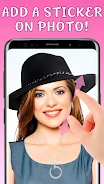
The core function is photo montage. According to the listing, you add a hairstyle to a photo you have uploaded, and the app shows the edited result. The listing claims a change takes about five seconds, though that timing is the developer's own description and has not been independently checked.
Hairstyle collection
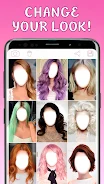
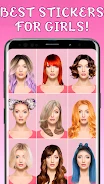
The app includes a collection of styles that the listing says covers different hair types. Examples named in the description include long styles, pink hair, glamorous looks, and playful designs. Because the collection is the main source of choices, the range of styles you can try is the main factor in how useful the app is for your particular goal.
Editing options and sharing
The listing mentions filters and text options for adding finishing touches to your images, along with support for high-resolution photos. It also says you can share your results directly from the app, which fits its purpose of comparing looks and sending a preview to someone else for feedback.
Trying looks to choose a style
The listing presents the app as a virtual makeover tool. Its guided selection feature is described as a way to test several looks on the same photo, so you can compare them side by side and narrow down your preference. The description does not explain how the guidance works in detail, so you should judge the results by your own review of the previews.