

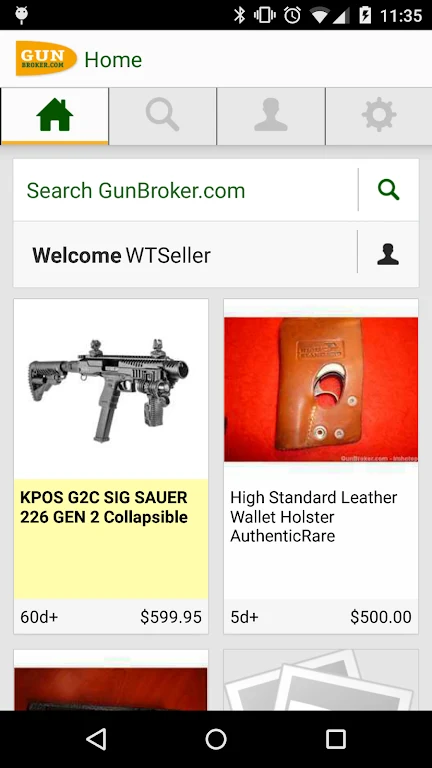
GunBroker is a mobile marketplace for browsing, bidding on, and buying firearms and accessories listed by third-party sellers. Its main purpose is to give buyers and sellers mobile access to listings, auction activity, purchasing options, and transfer-related information.
Search and monitor listings
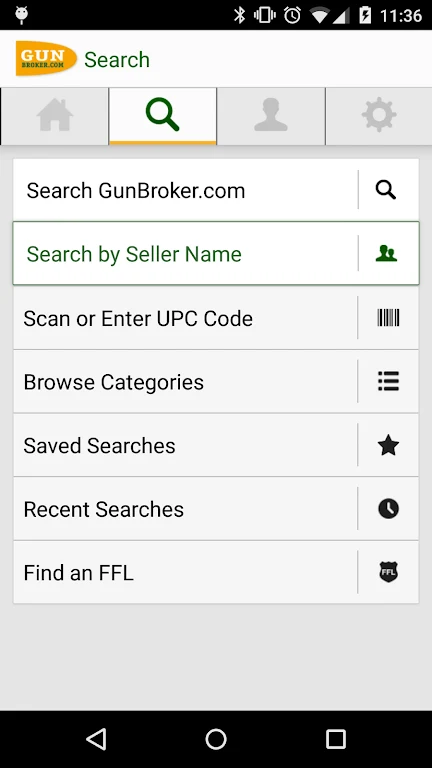
The app supports item searches through a mobile-optimized browsing interface. Buyers can use advanced search tools, including searches by seller username, UPC, or seller name. When a search needs to be followed over time, users can save it and place individual items on a watchlist. These controls help organize listings that a buyer may want to review, bid on, or purchase later.
Notifications can be configured for saved-search matches and auction activity. Buyers can receive alerts about auctions that match their criteria, while sellers can receive device notifications when an item sells. The app also provides a way for sellers to monitor items, bids, and sales while away from a desktop browser.
Bidding and purchasing options
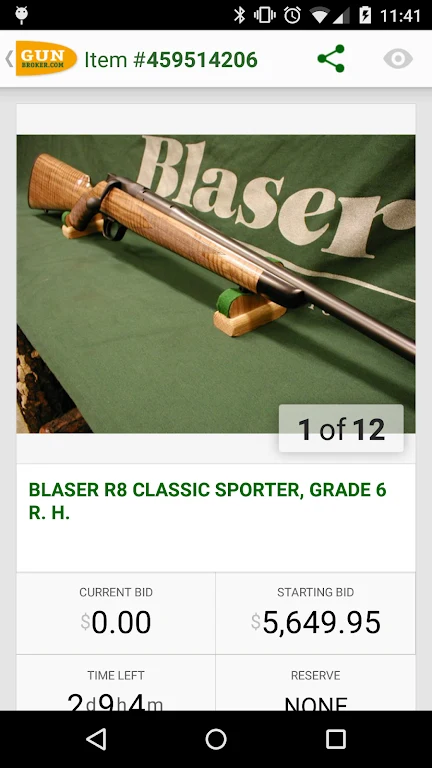
Third-party sellers can list products in an auction format, where buyers submit bids, or use the BuyNow! and Fixed Price options for immediate purchase at a set price. Buyers can browse these listings, place bids, or buy items through the app. After an item is won or purchased, the buyer pays the seller directly according to the transaction.
Seller activity and communication
The My GunBroker area groups buying and selling activity in one place. Sellers can review their listed items, see which listings have bids, monitor sales, and update payment, FFL, and shipping statuses from the app. The selling interface also supports contacting the buyer of an item, giving sellers a mobile way to follow the transaction after a sale.
FFL search and transfer steps
For an item that requires an FFL transfer, the buyer must locate a transfer dealer and provide the dealer's information to the seller. GunBroker includes an FFL Finder that can search by ZIP code or device location, and it maintains a list of FFL holders willing to manage transfers to unlicensed persons. The seller ships the firearm to the selected FFL, which performs NICS before transferring the firearm to the buyer. FFLs typically charge the buyer a transfer fee.
If an item does not require an FFL, the source information states that it is shipped directly to the buyer. Transfer requirements and ownership policies are handled through licensed firearms dealers acting as transfer agents.