

Overview
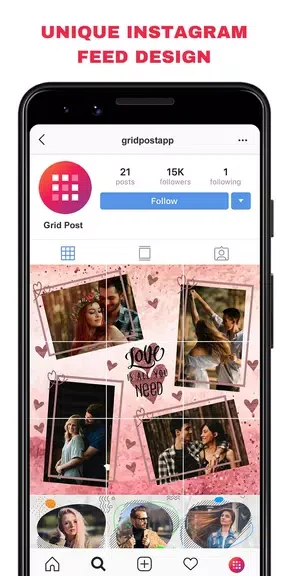
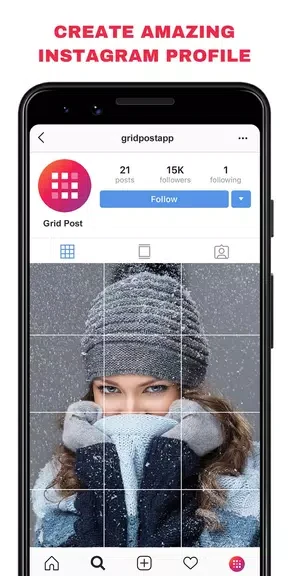
Grid Post - Photo Grid Maker lets users turn rectangular photos into grid arrangements suited for Instagram feeds. The app supplies five grid sizes—3X5, 3X4, 3X3, 3X2, and 3X1—along with collage templates, allowing people to combine several images into single posts or swipeable sequences. Additional tools include color customization for overlays, more than 55 filters, over 120 overlays, text, fonts, stickers, and watermark placement. A dedicated panorama crop function splits wide images into square sections that can be uploaded as carousel albums. These elements together support the creation of varied visual content without requiring separate editing programs.
What You Can Do
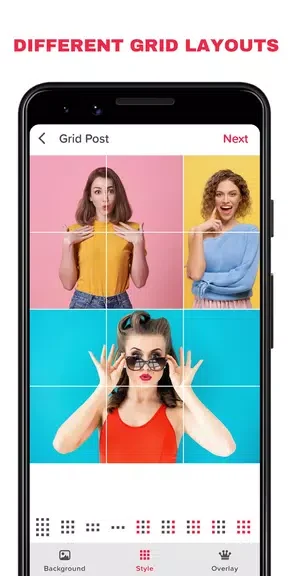
⭐ Select from the five available grid dimensions to fit a chosen number of photos into one layout for an Instagram post.
⭐ Apply one of the provided collage templates to arrange multiple images into a single cohesive design.
⭐ Add overlays and grid styles, then adjust their colors to match a preferred aesthetic.
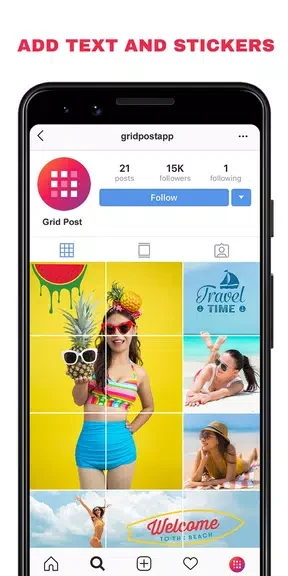
⭐ Use the editing set that contains 55-plus filters, 120-plus overlays, text options, artworks, fonts, stickers, and custom watermark insertion.
⭐ Activate the panorama crop tool to divide a wide image into several square pieces ready for carousel upload.
Using the App
Users begin by choosing a grid size or template, then import photos and position them within the layout. Overlays and styles can be selected next, with color adjustments applied directly to match the desired look. Editing proceeds with filters, text, stickers, or logos added in sequence. The panorama crop option is accessed separately when a wide image needs division into squares for Instagram's carousel feature. Everyday workflow centers on experimenting with layouts and refinements until the final grid or collage meets the intended feed style.
Why It May Appeal
✅ The range of grid sizes and collage templates supports different post formats without external tools.
✅ Built-in editing options such as numerous filters and overlays allow on-the-spot enhancements before export.
✅ The panorama crop function provides a direct route to creating swipeable multi-image posts that fit Instagram's album format.