
What can you do in the GreenEmployee app?
GreenEmployee is built for employees who want to reach their work account from a mobile device. According to the app description, its main functions include viewing pay statements, clocking in and out of shifts, uploading receipts for expense reports and creating time off requests. These tasks are gathered in one place for the GreenEmployee.com account, so employees do not need to move between separate platforms or systems to handle them.
How are pay statements presented?
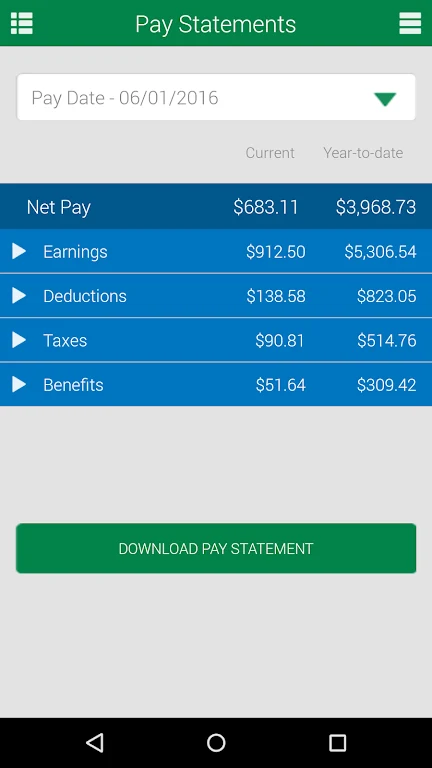
The app lets employees view consolidated pay statements without searching through paper files or waiting for emails with attachments. Statements are organized inside the app, which allows employees to review their earnings and deductions. The description presents this as supporting transparency and accuracy in payroll. That is the stated purpose of the feature rather than an independently verified result.
Does the app track working hours?
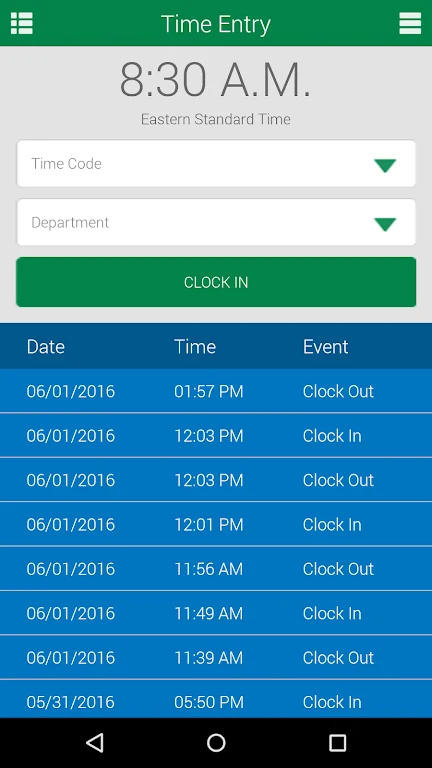
The clock-in and clock-out feature is intended to record work hours in the app instead of relying on manual time sheets or punch cards. The description says this provides an attendance record that employees can use to follow their worked hours, which the source links to accurate pay computation.
How are expense receipts handled?
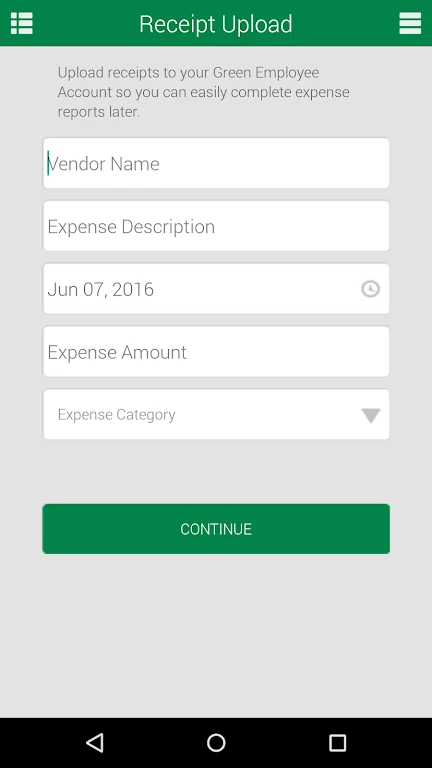
Employees can upload receipts from their mobile devices when documenting expenses for expense reports. The description states that this reduces the need for physical receipts and manual data entry, which the developer presents as lowering the chance of lost or misplaced receipts. These benefits are claims made in the description and have not been independently confirmed.
Can a time off request be changed after submission?
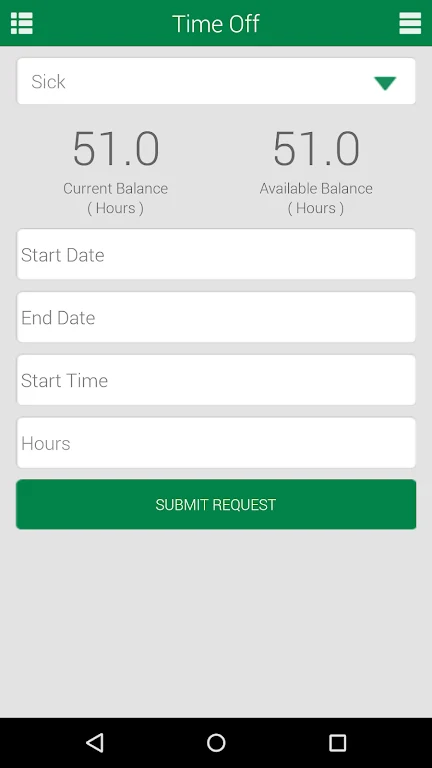
The description says employees can open the time off request feature after submitting a request and modify or remove it as needed. Changes may be subject to HR approval or company policy, so a request can still depend on internal review.
Why might some features be unavailable?
Access to each feature is tied to the company's settings. If a function is missing or an employee needs additional access, the description advises contacting the HR administrator directly. Because availability varies by employer, a feature described in the app listing may not appear for every user.