

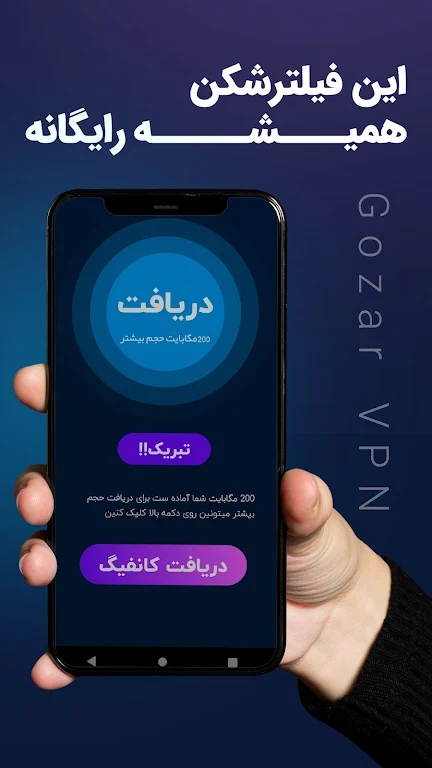
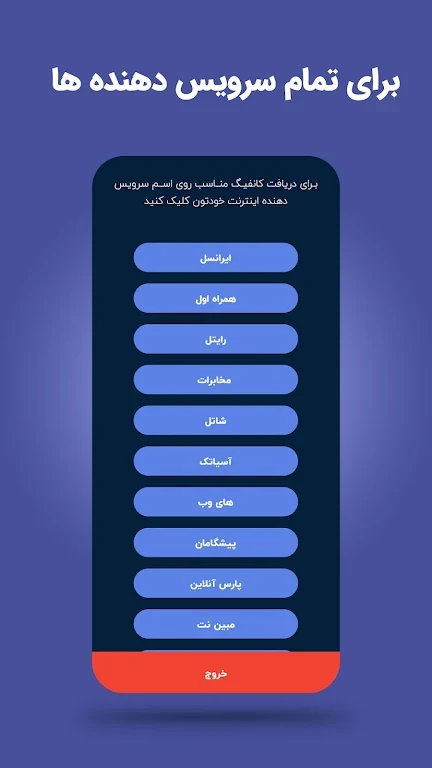
Gozar VPN helps Android users set up a V2Ray-based VPN connection with a configuration suited to their browsing needs. The app provides free configurations and gives users controls for adjusting how a connection is set up. Its purpose is to bring those controls together in one interface, rather than requiring every user to keep the same settings.
Adjusting a V2Ray configuration
The app's settings menu is where users can create a personalized configuration. The described controls include choosing a server, enabling or disabling certain features, and adjusting encryption settings. These options let users make a configuration that reflects their preferences before using the VPN. The source describes the interface as straightforward to navigate, with configuration controls available to people who do not have extensive technical knowledge.
Using the connection for everyday activity
Gozar VPN is presented as a tool for internet activities such as browsing websites, streaming content, and downloading files. A user can choose the available settings for a configuration, then use the resulting VPN connection for those activities. The ability to change a server or other options matters when a user wants a different setup, rather than a single unchangeable configuration. The supplied information does not specify which servers are available or how a particular configuration affects access to a given service.
Privacy-related connection features
The app description identifies encryption and IP-address masking as privacy-related functions. Encryption settings are among the configuration controls, so users can consider those options as part of setting up a connection. IP masking is described as another part of how the VPN handles online activity. These features explain the app's privacy purpose, but the source does not provide technical details about the encryption protocols or evidence for an absolute level of protection.