

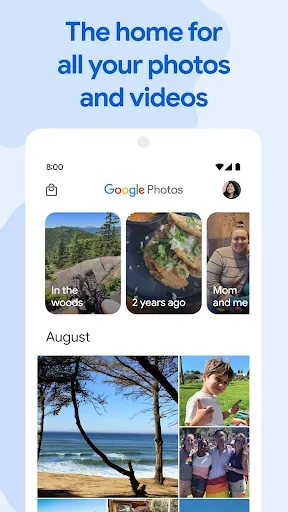
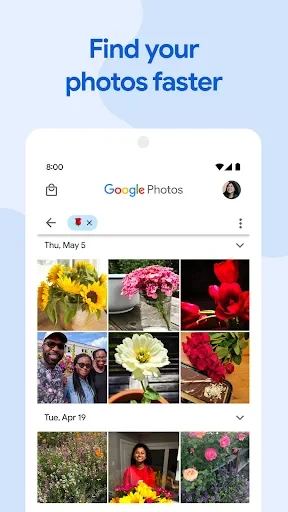
Google Photos helps you keep photos and videos backed up, organized, and easier to find, while freeing device storage by removing local copies that have already been backed up. Its library combines chronological browsing with search for people, places, and things, so revisiting an older image need not mean scrolling through every recent capture. You can also edit images, make albums, and share selected items. Photos and videos backed up to a Google Account are available on signed-in devices and at photos.google.com, with 15 GB of cloud storage shared across Google services.
Browse by date or search by what is pictured
The main library presents photos and videos in chronological order, with dates to help orient browsing. Scrolling through the feed lets you move between newer and older media; moving a finger along the right edge of the screen provides a quicker way to jump back several years. This can be useful when you remember roughly when a picture was taken but do not know its album or location.
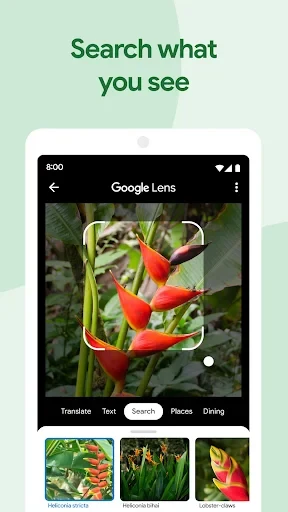
The search area offers another route into a large collection. Media can be grouped around people, places, or things, and the search box can help locate images by subject. For example, searching for “pizza” can surface pictures and videos in which pizza appears. Ask Photos also supports natural-language queries, such as looking for a beach sunset from the previous summer. When you want to use information in an image rather than simply find it, Google Lens can detect text and objects, allowing actions such as copying or translating text and looking up items.
Back up a library and manage device space
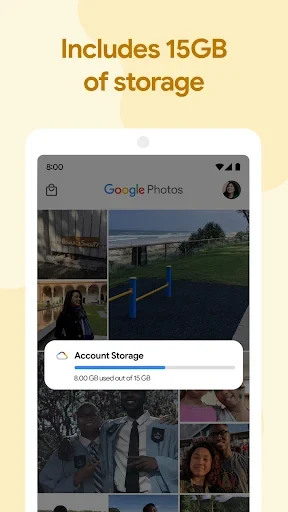
When backup is enabled, new photos and videos upload automatically to your Google Account. The backed-up library can then be viewed on other signed-in devices or through photos.google.com, which is useful when changing phones or viewing media away from the device where it was captured. The included cloud allowance is 15 GB shared across Google services; additional storage is available as an upgrade if needed.
If the phone is running low on space, Google Photos can remove local copies that are already backed up. This is a way to reclaim device storage while keeping those backed-up items available in the online library. The removal option applies to copies that have been backed up, so checking backup status matters before clearing local files.
Edit, arrange, and keep selected items apart
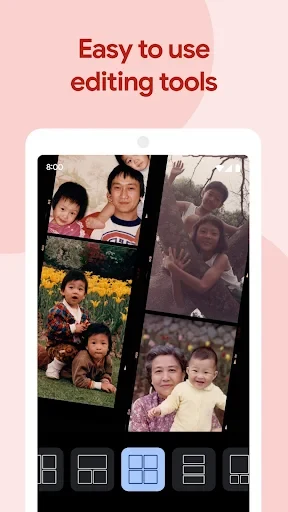
Editing tools include Magic Eraser, Unblur, and Portrait Light for making changes to images, as well as Remix for collages and Photo to video for simple animations. The app also offers adjustments such as cropping, rotating, and changing lighting or color. These options let you make common corrections or create a quick visual treatment within the photo library rather than moving the image to a separate editing app.
Organization combines automatic groupings with albums you create yourself. Google Photos can assemble media around cities, people, pets, and things, while custom albums can collect a chosen set, such as scanned childhood photographs or pictures from university. Photo Stacks group similar shots so it is easier to review them together and identify a preferred version. Screenshots and documents can be moved into dedicated folders to reduce their presence in the main feed, and Locked Folder provides a separate place for selected sensitive pictures outside the main library view.
Revisit memories and share or make keepsakes
Curated Memories bring forward past trips, events, and other moments, offering a way to revisit them without searching the full collection. The app can also create movies, collages, and animations automatically, or let you make such creations yourself. These options turn stored images into a selection or a simple presentation rather than leaving every photo as an individual item in the feed.
To share media, you can send a link or choose contacts; recipients can view shared items without installing the app. Shared albums allow people to contribute their own photos, and shared libraries can be used by two people to share photos of a specific person or event. For physical copies, Google Photos offers photo books, prints, and canvas, with photo books available to order from a phone or computer. These sharing and print options suit different needs, from passing along a few images to collecting contributions or choosing pictures for a tangible keepsake.