
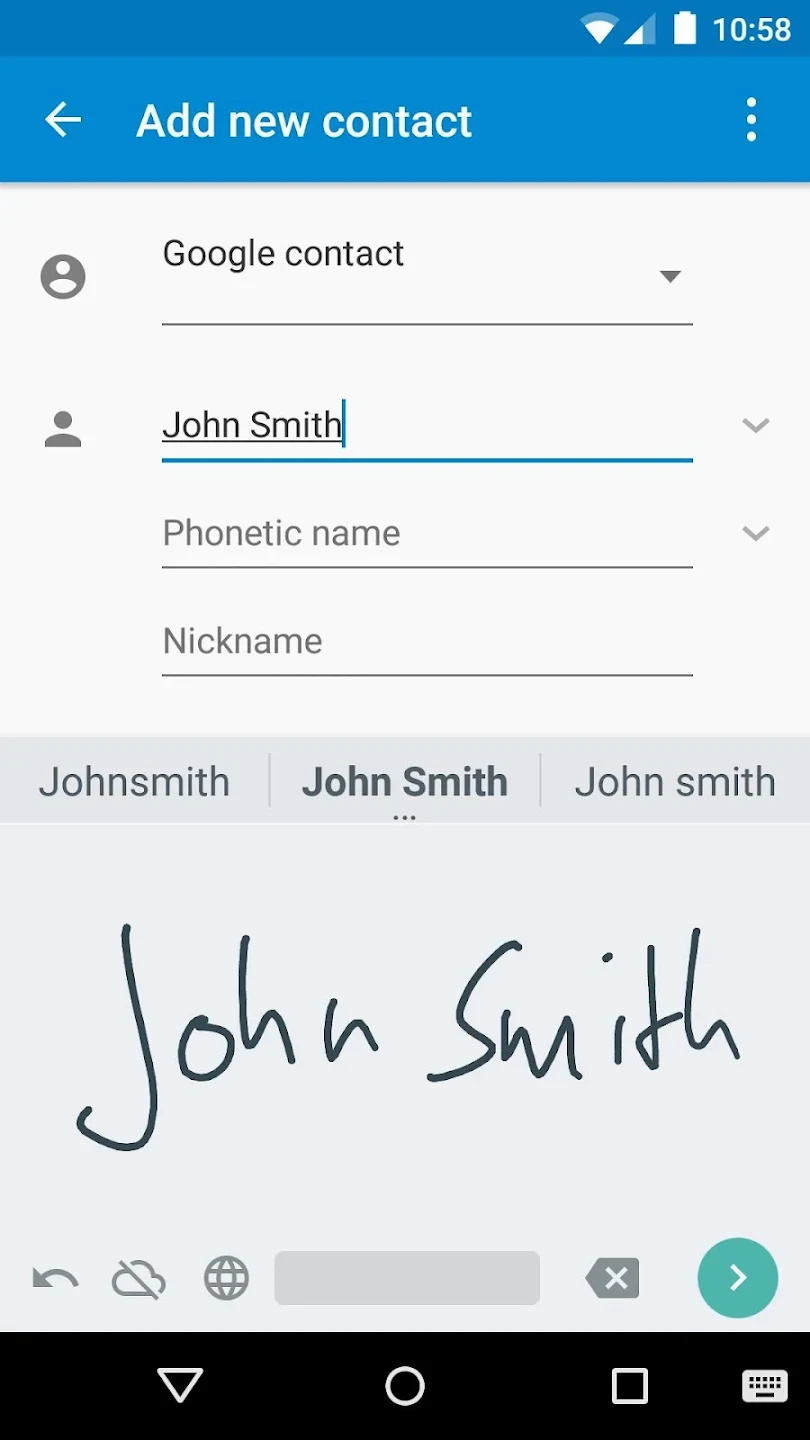
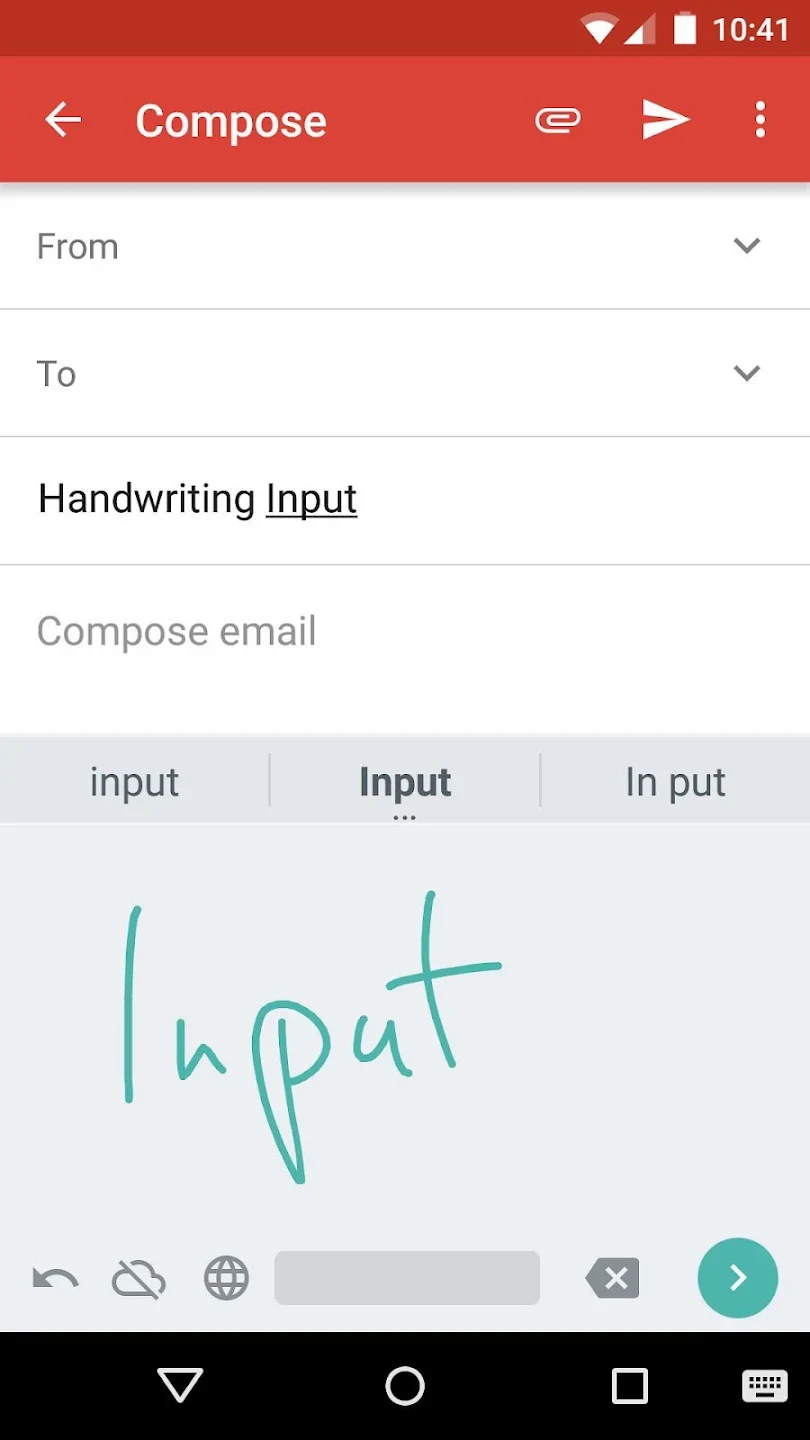
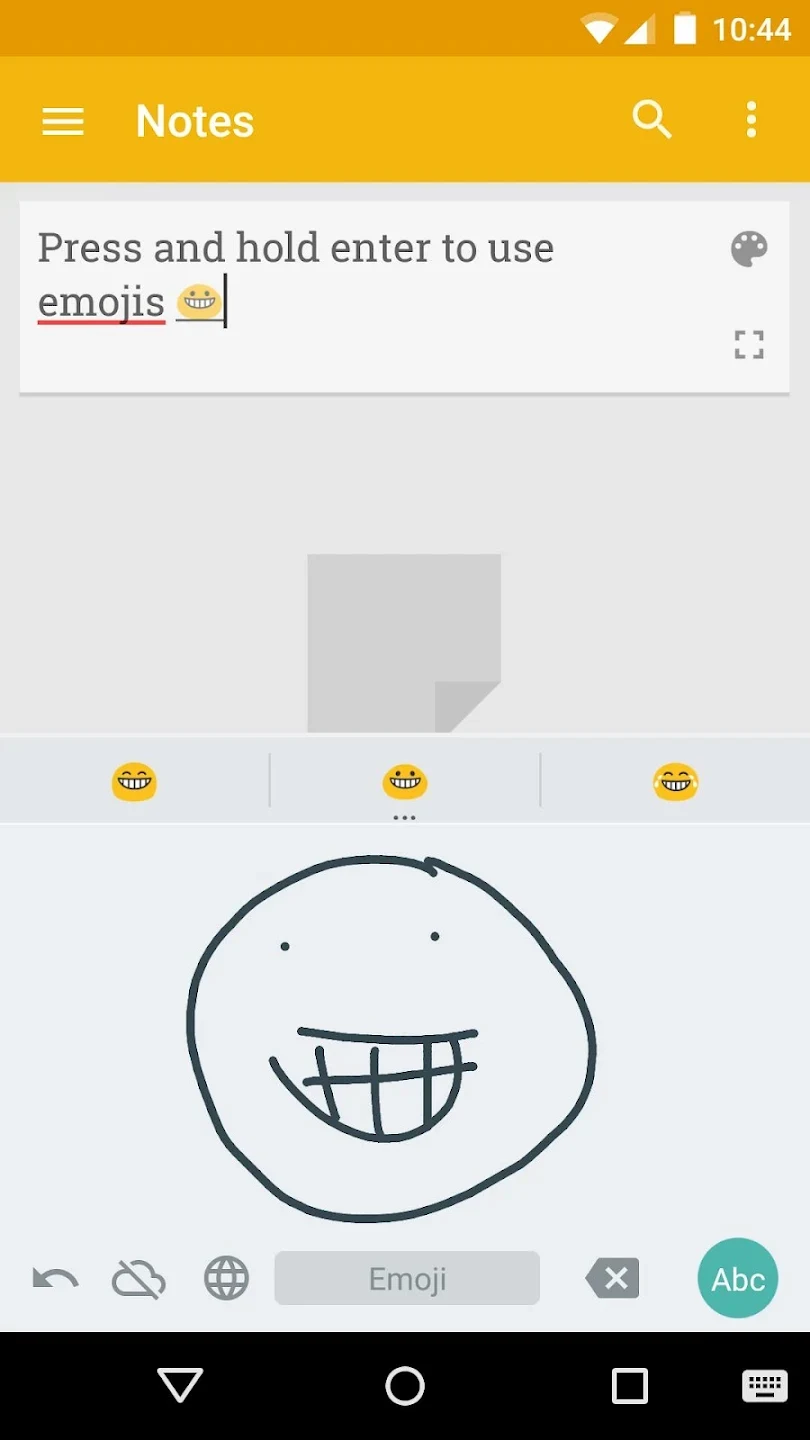
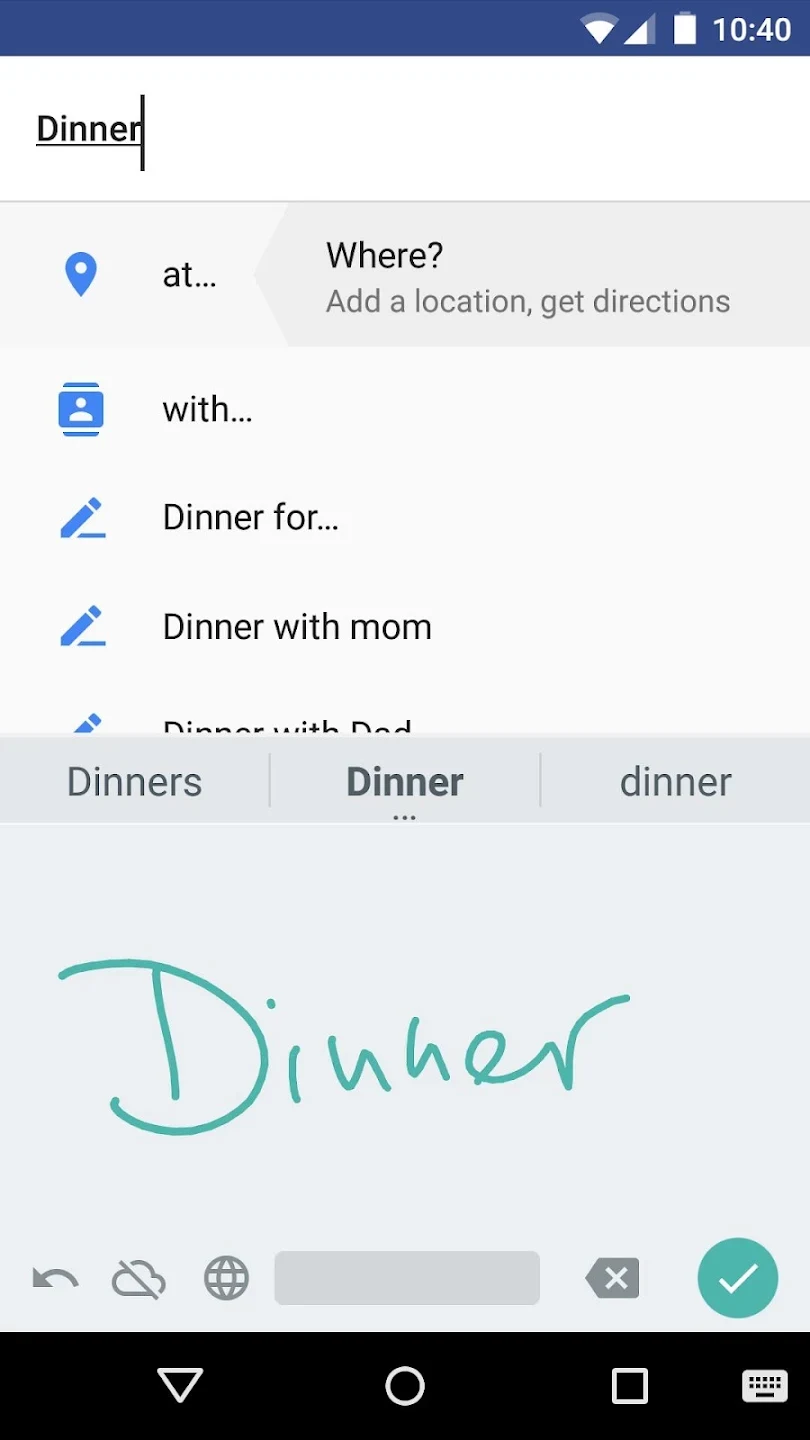
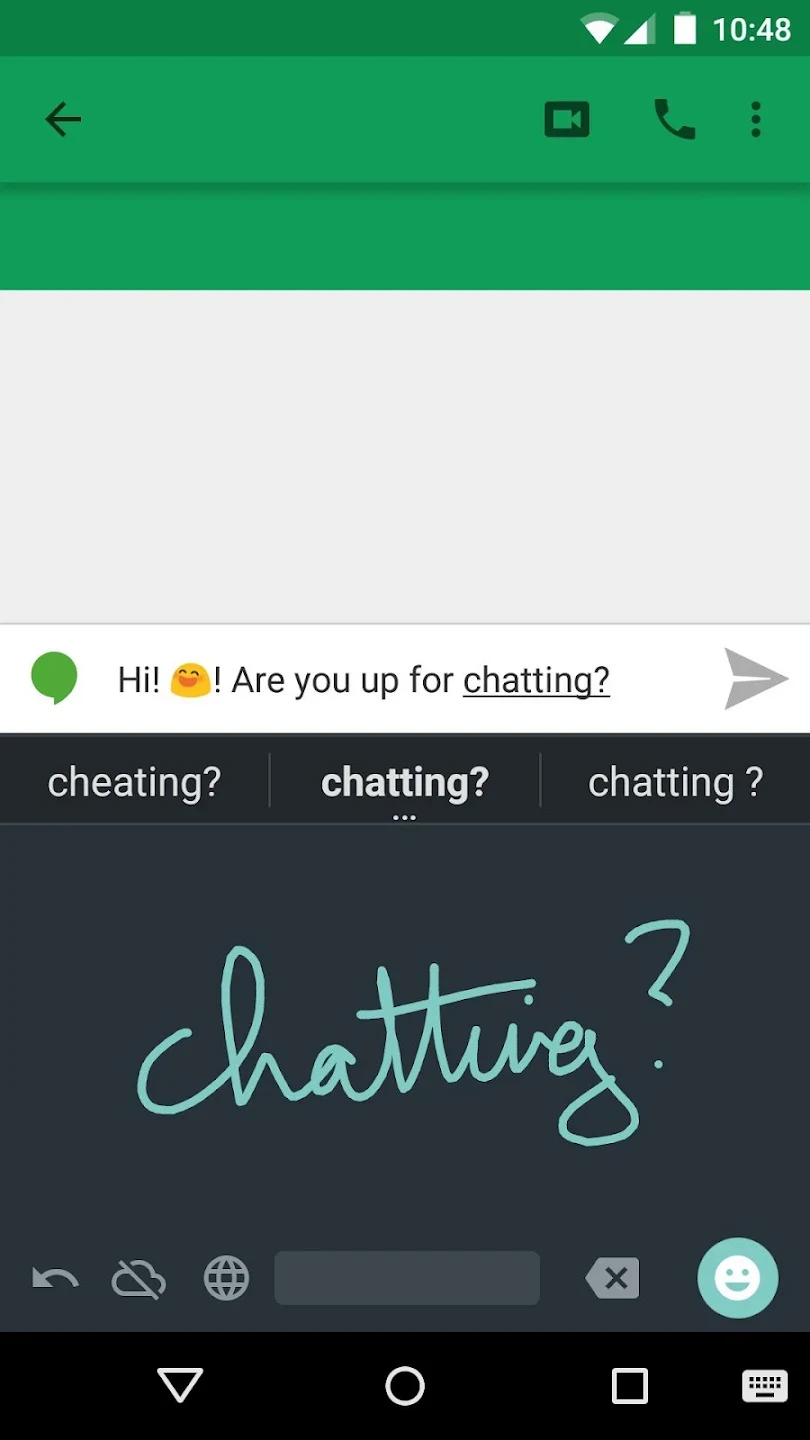
Google Handwriting Input is a versatile keyboard input tool designed for smartphones and tablets that lets users communicate through handwriting and voice input. The application addresses the challenge of inputting text directly onto touch screens, supporting up to 100 languages. Its clearest supported benefit is high recognition accuracy, interpreting block letters, italics, and even drawn emojis regardless of handwriting style, while serving as a useful complement to standard touchscreen typing or voice input.
How does handwriting recognition handle different writing styles?
The application excels at accuracy by effectively identifying both printed and cursive writing. Even sloppy or difficult handwriting is consistently translated with reliable precision, making it hard to trick the app. It works very well with most types of writing and proves especially useful for languages with a large number of characters or complicated symbols, where writing out symbols can sometimes be faster than managing standard text layouts.
Can you customize how the input responds to your writing speed?
While the time from writing a word to seeing it translated on screen is relatively quick, the application operates alongside traditional touchscreen keyboards and voice input methods. To help manage input pacing, users can adjust the delay before the writing moves away within the settings to match their individual preferences. Additionally, longer words or phrases can be accommodated by writing partial words, utilizing two lines, rotating the device to landscape orientation, or using partial overlap.
How do you manage multiple languages and emojis?
The app supports multiple languages that can be toggled in just a few steps. By going to settings and selecting input languages, users can disable the system language default and choose any supported languages, though enabling additional options may require downloading extra recognition data. For visual communication, the tool allows you to enter drawn emojis. Emoji recognition can be accessed by long-pressing the return button, or by tapping it directly when using certain short message text fields.
Who might find this keyboard tool helpful?
This application may appeal to users who enjoy the novelty of writing directly on their mobile device or tablet screen. It is particularly beneficial for individuals working with complex symbol-based languages where traditional keyboards can be cumbersome. Although traditional keyboards with predictive text generally offer faster speeds for general daily typing, this tool provides a robust alternative for handwriting enthusiasts and anyone needing reliable character recognition.