

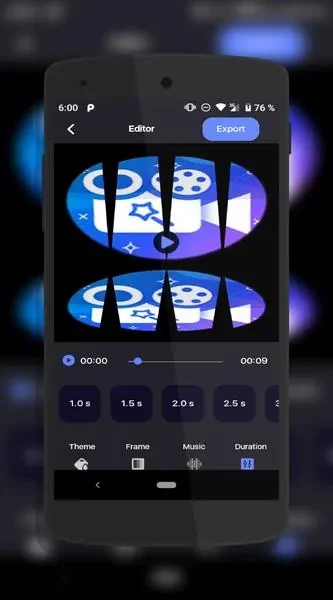
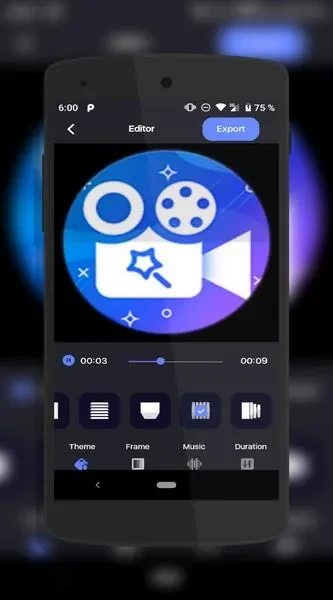
Glitch Video Effect is designed for turning a set of photos into a slideshow video. The app's main workflow starts with choosing images from your gallery, then arranging them into a sequence with music, effects, and visual styling. According to the app description, the goal is to make video creation quick, with only a few steps.
Building a slideshow from your photos
The core function is selecting favorite photos from your gallery and combining them into a slideshow. From there, you can add background music to set the mood and apply special effects to enhance the sequence. The description also mentions effects and transitions between images, which helps the sequence feel more dynamic.
Adjusting timing, orientation, and framing
Each photo can be refined before export. The app offers controls for timing, rotation, and cropping, so you can change how long each image appears, correct its orientation, and adjust how it is framed within the video.
Editing images and adding drawings
Glitch Video Effect also includes image editing and on-screen drawing. These tools let you personalize a slideshow by marking up or modifying visuals directly on the screen, rather than relying only on the original photos.
Themes, stickers, and style
To give a slideshow a more finished look, you can apply themes and add stickers. The description presents themes as a way to give a project a polished, professional appearance, although the specific theme options are not detailed in the source.
Types of videos you can make
The app is described for several kinds of short content. These include funny short films suited to YouTube Shorts-style formats and picture movies made from still images. The description calls the app versatile, but it does not list other video formats or export settings.