
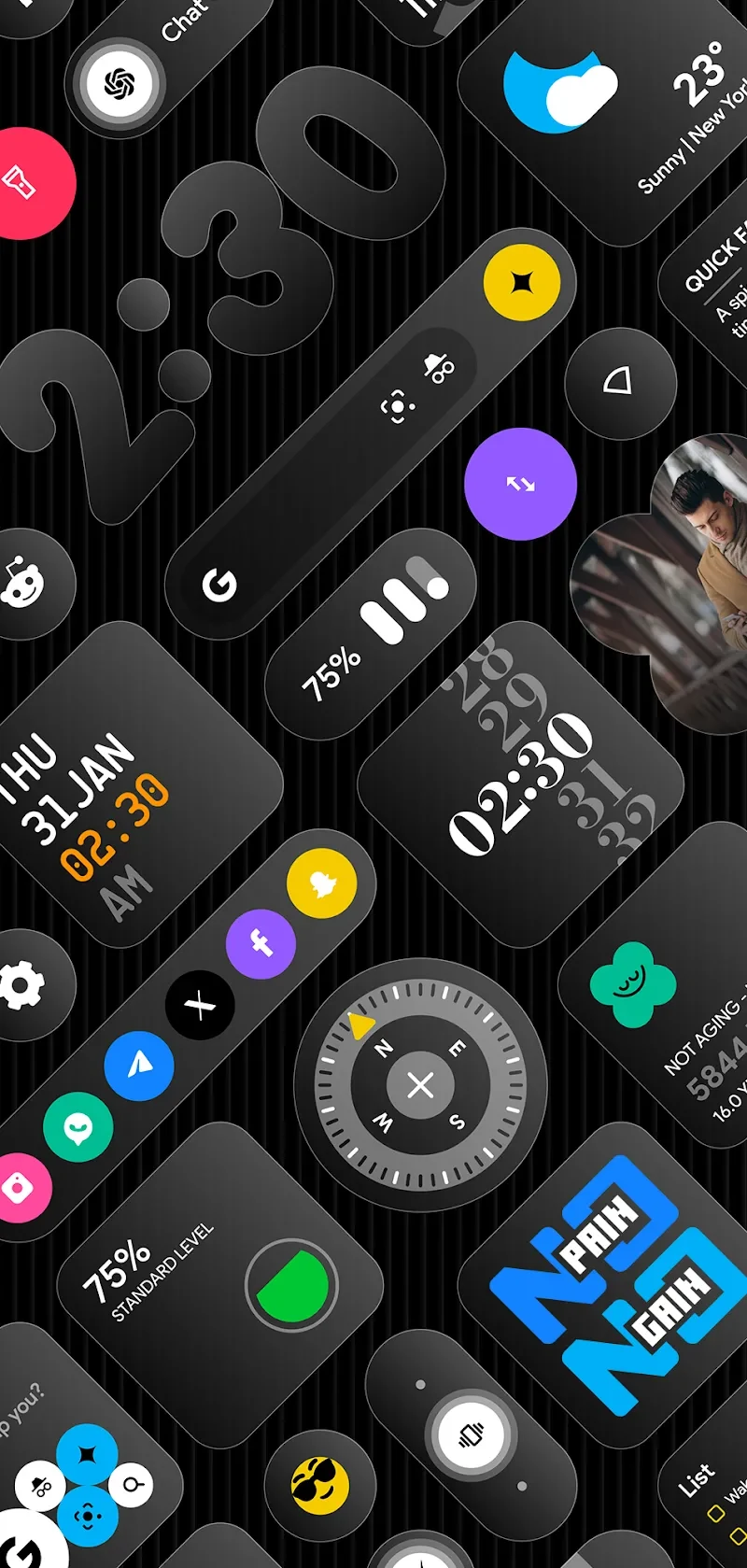
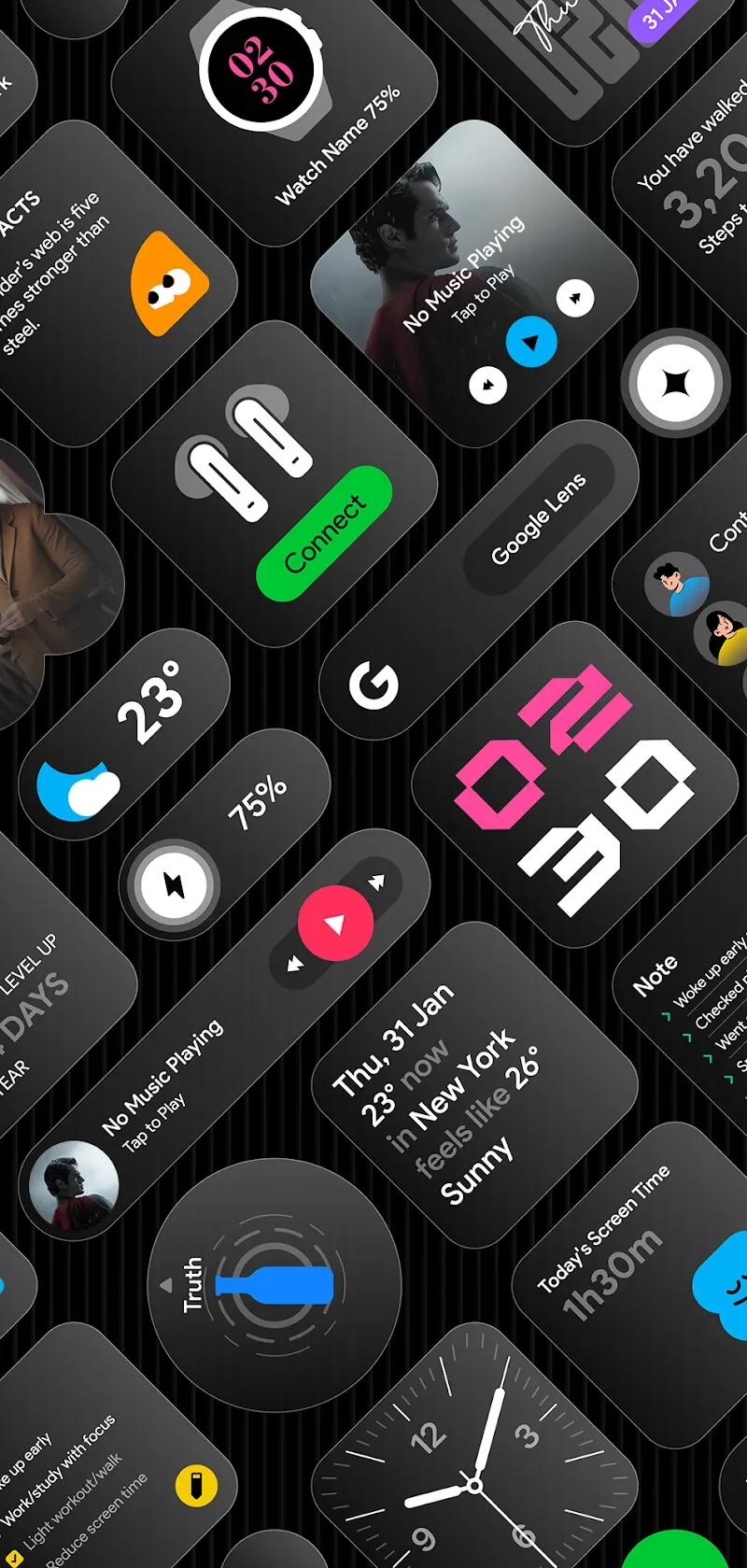
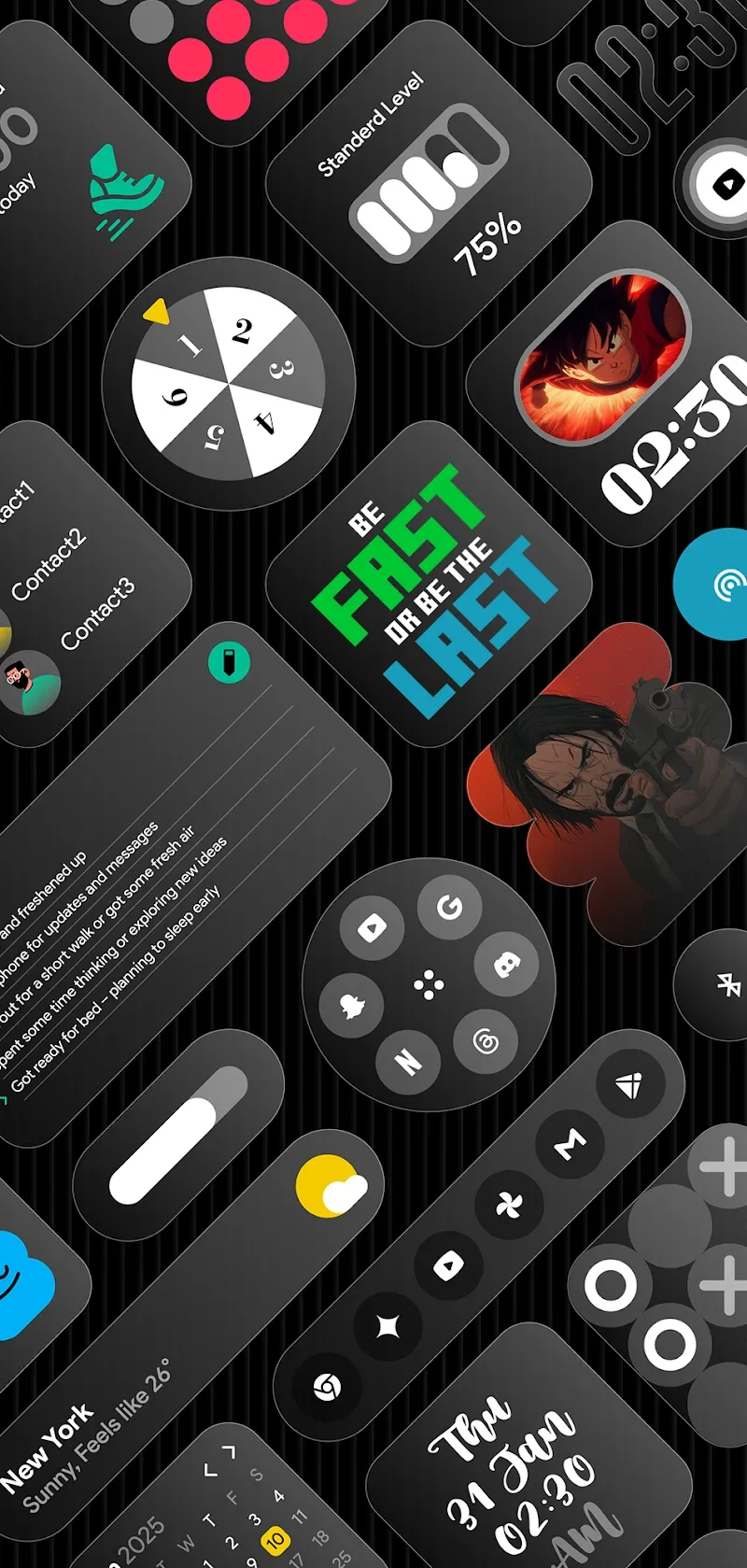
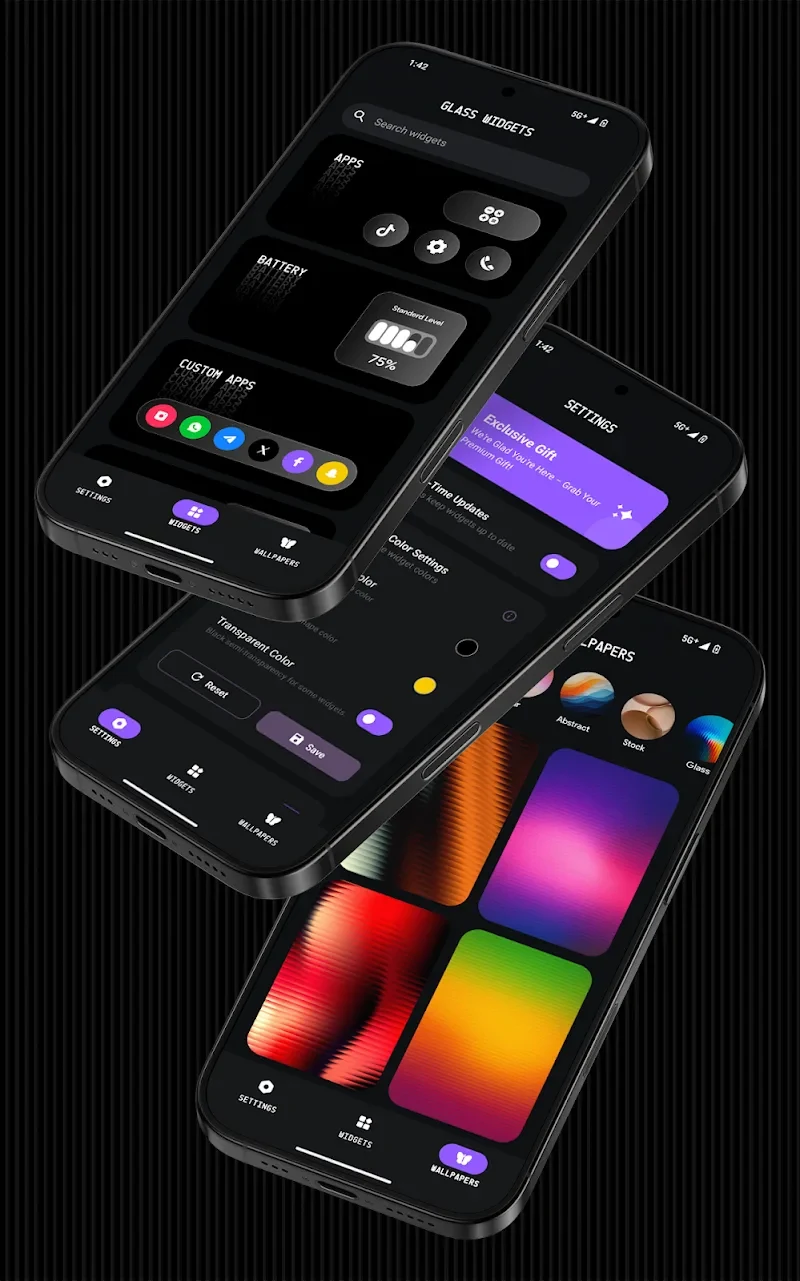
Glass Widgets is an Android personalization app focused on changing the appearance and information shown on a phone's home screen and lock screen. It combines glass-style widgets with themed wallpapers and icons, giving users a way to coordinate the visual design of their device while adding at-a-glance tools such as weather, battery status, calendars, and device information.
What kinds of widgets are included?
The collection covers several everyday information and control needs. Clock widgets include digital, analog, flip, and minimalist designs, with layered visual effects. Weather widgets can show temperature, conditions, humidity, and forecasts against transparent backgrounds. Calendar widgets are intended for dates, events, and schedules, while battery widgets present information such as charging status, temperature, and battery health.
Other available categories address more specific uses. Health widgets can display steps, movement, and basic fitness metrics. Notes and list widgets support quick note-taking from the home screen. Music widgets provide playback controls in a minimal interface, and photo widgets can display photos, albums, or slideshows inside glass-style frames. Device information widgets show details including RAM usage, storage, and network strength.
Can it provide controls as well as information?
Yes. The quick-settings category includes glass-designed buttons for functions such as Wi-Fi, Bluetooth, the flashlight, and mobile data. The source also describes quote and fact widgets for showing motivational lines, fun facts, or daily thoughts. These options make the collection broader than a purely decorative widget pack, although the supplied information does not specify every control available on every device.
How can the visual style be customized?
Glass Widgets emphasizes frosted and transparent surfaces. The light, blurred backgrounds are designed to keep widget content visible while allowing the wallpaper to remain part of the overall composition. Transparency can be adjusted to suit the user's preferred appearance and the selected wallpaper, and the listing says widget colors can be customized to match a personal color scheme.
The widgets are described as responsive, with their size, layout, and position adapting to different screen ratios. This is intended to keep the design balanced on both smaller and larger Android displays and when widgets are arranged horizontally or vertically. The source also mentions choosing a size and adjusting layout through KWGT Pro, while separately describing the app as ready to use without KWGT or another additional app. Because those statements describe different setup paths, the exact requirements for each customization option are not fully clear from the supplied information.
Does the app include wallpapers and icons?
In addition to widgets, the app offers a library of wallpapers and icons organized around multiple themes. The source specifically lists 45 4K wallpapers, presented as designs selected to coordinate with the frosted-glass appearance. Users can preview the wallpaper collection before applying an image, and the described color range extends from softer tones to more prominent styles.
Where can the widgets be used?
The supplied description says the widgets are designed for both the Android home screen and lock screen. This makes the collection relevant to users who want the same visual approach across more than one device screen. Actual availability and behavior may depend on the Android device and its launcher, but no specific compatibility list is provided.
Are new designs described as part of the app?
The resource library is described as receiving regular additions, including new wallpapers, icons, widget designs, and other interface resources. This indicates that the available selection may change over time, although the source does not provide a fixed update schedule or state how many designs are currently available beyond the stated wallpaper collection.
What practical requirements and performance claims are documented?
The listing presents Glass Widgets as an instant-setup option and says it does not require KWGT or another separate app for basic use. It also describes battery optimization intended to support smooth operation without excessive battery drain. These are claims in the supplied app description rather than independently verified results. The listed app version is 1.3, but no minimum Android version is provided; the source field labelled minimum_os contains “Android Votes: 162,” which does not establish an operating-system requirement.