

Gif Your Game gives players a place to share gaming clips, keep moments they want to revisit, and connect with others through gaming content. Its tools also support editing and reshaping clips before they are shared.
Saving and shaping gaming clips
When you want to bring a gameplay moment into the app, the source describes two ways to add clips: use the PC clipping tool or save clips directly from the mobile app while playing. It says rendering and editing are handled automatically after a clip is saved. The app also lists time transformation, remixing, and stitching among its clip features, as well as favoriting clips for later reference.
Sharing clips and exploring other players’ posts
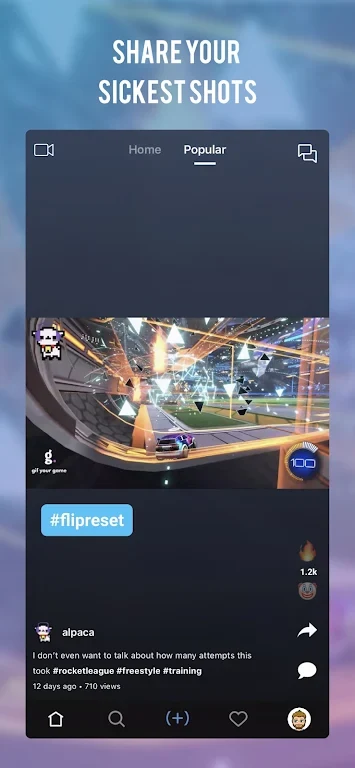
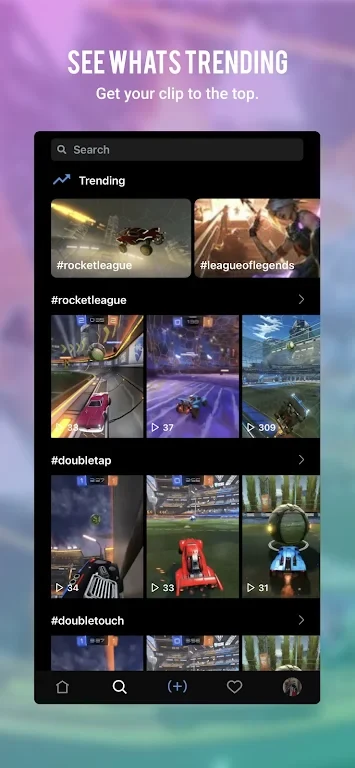
For players who want to show their gameplay to others, clips can be shared with the Gif Your Game community. The app also lets users watch clips made by other people and explore trending content. When a clip is ready to leave the platform, it can be shared to social networks such as Facebook, Twitter, and Instagram, or sent through messaging apps. These options provide ways to share gaming moments both within the app and elsewhere.
Taking part in contests
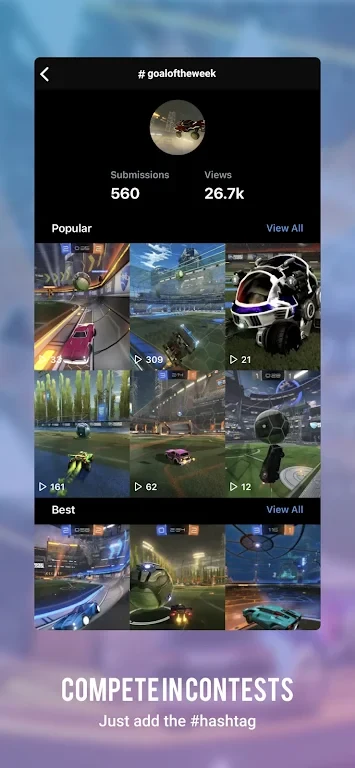
Players can submit clips to contests organized through the app. The description says the community votes on submissions and that contests offer a chance to win cash prizes. This gives clip creators a contest format in which to present their gameplay or creative edits, alongside ordinary sharing.
Keeping in touch with the gaming community
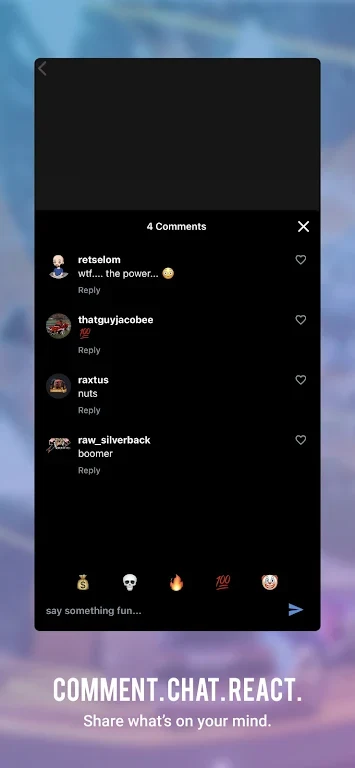
Private messages and comments let users communicate with friends, followers, and other people on the platform. These features support direct conversations as well as responses to shared clips, bringing social interaction alongside clip discovery and contests.