

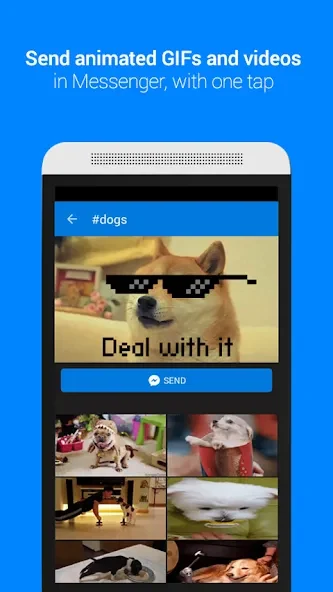
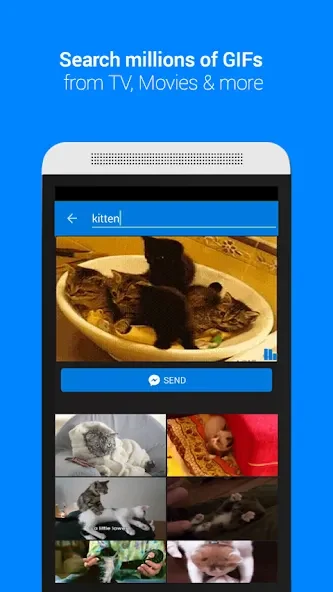
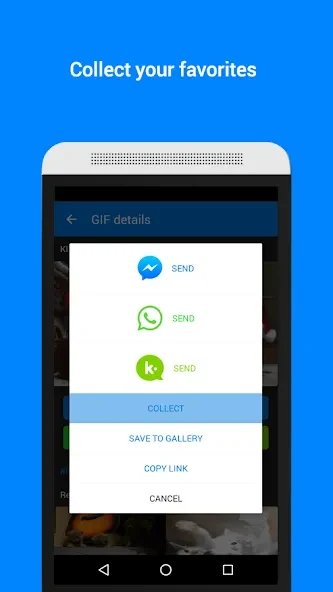
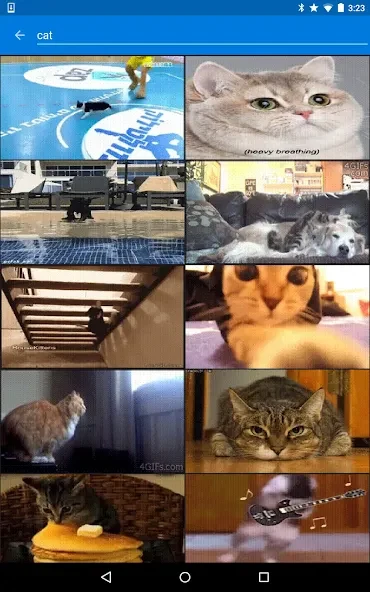
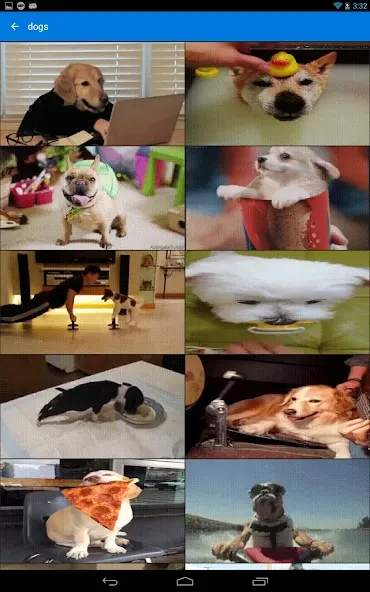
GIF Keyboard by Tenor provides a direct way to locate and send GIFs or videos while composing messages on Android. The app draws from a library of millions of files that users can reach without leaving their current conversation, helping convey emotions or share reactions that text alone may not capture. Search works through typed keywords or emoji input, and results draw from categorized collections such as reactions or trending topics. This setup supports quick selection during ongoing chats with friends, family, or colleagues.
Locating content through search and categories
Users enter keywords or select emojis to query the library, which returns matching GIFs and videos. When a specific term does not come to mind, category browsing surfaces options grouped by reactions, trending topics, and similar themes. The two approaches work together so that a broad category scan can lead into a refined keyword search for the most suitable file.
Keyboard integration for sending
Once a GIF or video is chosen, it can be inserted straight into the active message field. This removes the need to switch between separate applications or copy files manually. The integration keeps the focus on the conversation while still allowing access to the full library at any time.
Developer API access
Developers can request an API key to embed Tenor search capabilities inside their own applications or websites. This option extends the same library to external projects, letting third-party services offer similar GIF selection features without building their own collection.
Limitations to consider
The app does not include tools for editing GIFs or photos, and available content is restricted to files already approved within the Tenor library. These constraints mean users must rely on existing material rather than creating or modifying visuals on the device.