
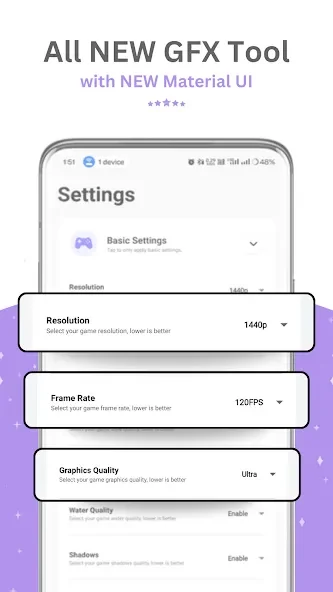
GFX Tool is an Android game utility for adjusting supported in-game graphics settings. It is intended for players who want to change visual options such as resolution and graphics quality, rather than configure each setting manually. The app provides more than 25 ready-made GFX packages and controls for options including anti-aliasing and shadows. Its listed graphics range runs from very low to very high, and it includes settings described as HDR and UHD support. The source also mentions frame-rate options, but gives conflicting maximum figures, so 90 FPS support should not be assumed.
Which game settings can you adjust?
The listed controls include resolution, graphics quality, anti-aliasing, shadows, and audio quality. A potato-graphics option is also mentioned, alongside HDR and UHD graphics settings. Users can choose a preset package or adjust available options themselves; the source describes the settings as free to access.
How do you apply a configuration?
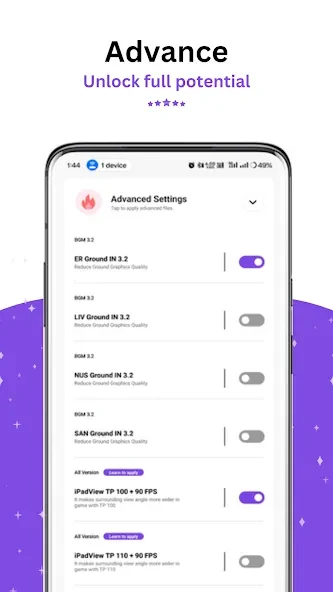
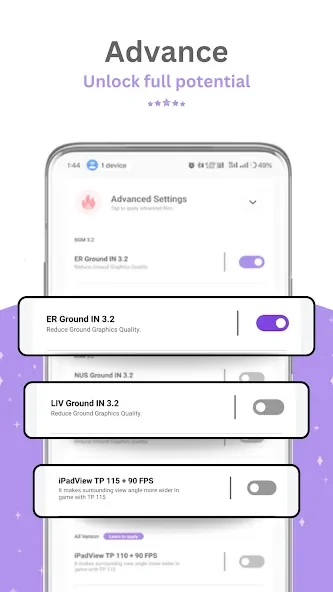
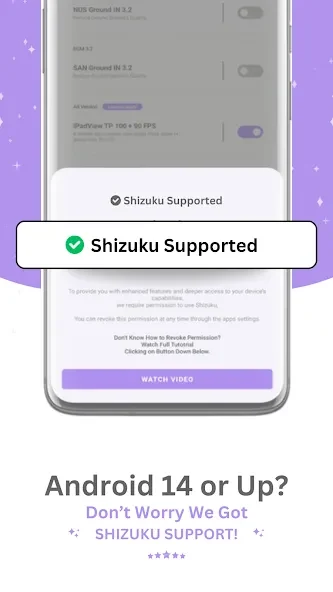
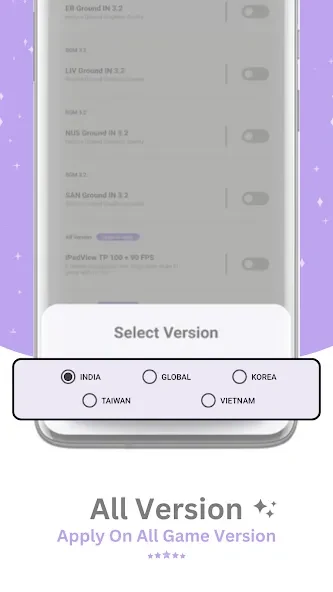
The described process is to open GFX Tool, grant the required permissions, select the game version, and customize settings such as frame rate or view controls. Tapping “Activate” applies the configuration, after which the instructions say to start the game. The source mentions an iPad-style view control, but user feedback reports that this option may not work for everyone.
What should you know about performance and navigation?
The app is presented as a way to tune graphics and frame-rate settings, including for lower-end devices, but this does not establish that it will eliminate lag or improve performance on every device. Its frame-rate claims are inconsistent: the description states a maximum of 60 FPS, while the feature list says up to 90 FPS; a user comment also reports that 90 FPS was unsupported.
Who may find GFX Tool useful?
It may suit players who want presets or direct access to graphics adjustments for a supported game version. The source describes the interface as simple, but also notes that excessive ads can make it difficult to navigate. The app is listed as supporting Android 11 and requiring Android 5.0 or later, and says it supports all game versions; these claims do not guarantee that every setting will work in every configuration.