
Geode lets you find, install, and manage Geometry Dash mods without manually editing the game’s APK. Its in-game catalog gives players a way to explore community-made changes, whether they want additional features, gameplay adjustments, or different visual elements. Bringing discovery and installation into the game means less switching between separate tools when choosing modifications. Alongside these player-facing functions, the open-source framework includes developer resources and interface components for people who want to build mods, making it useful for both customization and mod development.
Browse and manage mods inside the game
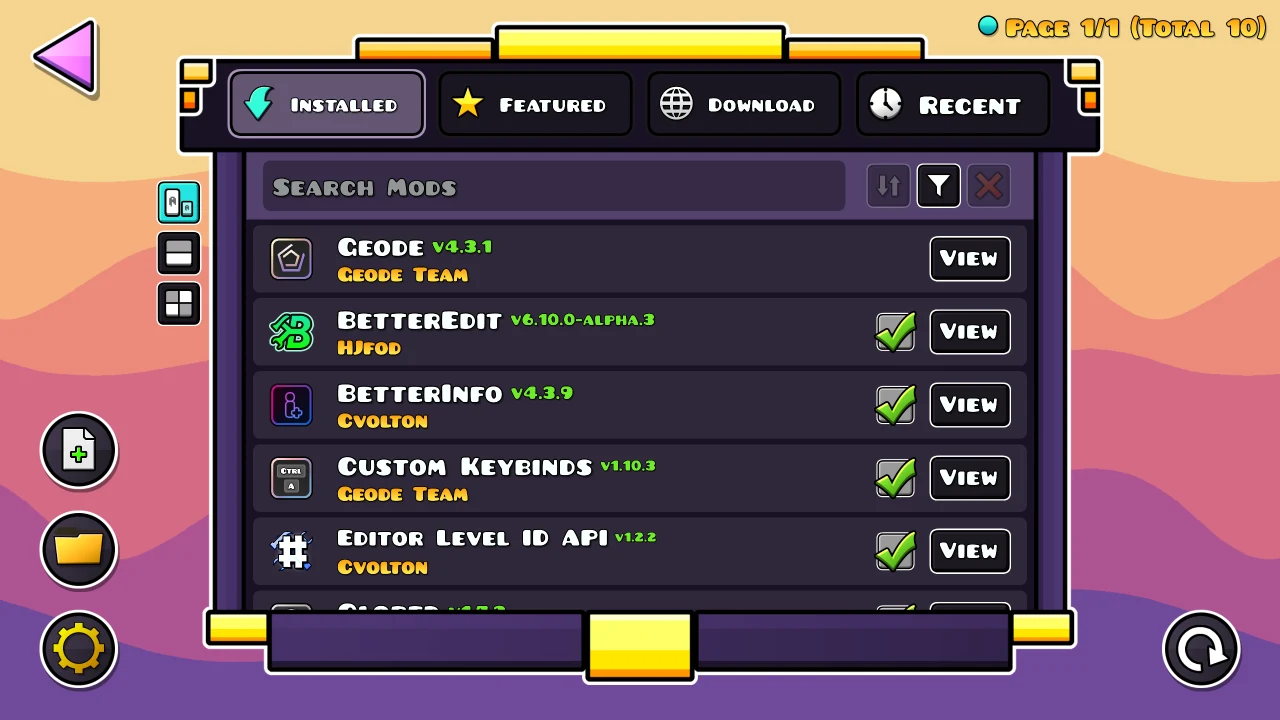
On Android, Geode works with the official version of Geometry Dash and adds a mod list accessible from the game’s main menu. A unified interface brings browsing, installation, and management together. You can enable or disable mods without reinstalling the game, allowing you to change which modifications are active without repeating the full game setup.
The community catalog covers different types of customization, including gameplay changes and extra visual elements. Contributions from players and mod authors provide options to explore for different play styles.
From launch to installation
The supplied setup guidance starts with having the latest version of Geometry Dash installed, followed by installing the Geode APK. Open Geode and tap Launch in its main menu to start Geometry Dash. Once the game opens, the Geode icon in the main menu provides access to available mods and add-ons.
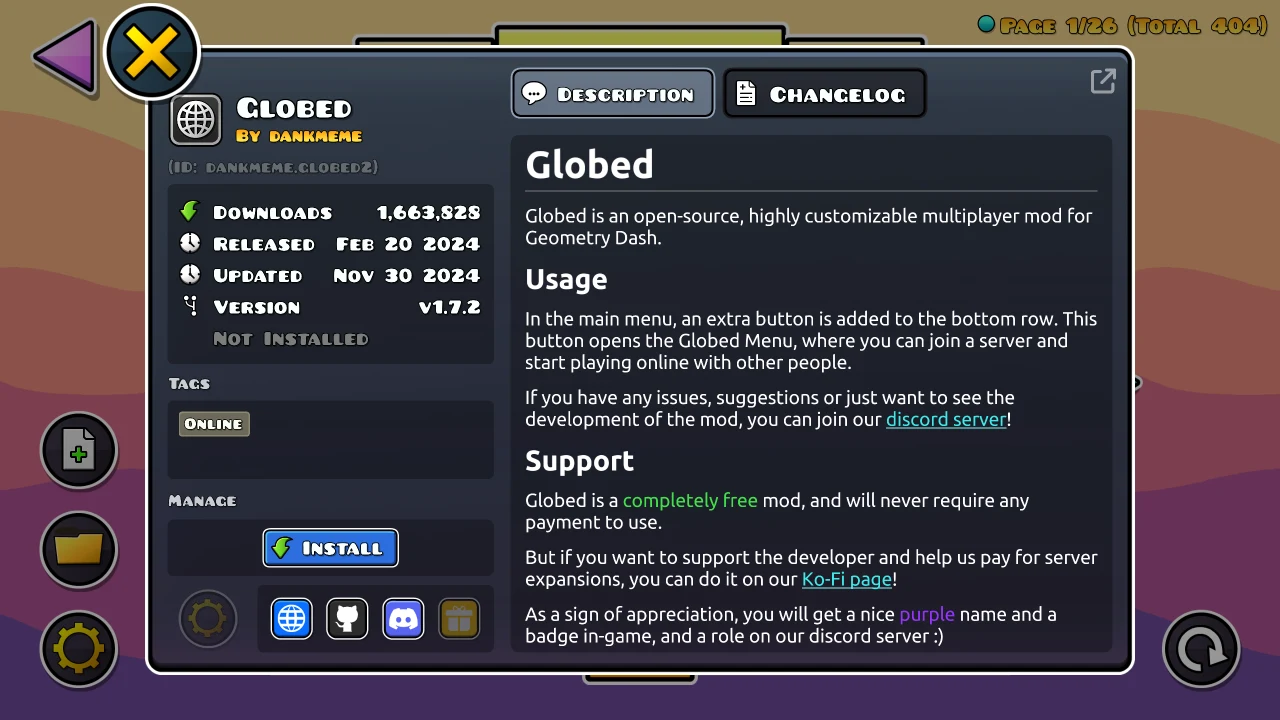
The Featured tab highlights mods to browse. For a selected mod, tap Get to view its details, then press Install. Restart the game afterward to apply the changes. This restart is part of the described installation process, even though managing enabled mods does not require reinstalling Geometry Dash.
Resources for mod creators
Geode includes developer tools and UI components intended to reduce repetitive implementation work, leaving more attention for mod logic and testing. Because the framework is open source, developers can inspect its code and contribute improvements rather than relying only on the player-facing interface.
Support beyond Android
The framework also supports Windows, macOS, and iOS. Its shared approach to mod management is relevant to players using different devices and to authors preparing mods for more than one platform.