


GeForce NOW helps Android users play supported PC games without installing each title on their phone or tablet. After signing in and connecting compatible game-store accounts, players can launch games they own and keep their progress associated with those original accounts. The service can be useful when a desktop is unavailable, because supported phones, tablets, TVs, and some other devices can access the same cloud gaming service. A reliable internet connection is required, and available games, membership benefits, and session access vary by plan and location.
Connect existing game libraries
The service works with major PC game stores, allowing users to link accounts from Steam, Epic Games Store, Ubisoft Connect, and EA. The supplied information also identifies Battle.net, GOG, and Xbox among supported stores. This account-based approach means that eligible games already purchased through a connected store can be launched through GeForce NOW rather than managed as separate Android installations. Game progress remains tied to the relevant original account, which supports moving between supported devices without starting over.
Browse supported titles and free-to-play games
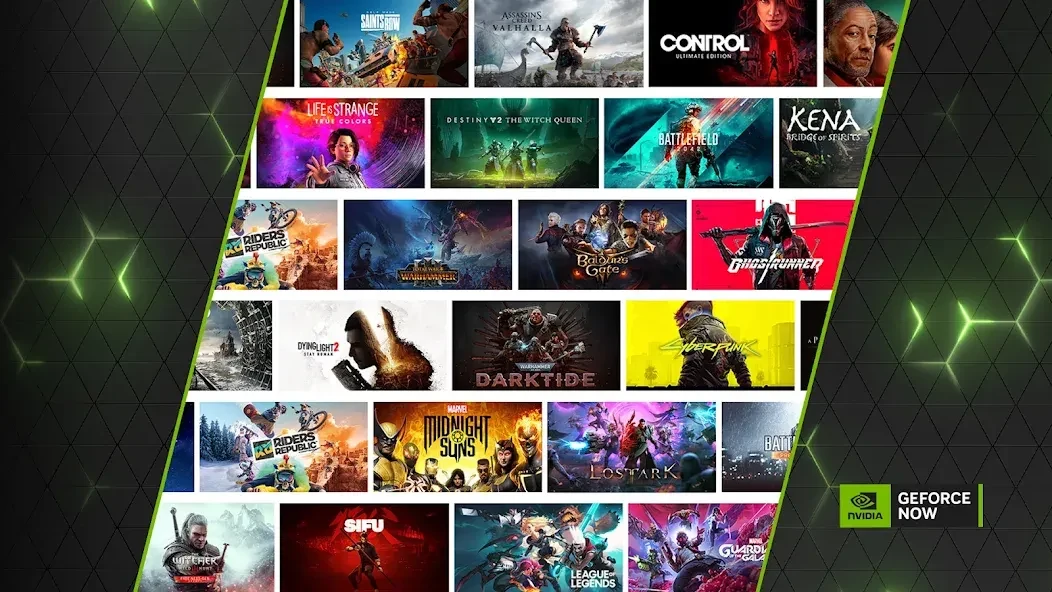
GeForce NOW provides a searchable catalogue of more than 1,500 supported titles. Its built-in search lets users enter a game name directly, while the app organizes supported games to make browsing easier. The library includes more than 100 free-to-play games, with examples such as Fortnite, Apex Legends, and Destiny 2. Other supported games must be owned or purchased from a compatible store before they can be played. New additions are announced through GFN Thursday updates, so the available selection can change over time.
Stream games across Android devices
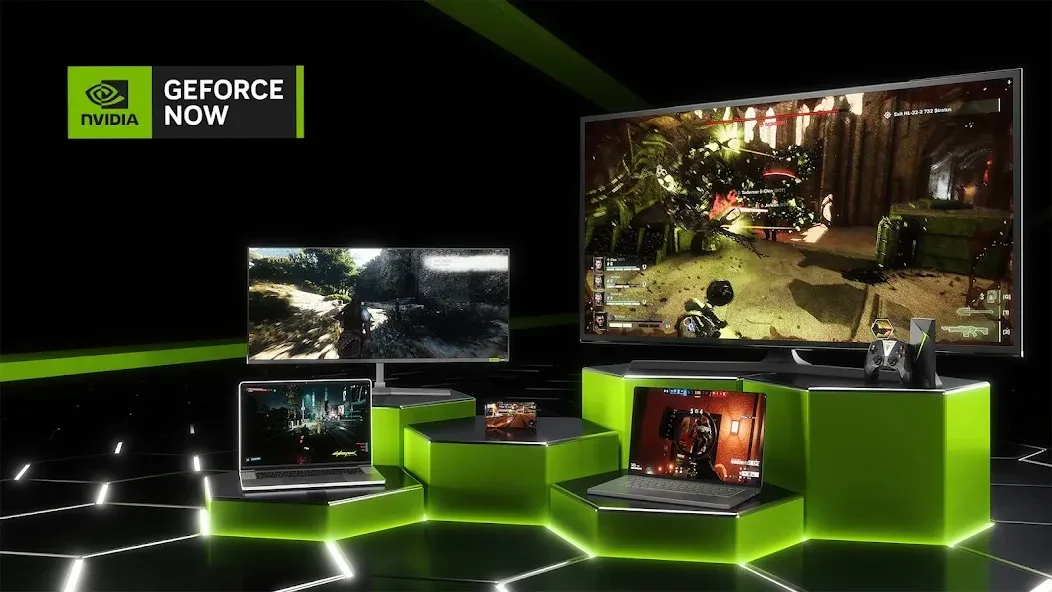
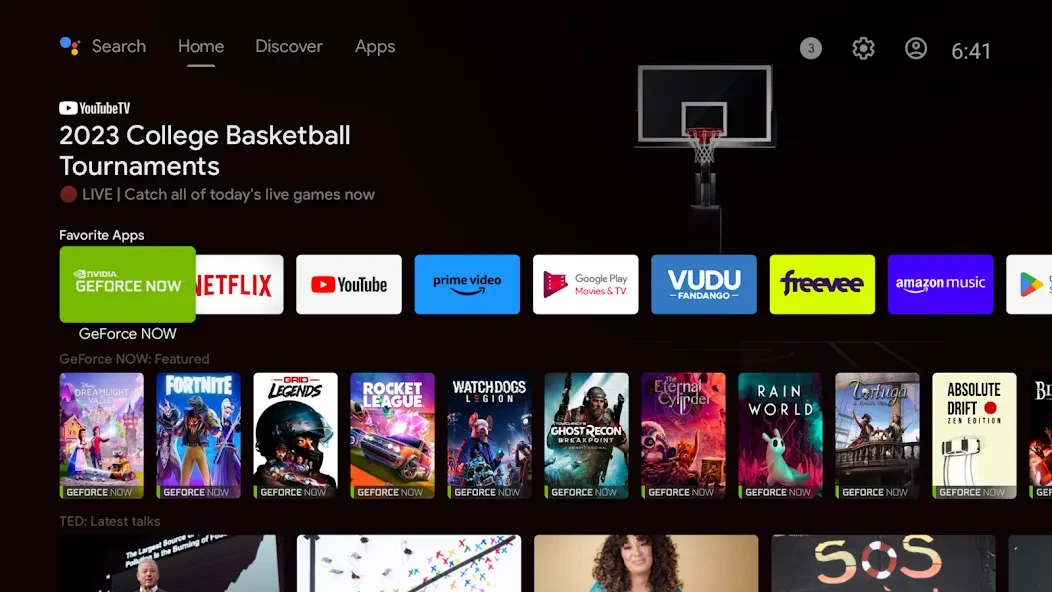
The Android service supports phones, tablets, and TVs, while the wider GeForce NOW platform also supports Chromebooks, Windows, macOS, and Linux in beta. Selected smart TVs and handheld devices are supported, and some devices may have the app pre-installed. Users who do not want to install the application can use the Launch on Browser option in a supported mobile browser. These options make it possible to use the same cloud gaming service in different settings, although the exact device and game support should be checked before playing.
Choose a membership and session approach
Users can start with the Free membership or select premium options, including Performance and Ultimate. Premium tiers are described as offering RTX features, higher frame rates, priority server access, and longer session lengths. Day passes are also available for people who want premium benefits without a monthly commitment. The suitable choice depends on how often someone plays and which performance features matter to them. Free access may include queue time, so starting a session is not necessarily immediate.
Use gamepad controls and cloud performance
GeForce NOW supports gamepad controls, and users can customize their gamepad settings before playing. The service streams gameplay from NVIDIA GPUs in the cloud instead of relying entirely on the Android device’s local gaming hardware. The source describes this as supporting high-quality graphics and responsive play, including fast-paced multiplayer titles, but the experience still depends on having a compatible device and reliable internet connection. Cloud streaming also reduces the need for extensive game downloads and installations on the Android device.
Membership limits and regional availability
Performance and Ultimate members receive 100 hours of monthly playtime, with up to 15 unused hours able to roll over to the following month. After reaching the monthly limit, members can purchase additional premium playtime or continue with an experience described as similar to free-user access until the next billing date resets the allowance. Game availability can also differ between countries because GeForce NOW follows local content-rating requirements. Users can check the games page for titles available in their region and view their current membership under Settings in the app.