

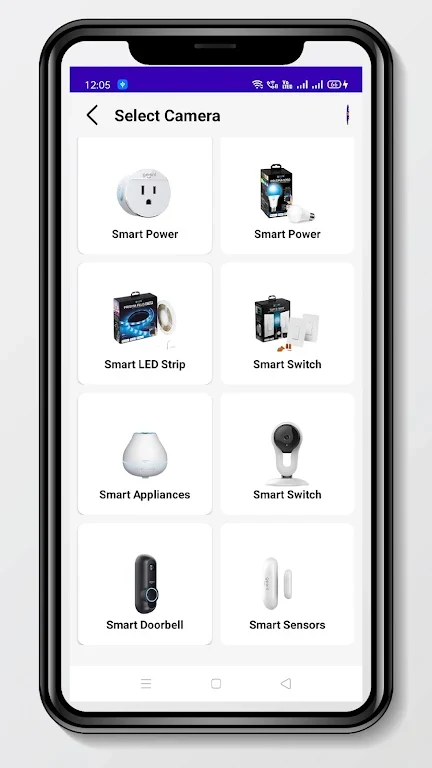

Geeni Smart Wifi Camera Guide is useful when you need instructions for a Geeni smart Wi-Fi camera and want them in one Android app. The listing presents it as a guide, and its topics cover the camera's full lifecycle, from first installation to reviewing stored footage.
Setting up a new Geeni Wi-Fi camera
The app walks users through the setup process for Geeni smart Wi-Fi cameras. The listing says this guidance is meant to make installation smooth and straightforward, though the description does not reproduce the individual steps.
Checking device details and firmware status
The app explains how to access information about your camera, so you can review its specifications and details. It also shows where to find the camera's serial number and version. Version information is tied to firmware status, and the listing mentions instructions for checking firmware updates for devices within the app.
Adjusting camera settings
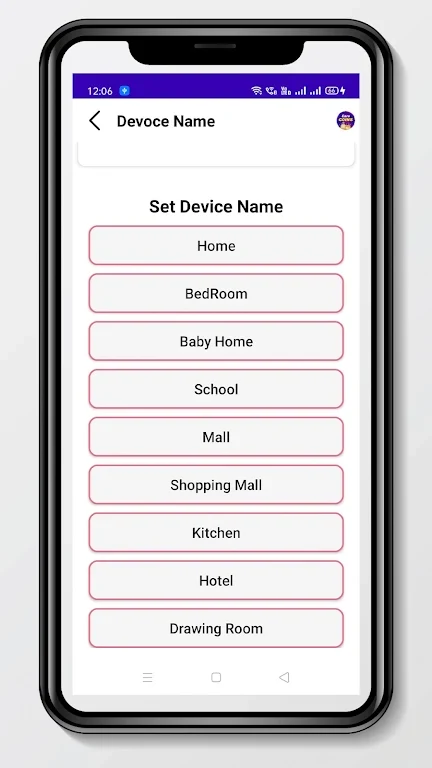
The settings section describes how to reach your camera's settings. Listed areas include camera controls, device name configuration, and motion detection settings, along with other options. This is the place to look when you want to change how the camera behaves or identify it by a custom name.
Watching live video and reviewing recordings
The app describes a live view feature for monitoring real-time video from your camera. It also offers playback options for reviewing stored footage. Together, these cover both checking current activity and looking back at saved recordings.
Formatting the memory card
The guide explains how to format the memory card used by a Geeni Wi-Fi camera. The listing connects this task to storage management and performance, which makes it relevant when the card needs to be cleared or prepared for use.
Additional topics covered
The listing says Geeni offers cameras for both indoor and outdoor use, and it names the Sentinel, Glimpse, and Aware models. It also lists frequently asked questions, including how much video the camera can record and whether recordings can be shared with family and friends. The description names these questions but does not provide the answers in the text supplied.