


GearUP Booster is an Android gaming utility designed to optimize network connections and selected device settings for gameplay. The supplied description focuses on reducing lag, improving connection stability, and giving players controls for graphics, sensitivity, button layouts, and supported games.
What does GearUP Booster primarily do?
The app is presented as a combination of network accelerator and game performance tool. Its performance features are intended to manage system resources, reduce frame drops, and make gameplay feel smoother across both demanding games and more casual titles. The description also emphasizes a one-click boost approach through a clear interface, rather than requiring users to work through complicated settings before starting.
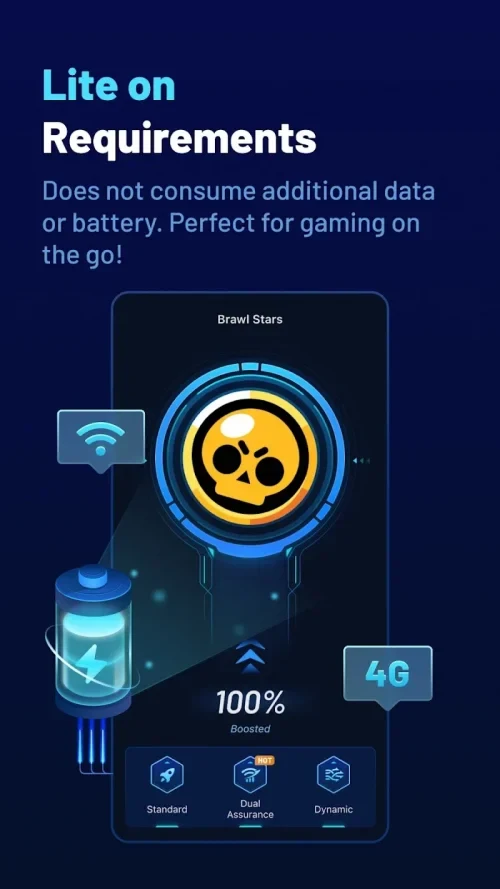
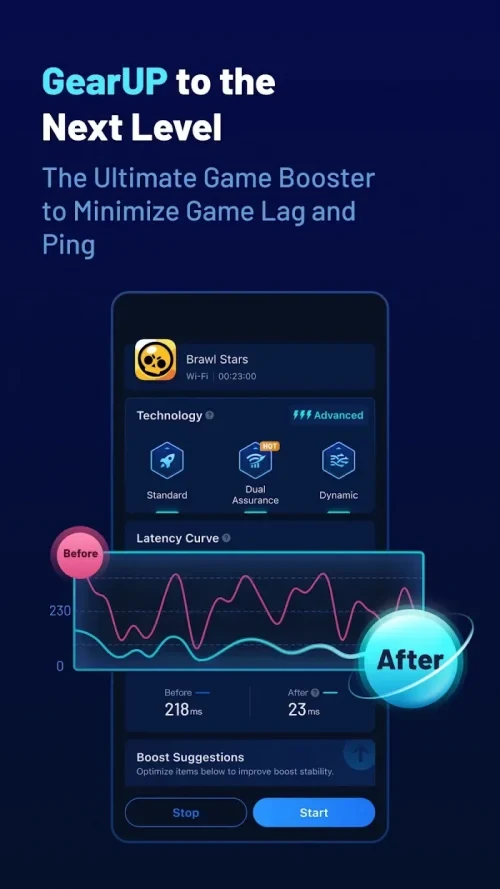
Network acceleration is a central part of the app’s purpose. According to the source, GearUP Booster can work with mobile data and Wi-Fi connections and uses routing technology intended to reduce delays, stalling, and unstable ping during online play. The description attributes this to dedicated routes and global servers, although those promotional performance claims are not independently verified here.
Can it be used with different games?
GearUP Booster is described as having cross-game compatibility, allowing the same general performance enhancements and customizations to be applied across more than one game. The source mentions different genres, including first-person shooters and multiplayer online battle arenas, rather than limiting the tool to a single title.
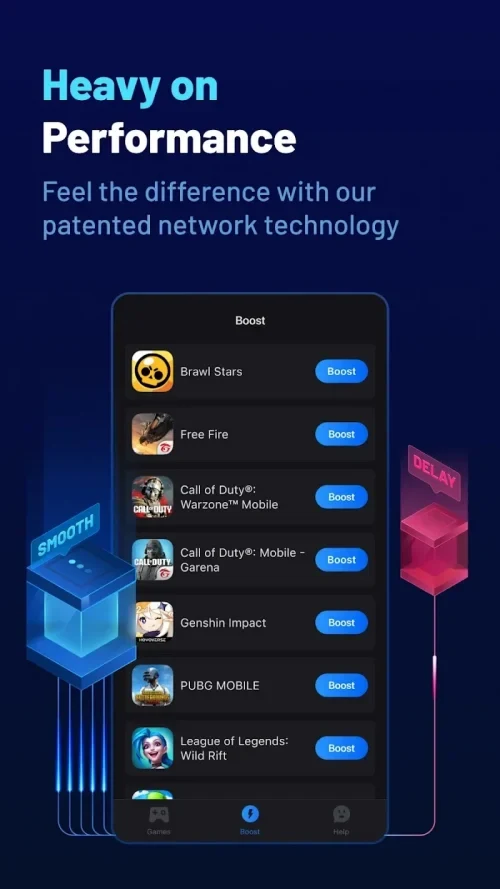
The description also claims support for more than 1,000 popular games and names Mobile Legends, Free Fire, Genshin Impact, Roblox, and PUBG Mobile as examples. This indicates that the app is intended for a broad gaming library, but the source does not provide a complete compatibility list or explain whether every function works identically with each game.
Which gaming controls can be adjusted?
The app includes controls for sensitivity, button layouts, and other input preferences. These options are intended for players who want to adapt the control arrangement to their preferred play style. The source says that both touchscreen controls and external controllers can be used, but it does not specify which controller models or connection methods are supported.
Graphics settings can also be adjusted to balance visual quality and performance. This gives users a way to change the presentation of a game when they want smoother operation or different visual settings. The supplied material does not identify the individual graphics options available, so the exact level of control may vary by game and device.
How does the VPN feature relate to gaming?
GearUP Booster includes a VPN-based gaming connection feature. The supplied description says that it routes game data toward game servers, encrypts that data, and is intended to provide a more private connection. It also presents the VPN as a way to seek lower latency and more stable ping for real-time online games.
The source further claims that the service does not collect or distribute personal data. This is a description claim rather than an independently verified privacy assessment, so users who are concerned about data handling should consult the app’s current privacy information before relying on it.
Does the app offer an offline gaming mode?
An offline gaming mode is listed among the app’s features. The source describes this mode as allowing games to be played without an internet connection, which may be relevant when a player is away from Wi-Fi or mobile service. This should not be interpreted as making online multiplayer games work without a connection; the supplied material does not explain which games or functions are available offline.
What interface and convenience features are described?
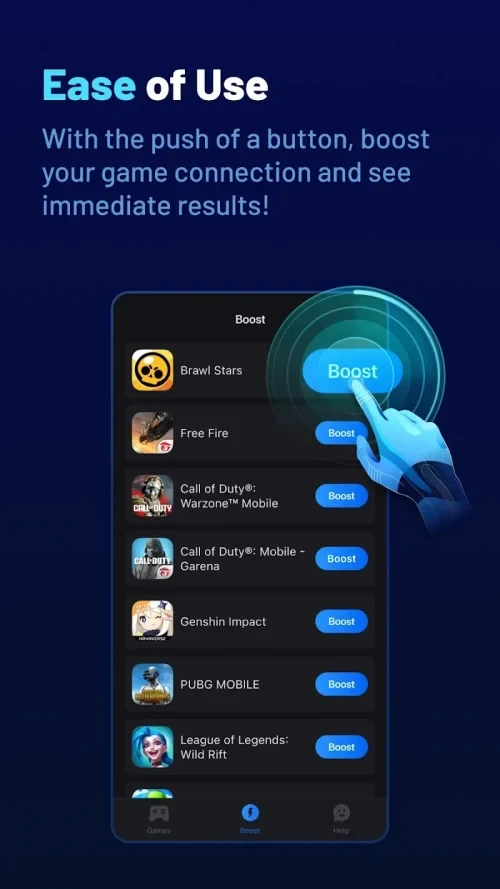
The interface is presented as simple, with a quick-start process and a boost action that can be selected after choosing a game. The source also describes the app as free of ads and pop-ups. These are claims from the supplied listing and are not based on independent testing.
Other listed convenience features include system-resource optimization, device temperature monitoring, and cleanup of unnecessary files. The description says the tool can help when a phone becomes hot and can remove files that are no longer needed, but it does not identify the cleanup scope or explain how temperature management is implemented. Users should therefore treat these as stated capabilities rather than guaranteed results.
What other activities are mentioned?
The source says that GearUP Booster hosts competitions with prizes and that users may receive rewards by registering. It does not provide schedules, eligibility rules, prize details, or regional availability, so these activities should be checked within the current app information rather than assumed to be available to every user.
The listing also describes support beyond Android, including PC, iOS, PlayStation, Switch, Xbox, Oculus Quest, and Pico devices. This Android profile does not establish that every platform has the same functions, interface, or account requirements. The supplied data does not state a minimum Android version, storage requirement, or hardware requirement.