
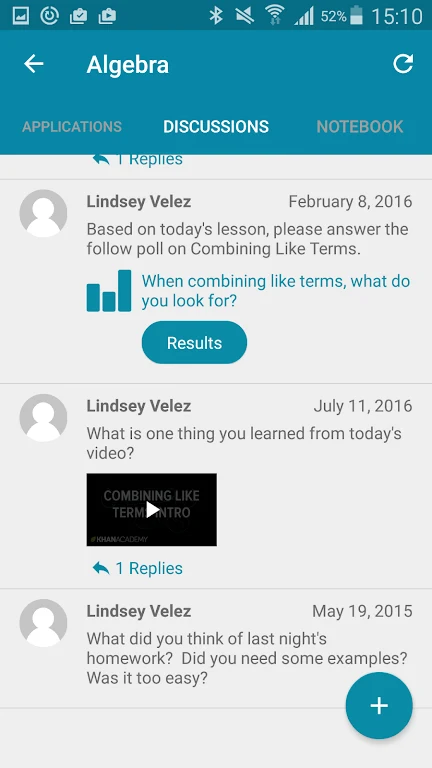
GCISD ClassLink is an Education app that gives teachers and students a personalized cloud desktop for reaching school resources from an Android device. According to the listing, it brings campus resources, virtual teaching tools, and several cloud storage platforms into one place, so users can work with school files from different locations.
A personalized cloud desktop for school resources
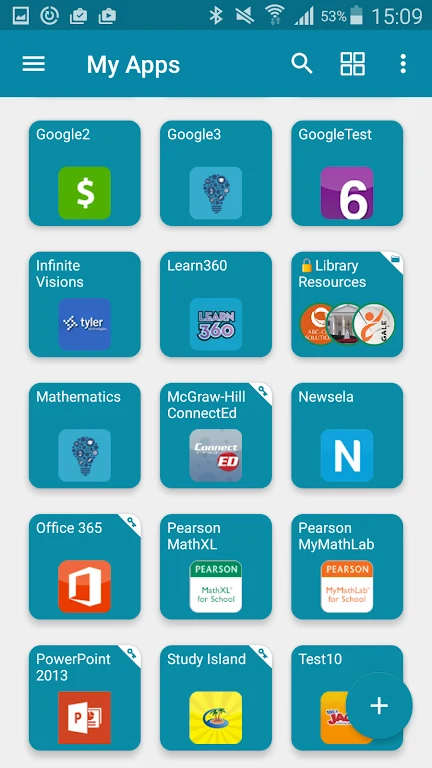
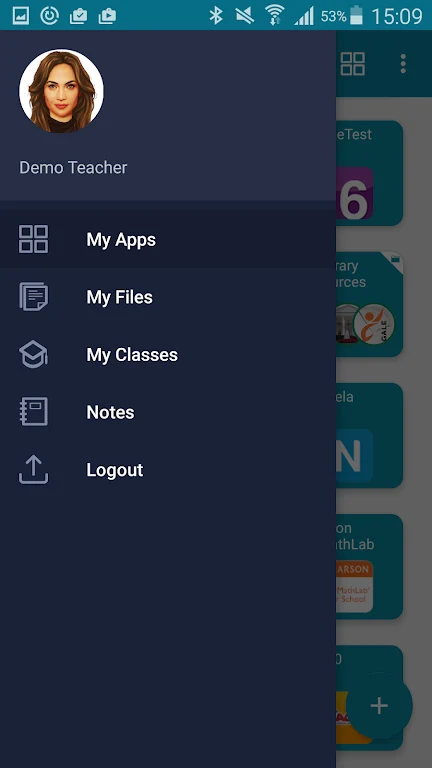
The central feature is a personalized cloud desktop. The app is described as letting users reach their school information from anywhere and on any device. Within it, users can open cloud folders, mapped Active Directory shares, and apps, and the source says this access is available at any time.
Connecting files from several storage services
The app is described as connecting to popular cloud storage services, including Dropbox, Google Drive, SkyDrive, and the Grapevine-Colleyville ISD Cloud Drive. The source also mentions real-time file syncing and access to the school network. For users who keep work across several platforms, the stated purpose is to reach those files through one app.
Printing to AirPrint printers
The printing support lets users send documents to any AirPrint connected printer. The source presents this as useful for printing assignments and study materials, and one tip notes that the feature is used when available.
Organizing files and using tools in a multi-device classroom
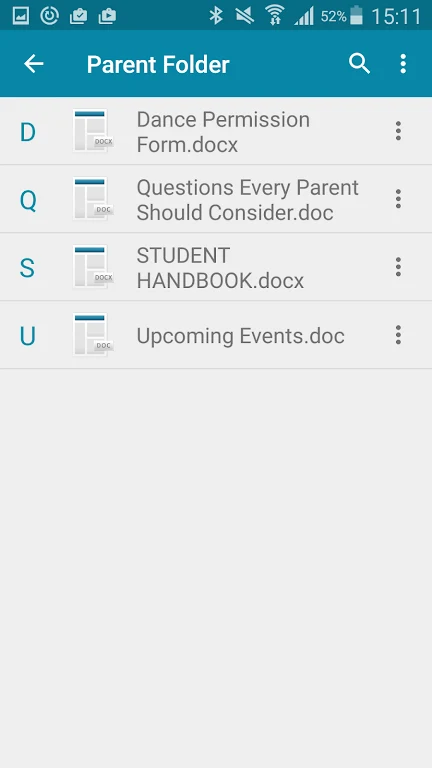
The source suggests using the cloud desktop to create folders, categorize documents, and use the app's search function to locate files. It also describes access to academic tools and virtual teaching tools, and says the app is compatible with various devices, which the listing frames as useful in classrooms where students and teachers use different hardware. The description does not list specific devices, operating system versions, or the sign-in process, so those details should be checked on the official store page or with the school.
Who the app is aimed at
The listing names teachers and students as its main users. It refers to remote learning, collaboration with classmates and teachers, and access to important files for staff. These are the uses the source describes. It does not provide measured results for learning or productivity.