

Overview
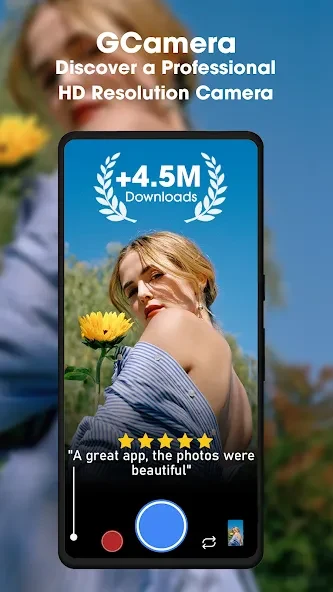
Gcam is a powerful Android camera app that automatically activates Do Not Disturb mode upon launch, blocking notifications during use. It applies hardware acceleration through image processors to improve camera module performance and incorporates fused video stabilization to reduce focus breathing and rolling shutter distortion. The app supports motion photos that pair a still image with a short video clip, night mode for low-light capture without flash, and astrophotography for night-sky images when the device is stable. Additional functions include object recognition, text copying, and QR code scanning through the viewfinder. These capabilities address limitations in some stock camera applications by combining multiple processing techniques.
What You Can Do
⭐ Gcam activates Do Not Disturb mode on launch so notifications stay hidden while photographs or videos are being recorded, although messages continue to arrive in the background.
⭐ Pixel Visual Core hardware acceleration improves image processing efficiency and enhances overall output quality from the device camera module.
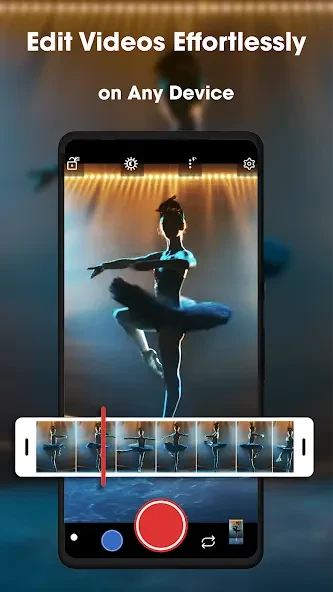
⭐ Fused Video Stabilization merges electronic and optical methods to deliver smoother footage and corrects focus breathing along with rolling shutter distortion.
⭐ Motion Photos capture a still image together with a short silent video clip, functioning similarly to Live Photos except when HDR+ enhanced mode is active.
⭐ Google Lens integration allows identification of objects, copying of visible text, scanning of QR codes, and real-time language translation directly in the camera viewfinder.
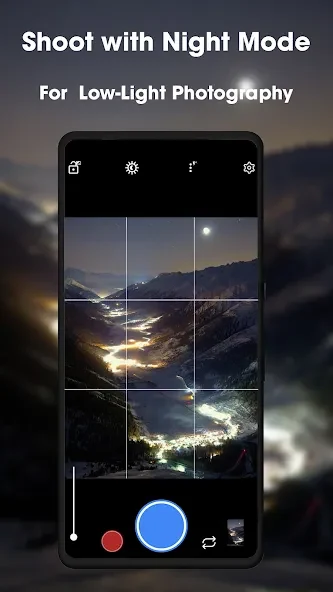
⭐ Night Sight produces detailed bright images in extremely low light without using flash, while Astrophotography mode records stars, planets, and the Milky Way on a stable surface or tripod.
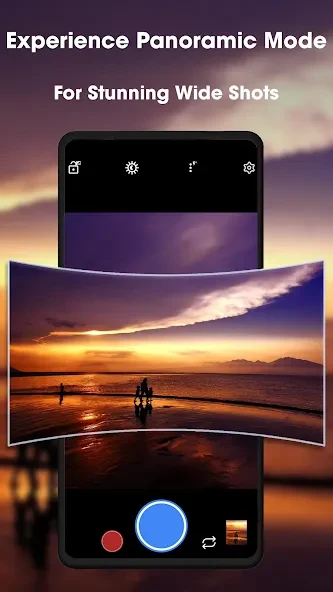
⭐ Photo Sphere creates 360-degree panoramic images, and AR Stickers add interactive animated elements to captured photos and videos.
Using the App
The workflow begins with automatic activation of Do Not Disturb to keep the screen clear during shooting sessions. Users select modes such as Night Sight or Astrophotography through the interface, with hardware acceleration handling the subsequent image processing steps. Motion Photos and video stabilization operate in the background once enabled. For higher-resolution output, specialized ports may offer full-res options, though most processing remains optimized around 12-megapixel results. Battery consumption rises during extended sessions because of the computational demands, so users are advised to close the app when finished rather than leave it running.
Why It May Appeal
✅ The combination of stabilization techniques and night modes produces results that exceed default camera algorithms on certain devices, particularly when zooming or shooting in dim conditions.
✅ Multiple ports with different package names can be installed together, letting users maintain separate versions tuned for portrait work or low-light performance.
✅ Astrophotography and Photo Sphere functions expand creative options beyond standard still or video recording without requiring additional hardware.
Things to Consider
❎ Most versions limit output to 12 megapixels, and higher-resolution modes on 48-megapixel or larger sensors do not apply the full set of computational features.
❎ Advanced processing increases battery usage compared with stock camera apps during long photography sessions, although the difference remains small for brief use.