

GBTelegram is a messaging app aimed at people who use Telegram and want to keep conversations accessible across devices. Its description says you can sign in on multiple devices, receive synced message notifications, and continue a message you started elsewhere without keeping your phone connected. It also presents file sharing and group chats as ways to stay connected with individuals and communities. Beyond everyday messaging, the app description highlights extra settings and privacy-related options, though it does not establish that every option is available in every version.
How does GBTelegram handle conversations on different devices?
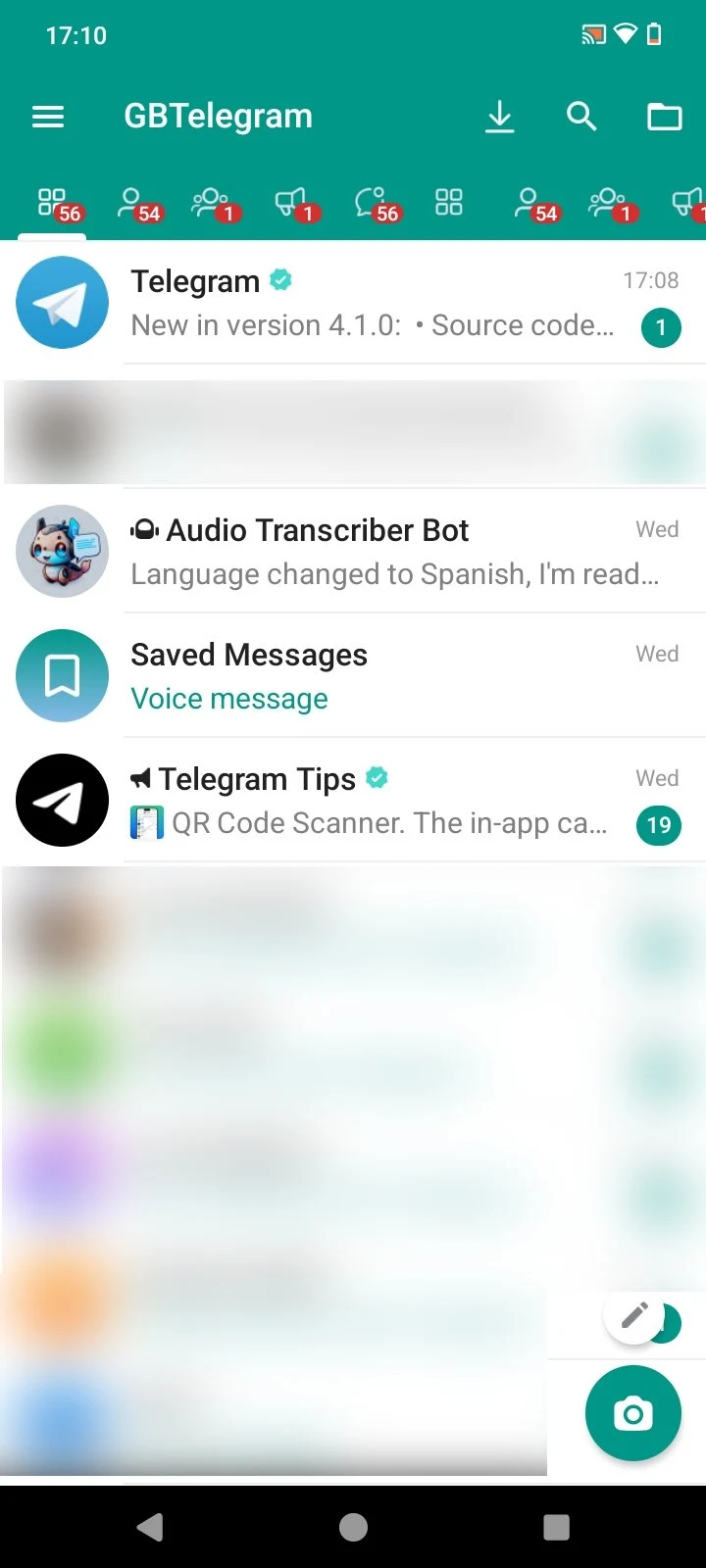
The app is described as allowing simultaneous access from phones, tablets, and computers. Messages are available across those devices, so you can begin typing on one and finish on another; its device apps are described as working without a continuous connection to your phone. Synced notifications may also help you keep track of incoming messages when you switch devices.
The description says chat history is stored in the cloud rather than relying entirely on local device storage. It also says the messaging service is designed to use little data and remain usable on weak mobile connections, although it provides no measured performance results.
What can you share, and how large can a group be?
GBTelegram supports sending pictures, videos, documents, and other files, according to the supplied description. It emphasizes sharing a range of file types and larger media, but does not provide a specific size limit to use when planning a transfer. If sharing content is a regular part of your conversations, those options are among the app’s main stated functions.
For community conversations, the description says users can create group chats with up to 200,000 members. Groups can be used to communicate with many people, exchange updates, and connect around shared interests. The source also promotes expanded group capacity, but does not give a clear comparison that would establish how it differs from another app.
What extra conversation controls does the app describe?
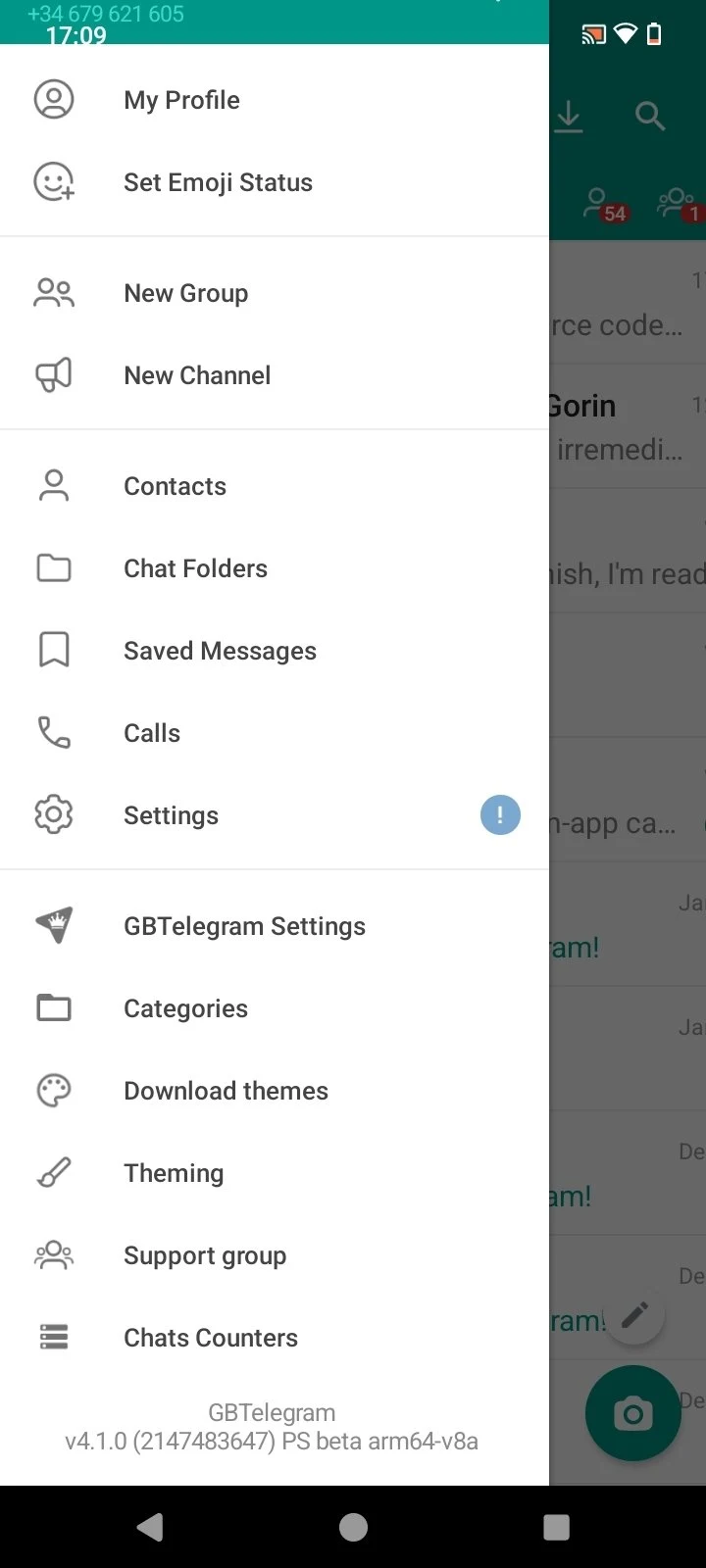
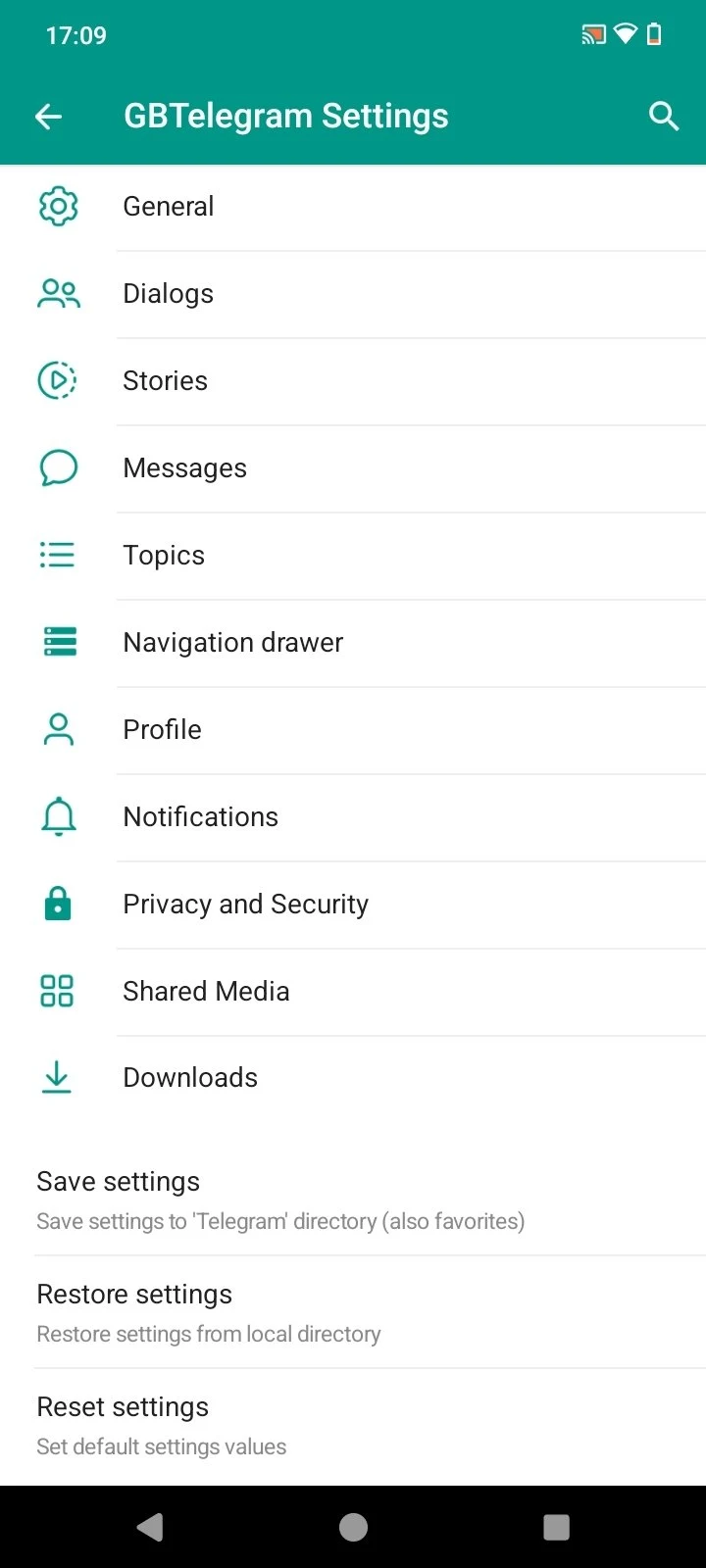
The source highlights additional settings and customization options beyond its basic messaging functions, without specifying each setting or how to configure it. It also mentions an anti-deletion feature that can keep messages visible after a deletion attempt, but explicitly limits that claim to select versions. The supplied version number alone does not confirm whether that feature is present here.
What should you know about private and disappearing messages?
The description presents private chats and disappearing messages as privacy options. Its discussion of Secret Chats says messages can be set to self-destruct from both participants’ devices and describes end-to-end encryption for those chats. Because that section identifies Secret Chats as a Telegram feature, it does not clearly establish how the feature works in GBTelegram. The source also lists encryption methods for messaging but offers no independent verification of its security claims.
GBTelegram may be of interest to someone looking for cross-device conversations, varied file sharing, and large groups, particularly if extra settings matter to them. Anyone interested specifically in anti-deletion or disappearing messages should note the version qualification and the unclear distinction between the app’s own features and the Telegram features discussed in its description.