
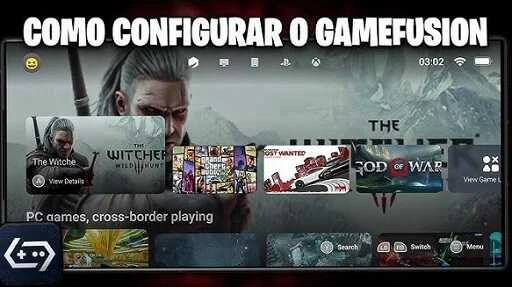
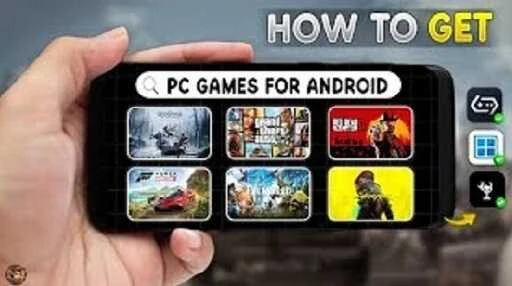
GameHub Emulator is a simulation application designed for Android smartphones and tablets that lets users experience action, adventure, shooting, racing, and other genres from multiple platforms like PC, Xbox, and PlayStation. The application addresses the challenge of managing fragmented gaming libraries by consolidating imported PC games, retro titles, Steam libraries, and Epic libraries into a unified dashboard. Its clearest supported benefit is multi-console support within a single app, allowing users to switch between playing locally, utilizing cloud gaming, or streaming PC games without needing to jump between separate launchers or platforms.
How does the multi-console support function in GameHub Emulator?
Unlike single-platform emulators, GameHub supports different consoles within one application. Users can access a unified interface that brings together imported PC games, retro titles, Steam libraries, and Epic libraries. This setup allows players to browse available games from several sources in one place, reducing the need to move between separate applications or launchers when looking for something to play.
What are the different ways to play games using the app?
The application provides three distinct modes: PC emulation, cloud gaming, and PC game streaming. PC emulation serves as the offline option for supported Windows games, meaning a large portion of a game library can be played without an internet connection. Meanwhile, cloud gaming and PC game streaming require a stable internet connection to run high-end titles. Players can freely choose and switch between these modes depending on their current location and connectivity.
How can users import games and control them on Android?
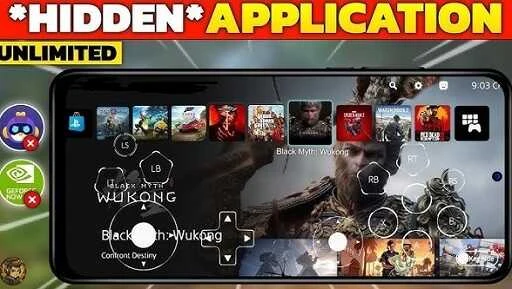
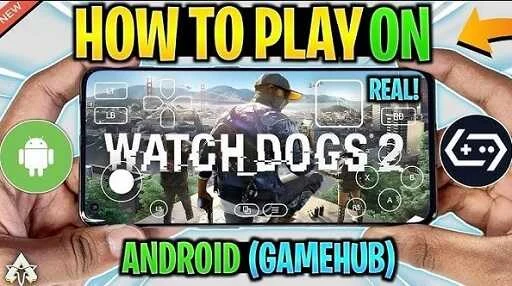
Compatible PC and retro games can be brought into the application through a quick import process designed to minimize manual setup before titles appear in the library. For input, users can choose between compatible GameSir controllers utilizing USB-C plug-and-play input or rely on the application's built-in on-screen touch controls, giving options based on device availability and game type.
What recording and management tools are included?
The application features tools for recording and saving gameplay moments, such as flashback recording to capture recent events, screenshot capture, and clip trimming. Players can keep selected parts of a session, save gameplay highlights directly to cloud storage, and browse game charts to discover new titles to explore.
Who can benefit most from using GameHub Emulator?
Gamers who want a centralized mobile interface to manage mixed libraries across PC, retro consoles, and cloud platforms will find the app useful. It is particularly helpful for travelers or individuals with poor internet connectivity who wish to utilize offline support, as well as casual players looking for a clean, user-friendly dashboard and lightweight performance that avoids draining device resources.