

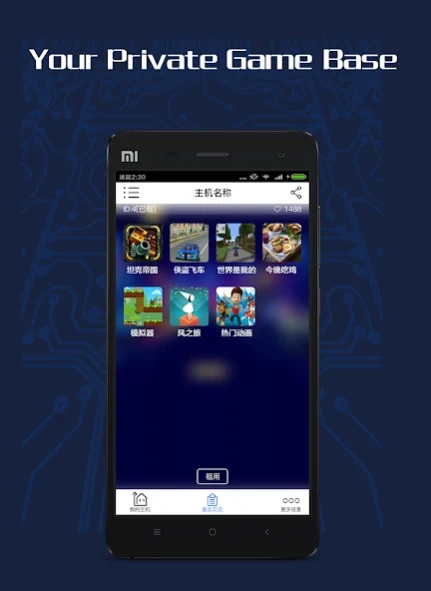
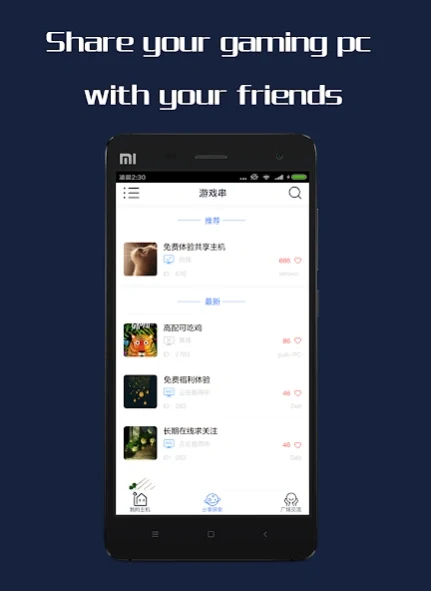
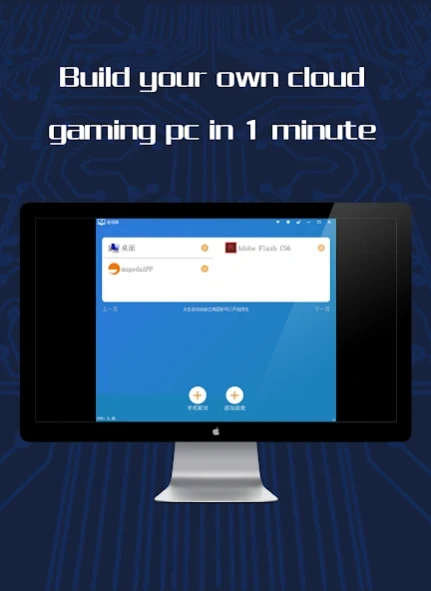
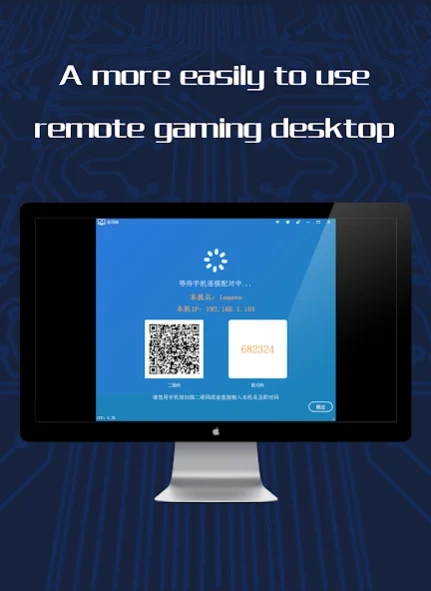
GameCC is a remote access utility designed to help users connect to PC devices from their mobile phones and tablets. The main task it addresses is enabling mobile access to a wide variety of personal computer games without requiring you to own a personal computer or worry about your phone's storage filling up. Its clearest supported benefit is allowing you to enjoy smooth gameplay and remote management from any location while maintaining user privacy and account protection.
How does GameCC provide remote access to PC games?
GameCC functions as a remote control tool for your computer, letting you operate and play games directly from a mobile device. The software is optimized specifically for mobile platforms and supports multiple resolutions, including 720P and 1080P, to make the visual experience more engaging and pleasurable. Developers have focused on feature improvements to help games run as smoothly as possible on phones and tablets.
What options are available for selecting and managing games?
Users can select from a wide variety of PC games and customize their gaming console. The platform also includes features that allow users to trade games with one another or promote a game console rental service. When renting out games or apps, users are advised to provide clear instructions and guidelines to ensure smooth transactions.
How does the app protect user confidentiality and safety?
The developers utilize cutting-edge digital technologies to guard against damaging intrusions and secure user accounts and game records. To maintain this security, users are advised to set strong passwords, enable two-factor authentication to safeguard their private game repository, and regularly update the application to benefit from the latest security features.
What network conditions and settings are recommended for optimal performance?
A stable internet connection is required for seamless remote access. Recommendations include checking your network speed using the built-in test speed feature to target a normal ping of 30 to 90 ms, often supported by a Wi-Fi connection of 20 Mbps or more. Additionally, users can adjust resolution settings based on their specific device and network capabilities to ensure optimal performance.
Who can benefit most from using this app?
Mobile users who want to access computer games or manage remote PC applications while away from their physical desktop setup will find GameCC useful. It is particularly helpful for individuals looking to experience PC titles on a phone or tablet, provided they maintain a stable internet connection and configure their resolution settings appropriately.