
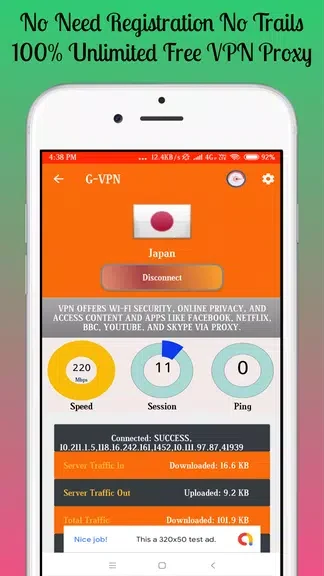
G-VPN - Betternet Hotspot VPN & Private Browser is designed for connecting to a VPN when browsing or trying to reach websites and videos described as restricted in a user’s country. The app offers proxy servers in different countries, which users can select before starting a connection.
When content is restricted by country
For browsing tasks involving websites or videos that are unavailable in a particular country, the app is presented as a way to connect through a VPN proxy server. Its stated purpose includes accessing this restricted content. The description does not identify particular websites, video services, or countries, so availability depends on the content and server options involved.
When choosing a connection point
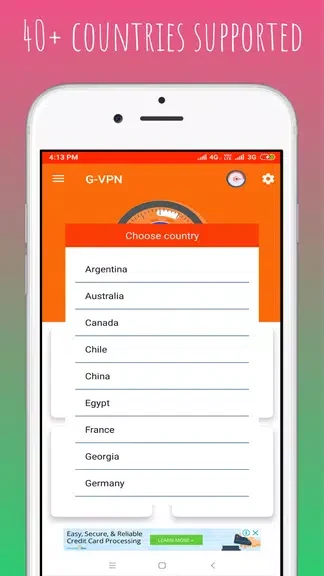
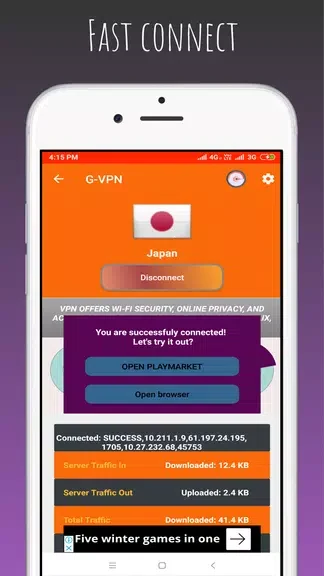
G-VPN lists multiple proxy servers located in different countries, allowing users to choose a server based on their needs and preferences. Connecting is described as a short process that takes a few taps. The supplied user tip recommends choosing a server close to the user’s location for a faster connection; this is guidance in the description, not a stated guarantee of speed.
When switching between Wi-Fi and mobile data
The app is described as working with both Wi-Fi and mobile data, so its VPN connection can be used with either type of internet connection. The description also says internet traffic is encrypted through the VPN. For an additional connection setting, it recommends enabling Android’s “Always-on VPN” option to keep VPN protection enabled. This is a device setting mentioned in the user tips, distinct from selecting a server and connecting within the app.