
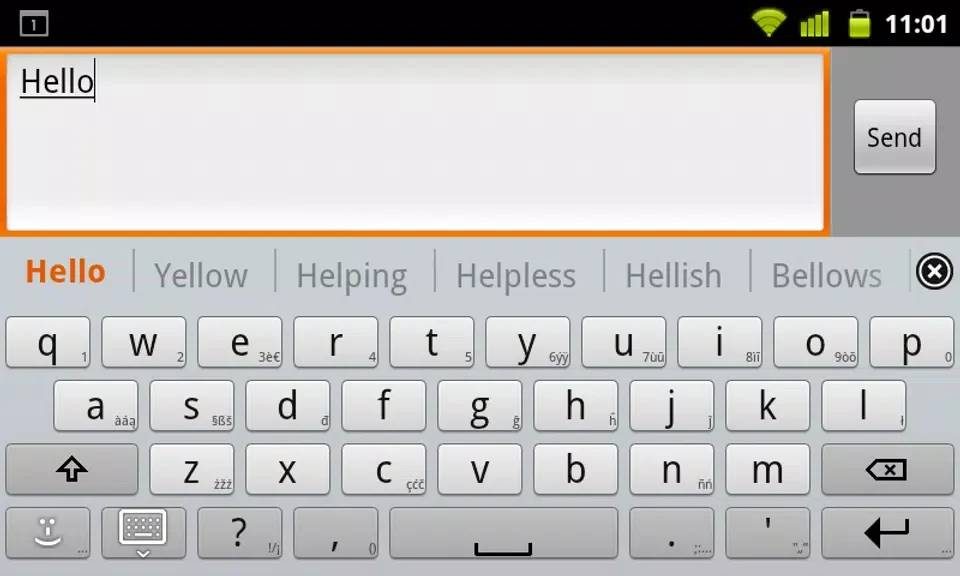
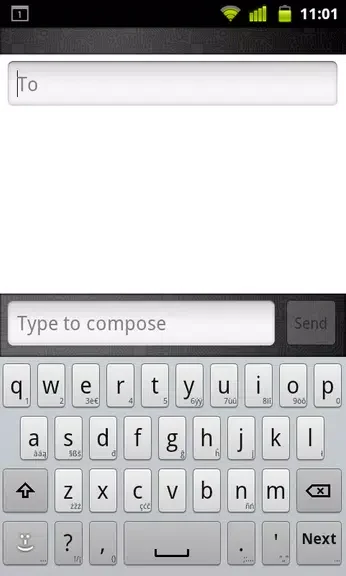
French for AnySoftKeyboard is a specialized language pack designed to help you type in French directly from your Android device. By pairing this extension with the main AnySoftKeyboard application, learners, students, and fluent speakers alike can communicate without friction or language barriers. Whether you are practicing foundational phrases or maintaining daily correspondence, the extension brings specialized French characters and layout arrangements straight to your preferred typing interface.
Language Integration and Setup
Getting started requires having the core AnySoftKeyboard installed first. Once this language pack is added to your device, you simply navigate to the main keyboard settings menu to select and enable the French layout. This integration allows multilingual users to switch between different languages smoothly without needing separate standalone keyboard apps for every single tongue.
Typing Efficiency Features
The layout comes equipped with predictive text and autocorrect functionalities tailored to the French language. These built-in tools help accelerate typing speeds while reducing errors when spelling out accented characters and unfamiliar words. Users can further fine-tune these prediction settings through the configuration menu to match their personal typing rhythm and preferences.
Usage Tips for Better Proficiency
To get the most out of the layout, users benefit from taking a moment to explore the specific character placements unique to the French alphabet. Adjusting the correction parameters and learning available shortcuts can also make drafting messages considerably faster. Regular practice through daily typing helps reinforce familiarity with the layout and builds long-term writing confidence.