



Free VPN Master - Secure Proxy and Fast Hotspot is an Android VPN and proxy app for connecting to servers in different countries and monitoring aspects of your internet connection. Its controls and tools are aimed at users who want to manage VPN sessions, examine connection details, and use an encrypted hotspot connection.
How can you control a VPN connection?
The app provides Quick Connect and Disconnect controls designed for a one-tap change between connected and disconnected states. This gives users a direct way to manage a VPN session without navigating through multiple connection controls. The description presents the app as usable over WiFi, LTE, 3G, 4G, and other connection types.
What server and proxy options are available?
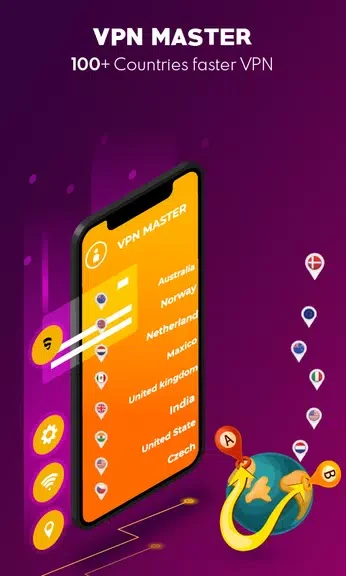
Free VPN Master - Secure Proxy and Fast Hotspot includes multiple proxy servers associated with different countries. The stated purpose of these server options is to help users switch locations when encountering location restrictions, internet filters, security walls, or censorship. The source also describes the servers as suitable for reaching websites and other online content that may be restricted by location.
Does it provide a secure hotspot connection?
The Secure Hotspot feature is described as encrypting data through different protocols. This is presented as a way to add privacy to the internet connection while using the app. The description also says that internet activities and searches are encrypted when the VPN is in use, but it does not identify the protocols or provide technical configuration details.
Which connection details can you monitor?
The app records data connection time so users can see how long a VPN connection has been active. It also reports data usage for each session, which can help users review consumption during individual connections. These monitoring features are relevant when keeping track of time or data associated with VPN use.
What additional network tools are included?
An Internet Speed Test is included for checking the speed of the current internet connection. The IP tracker shows the IP address and identifies the country associated with the IP being used. Together, these tools provide connection information alongside the VPN and proxy controls, although the source does not specify the measurement method or the details shown by the tracker.